
RagdollWaterpark Guide: Controls for PC and console
About
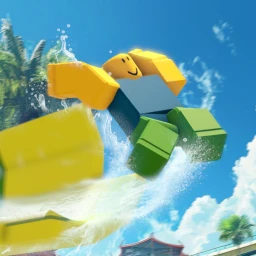
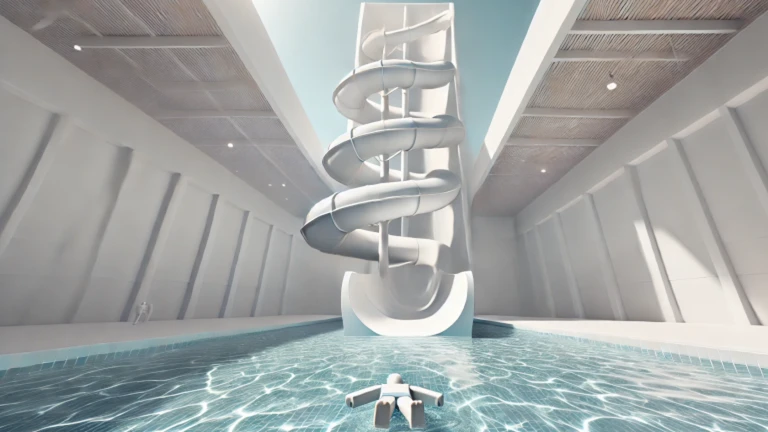
OverviewRagdoll Waterpark drops you into a physics-driven water park where you slide, dive, and fling your ragdoll character around with no fixed goals or rules. This guide walks you through the controls, the toys, and the best ways to have fun whether you're playing solo or with friends.
What is on this page
Contents
Controls for PC and console
Table
The controls differ depending on whether you're on a PC or a console, so check which applies to you before jumping in. Once you know the basics, switching between ragdoll mode and the camera is the main skill to practice.
| Ragdoll mode | PC: press F; Console: press down on the left thumbstick (L3) |
| First-person camera | PC: press V; Console: press up on the D-pad |
| Open menus | PC: press the menu button; Console: press Select and navigate with the right thumbstick |
| Day/night toggle | Console: press right on the D-pad |
| Exit menus | Console: press the B button |
Toys and what they do
Tips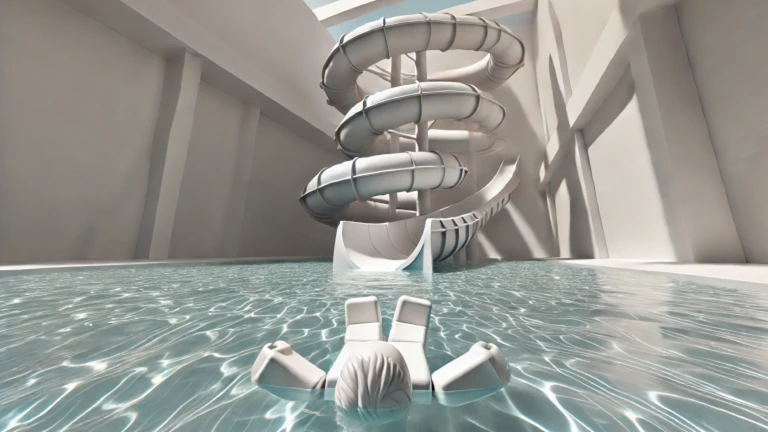
Toys are unlocked by playing and exploring the park. Once you have one, select it from the menu and use it anywhere in the park.
- Teleportation lets you jump instantly to another spot in the park.
- Anti-gravity removes normal gravity from your character, letting you float and move freely in the air.
- Transformation spells change how your character or nearby objects look.
- Open the menu to check which toys you currently have and switch between them.
Playing with others
Tips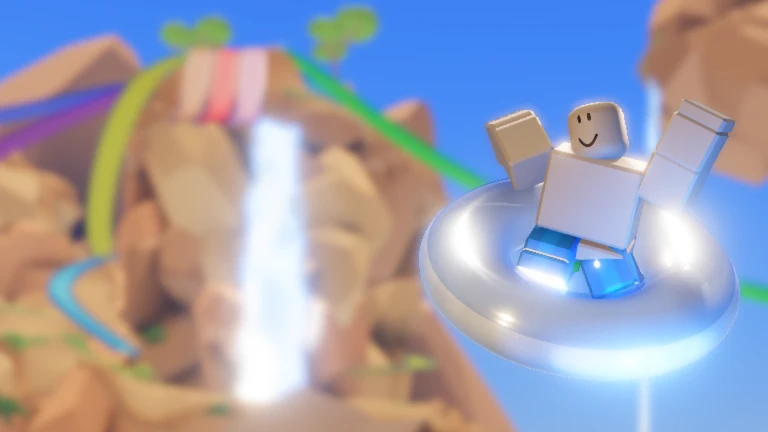
Use Roblox's built-in party and server-join features to get into the same session as your friends. From there, the park gives you plenty of ways to mess around together.
- Race friends down the same slide at the same time.
- Use toys on each other — applying anti-gravity or a transformation spell on a friend makes for unpredictable results.
- If a friend is already in a session, join through their profile to land in the same server.
When something isn't working
Check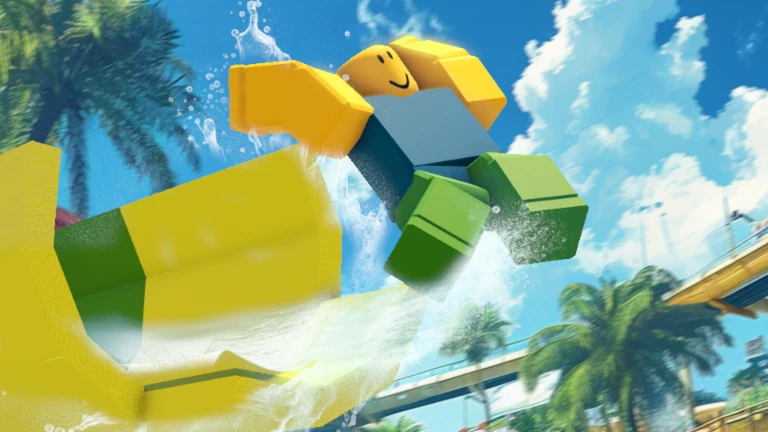
Run through this list if controls feel unresponsive or a toy isn't showing up.
- Confirm you're using the right controls for your device PC and console inputs are different.
- If ragdoll mode isn't responding, press the toggle button again to reset it.
- If a toy isn't doing anything, open the menu and make sure that toy is actually selected.
- If the camera looks stuck or wrong, press the first-person camera toggle to cycle back to a normal view.
Glossary
Glossary- Ragdoll mode
- A mode that makes your character go limp like a rag doll, letting physics take over its movement.
- Ragdoll physics
- The simulation that makes characters move loosely and realistically when they fall, collide, or get flung.
- First-person camera
- A camera mode that puts the view directly behind your character's eyes for a more immersive perspective.
- Anti-gravity
- A toy effect that removes the pull of gravity from your character so you can float around the park.
- Unlock
- When a toy or feature you couldn't use before becomes available because of something you did in the park.
Common questions
FAQIs there a goal or an ending to the game?
There's no finish line or level to beat. The game is an open playground where you slide, dive, use toys, and experiment with ragdoll physics at your own pace.
How do I unlock more toys?
Explore the park and try different activities — toys unlock as you play and discover new areas.
Can I play this without spending Robux?
Diving, sliding, ragdoll mode, and toy unlocks are all available without spending anything. The core experience doesn't require a purchase.
Does the water change how my character moves?
Yes. The game uses realistic water physics, so being in the water feels different from moving on land. Combining ragdoll mode with the water physics is where a lot of the unexpected fun comes from.
Game updates can change what is on this page. If you spot something, get in touch and let us know.
