Games listed 42,310
Game guide

Dress To Impress Guide: How a round works

[🌴] Dress To Impress
Dress To Impress Group, Playing 56.4K, Rating 90.6%
Creator Dress To Impress Group
Playing 56.4K
Rating 90.6%
Is this game fun?
No votes yet. Cast the first one.

About

Overview

Dress to Impress is a Roblox fashion contest game where you build an outfit around a randomly assigned theme, walk the runway, and get rated by other players. This guide covers the core game loop, how to put together strong looks, how to get free items, and what to check when things aren't going your way.

What is on this page

Contents
01

How a round works

Step
In short Every round follows the same loop, so understanding each phase lets you use your time where it counts.

A round starts in the lobby, where the theme for the next round is revealed before a countdown begins. You then have 360 seconds in the dressing room to build your outfit, with a cap of 18 items equipped at once. When time runs out, everyone moves to the runway.

  1. Wait in the lobby the theme is shown here before the round starts, so read it carefully before you rush into the dressing room.
  2. Walk the runway once time is up you walk the runway in the order players joined the server, from first to last.
  3. Vote on other looks you can give each player between one and five stars.
  4. Check the podium after voting, the top three scores are shown, then the full leaderboard appears before the next round begins.
Ask on the board
02

Ways to get items

Summary
In short Codes and daily logins are the quickest free routes; in-game cash, quests, and Robux round out the rest.

Items fall into four categories — Clothing, Accessories, Jewelry, and Shoes — and most support color customization and pattern options. There are five main ways to add them to your wardrobe.

  • Codes redeem a code to receive free items instantly; found under the Codes Collection tab in the Dressing Booth.
  • In-game cash or seasonal currency spend earned currency on items in the Currency Collection tab.
  • Robux purchase gamepass items through the Robux Collection tab.
  • Quests and achievements complete in-game tasks to unlock reward items found in the Achievements Collection tab.
  • Daily login claim your login each day to earn Sparkles, which unlock a set of 14 exclusive items as the total builds up.
03 Live and upcoming events Events

Events running now or coming soon. They have fixed dates, so check them first.

Live now –

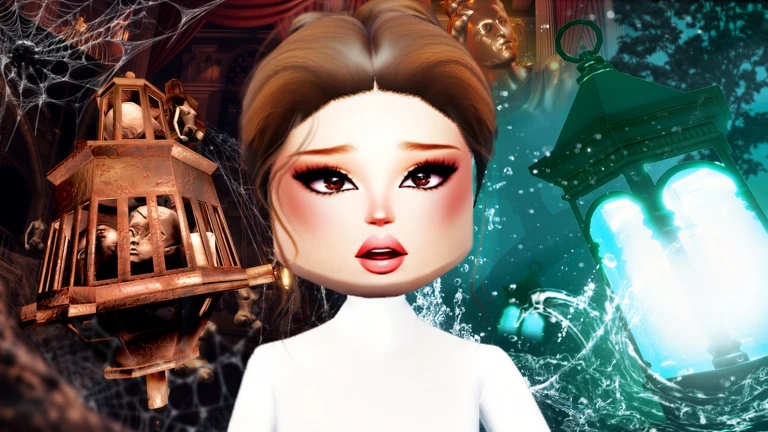
Tales of the Dark King ⌛

Dress to Impress descends into the Greek underworld. In Tales of a Dark King, you'll stand before the river, tasked wit…

Live now –

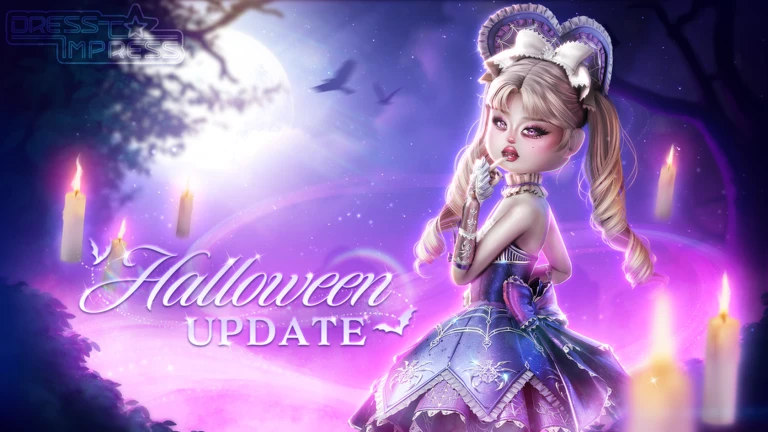
HALLOWEEN!🔮

Celebrate Halloween and the Fall Season with Dress To Impress! 🍂👻 Are you ready? Have you seen the video for it? 🕸️

See the whole schedule
04

Redeeming codes for free items

Step
In short Codes are the fastest way to expand your wardrobe for free, but they expire, so redeem them as soon as you find them.

Codes give you free items including dresses, shoes, and accessories. Each code can only be used once per account, and many have expiry dates. This site currently tracks 30 working codes — check the codes section of this page for the current list.

  1. Open Dress to Impress on Roblox you need to be in the game to redeem anything.
  2. Find the bag icon on the left side of the screen tap it to open the code entry field.
  3. Type the code carefully the most common mistake is mixing up the number zero with the letter O.
  4. Press Redeem your item is added to your inventory immediately if the code is valid.
  5. Redeem merchandise (toy) codes differently on PC toggle the Toy Code option inside the same menu; on mobile visit the dedicated redemption site instead.
05 Working codes Codes
KATSEYE the Katseye Set
the Katseye Set
SUMMER_QUEST26 Velvet Gown、Pearl Tiara
Velvet Gown、Pearl Tiara
10BILLION Heart Fork
Heart Fork
ASHLEYBUNNI Bunny Slippers
Bunny Slippers
Every code, and the votes on it, are on the codes page
06

Free-to-play vs. paid options

Table
In short Paying expands your choices, but free items from codes, quests, and daily logins are enough to compete and rank up.

Codes, daily logins, quest rewards, and in-game cash hand out a large number of items at no Robux cost. The main thing money buys is more options.

Item limitfree players cap at 18 equipped items; the Increased Item Limit gamepass raises that to 24.
VIP dressing rooma VIP Pass unlocks an additional set of items inside a separate section of the dressing room.
Ranking upearning stars in any round contributes to your rank regardless of how you got your items.
07

Other ways to play

Summary
In short Once you are comfortable with the main mode, Style Showdown and Freeplay offer different experiences worth trying.

The standard competitive mode is what most players load into by default, but two other options exist. Freeplay removes the theme and the clock entirely, so you can experiment with outfits or take photos without any pressure. Style Showdown is a structured competition with elimination rounds, closer to a TV-style contest format.

  • Standard mode theme-based rounds with voting, a podium, and rank progression.
  • Freeplay no theme, no timer.
  • Style Showdown elimination-format competition with challenges.
  • Server access two server types are gated by player experience, two by rank, and one by VIP status.
Stuck? Try a video
DON'T Join DTI On Your BIRTHDAY Or ELSE... *I Cried 💔* | ROBLOX Dress to Impress Roleplay
I Added A DTI Would YOU Rather TOWER! *OUTFIT Went WRONG* | ROBLOX Dress to Impress Challenge
DTI But The MAP Won't Stop SHRINKING... HELP! | ROBLOX Dress to Impress Challenge
See more guide videos

Glossary

Glossary
Theme
The prompt assigned at the start of each round that your outfit is supposed to match.
Runway
The stage where players walk after the dressing timer ends and other players vote on their looks.
Stars
The one-to-five rating any player can give another during the runway phase; these determine scores and podium placement.
Rank
A progression title that rises as you earn stars across rounds, unlocking exclusive items and access to certain servers.
Freeplay
A mode with no theme and no time limit, letting you style outfits at your own pace.
Style Showdown
An elimination-format server where players face structured challenges and can be voted off.
Inventory
The collection of items you own, including anything received from redeeming codes.
Redeem
The button you press after entering a code to claim the free item it unlocks.
Sparkle
A point earned through the daily login system; accumulating enough Sparkles unlocks exclusive login-only items in sequence.
Baddie Pass
A seasonal limited-time pass where you earn XP by playing rounds and completing tasks, unlocking exclusive items as you progress through tiers.
DLC code
A one-time merchandise code included with physical Dress to Impress products, redeemed through the Toy Code option in-game on PC or through a dedicated website on mobile.
Achievements Collection
The section of the Dressing Booth where items earned through quests, rank, the Baddie Pass, the Advent Calendar, and daily logins are stored.

Common questions

FAQ

How do I get free items without spending Robux?

Redeeming codes is one of the fastest routes — each valid code adds a free item like a dress, shoes, or an accessory directly to your inventory. You can also earn items by completing quests, logging in daily to collect Sparkles, and progressing through the seasonal Baddie Pass. This page tracks the currently working codes, so check the codes section here and redeem them before they expire.

Why does my code show an error when I try to redeem it?

The most common cause is a typo, especially confusing the number zero with the letter O. It also fails if you have already used that code on your account, or if the code has passed its expiry date.

What is the item limit and can it be increased?

By default you can equip up to 18 items at once in a round. Purchasing the Increased Item Limit gamepass raises that cap to 24, giving you more pieces to work with when building a look.

How do I rank up?

Your rank rises based on how many rounds you play and how many stars you collect.

How do I redeem a merchandise DLC code?

On a PC or laptop, open the Codes menu in-game and toggle the Toy Code option before entering your code. On mobile, you need to visit the dedicated redemption website outside the game. Each DLC code is single-use.

How does the daily login reward work?

Each time you log in and press the Claim button, you receive some in-game cash and one Sparkle. As your Sparkle total grows it unlocks a sequence of 14 exclusive items, starting with the DTI Bag at 4 Sparkles and ending with the Nocturnal Gala Dress at 56 Sparkles.

Updated Oct 3, 2026
Game updates can change what is on this page. If you spot something, get in touch and let us know.
[🌴] Dress To Impress Dress To Impress Group, Playing 56.4K, Rating 90.6%
See the game pageSee working codesAsk on the boardWatch guides and let's plays
Add it to your home screen and it works like an app. One tap to open, and it loads faster after that.