
Cabin Tycoon Guide: Getting started with the tutorial

About
OverviewCabin Tycoon is a Roblox building game where you start with a tiny cabin and grow it into something massive. This guide covers how to get started, how to expand your cabin, where to find resources, and how multiplayer works.
What is on this page
Contents
Getting started with the tutorial
Step
When you first load in, a tutorial walks you through the basics. It covers building, expanding, and customising your cabin.
- Start the tutorial let it guide you through each step.
- Check your starting cabin once the tutorial hands you control, walk around your initial small cabin to get your bearings.
- Begin collecting resources the tutorial points you toward your first gather, which starts the expansion loop.
MetaNew Player Survey
The next survey is being prepared.
The resource and expansion loop
Tips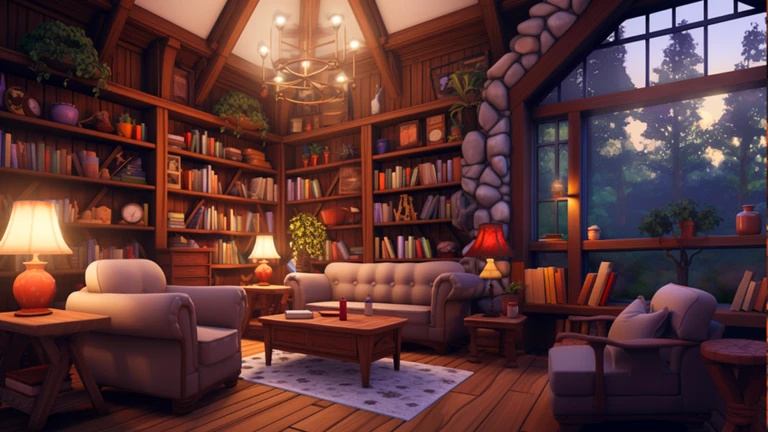
Your cabin grows in stages: gather resources, unlock new rooms, then decorate.
- New rooms are added by spending the resources you have gathered.
- Furniture and decorative items go inside the rooms you have already built.
- Wall and floor colours can be changed to personalise your cabin.
Exploration outside your cabin
Check
Beyond the walls of your cabin there is open land to explore. Walking through it is a way to gather materials, and updates have added new spots over time.
- Walk the natural area around your cabin to gather resources.
- Revisit exploration areas after updates, since new spots are sometimes added alongside new cabin content.
Playing with other people
Summary
Cabin Tycoon is a small-room multiplayer game. Servers hold a maximum of six players, and the style is casual coexistence rather than coordinated team building.
- Server size up to six players per room.
- Build style each player develops their own cabin independently.
- Social element you can see other players' cabin designs and draw ideas from them.
- Chat and avatars normal Roblox chat and avatar expression let you interact between build sessions.
Avatar customisation
Tips
The game supports outfit and accessory changes for your character alongside all the cabin decoration tools.
- Outfits can be swapped to give your character a distinct look inside the game.
- Cosmetic items for your avatar are collected separately from the resources used for building.
Glossary
Glossary- Cabin
- Your personal structure in the game, which starts small and grows as you spend resources on new rooms and decoration.
- Resource
- In-game material gathered through exploration that you spend to add rooms and expand your cabin.
- Tycoon
- A Roblox game genre where you build something up from almost nothing, steadily unlocking upgrades as you play.
- Interior
- The furniture and decorative items placed inside your cabin's rooms.
Common questions
FAQHow do I actually make my cabin bigger?
Gather resources from the exploration area outside your cabin, then spend them to unlock and add new rooms. Once a room exists, you can place furniture inside it and adjust colours to your liking.
Can I play alone?
Yes. Servers hold up to six players, but you can build and customise your cabin at your own pace.
What should I do if I run out of things to build?
Check the exploration area for resources, and look at other players' cabin designs for decoration ideas. The game has also received updates that add new cabin content, so returning after an update can open up fresh options.
Game updates can change what is on this page. If you spot something, get in touch and let us know.
