
Fruit Tower Defense Guide: Free coins before your first match

About
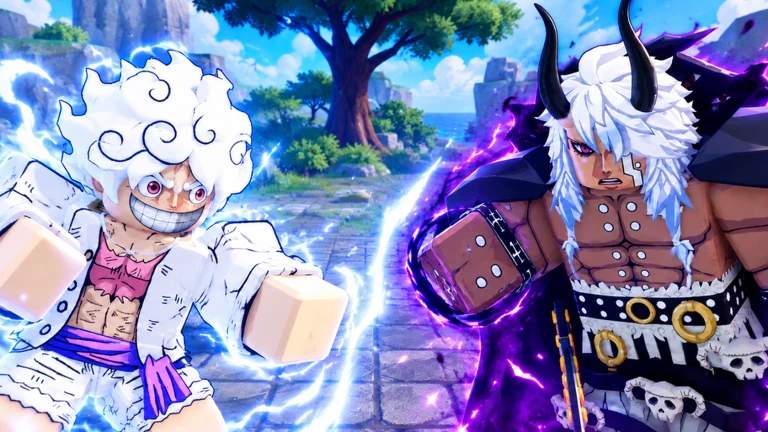
OverviewFruit Tower Defense is an anime-style Roblox game where you place units to stop waves of enemies from breaking through your defenses. Matches support up to 50 players at once, and you can choose between a wave-clearing mode and an endless survival mode.
What is on this page
Contents
Player notes and tips
Found a useful trick? Share it with everyone! Notes with screenshots are welcome!
Write a guide note
[UPD] Fruit Tower Defense
Free coins before your first match
Check
The lobby has a codes board where you can redeem active codes for free coins. Liking the game and joining the official group together reward you with 100 coins on top of any codes you enter.
- Check the codes board in the lobby and enter any active codes.
- Like the game on its Roblox page.
- Join the official group to receive 100 coins.
MetaNew Player Survey

The next survey is being prepared.
Starting a match
Step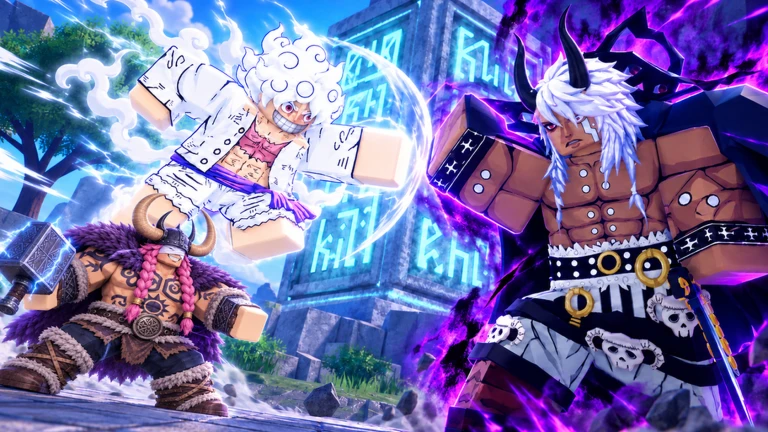
Once you are in the lobby, step on a platform to start a match of Fruit Tower Defense. Your defense area loads and you can begin placing units.
-
Find a platform in the lobby and step on it to start a match.
-
Place anime units and other units to fight back against the enemies.
Placing and adjusting units
Tips
Units are the anime-style characters you position to fight incoming enemies. You can place them, rotate them, and cancel a placement using the console controls.
- Press R2 to place a unit or inspect one already on the map.
- Press Y to rotate a placed unit.
- Press X to cancel a placement in progress or to close the inspect panel.
Wave mode vs. endless mode
Table
The game offers two ways to play.
| Wave mode | beat all the waves to win. |
| Endless mode | enemies keep coming with no final wave. |
Earning coins
Tips
Coins are used to purchase and unlock units.
- Premium players earn coins at twice the normal rate in the AFK area.
- Redeeming codes at the lobby board adds free coins.
- Joining the official group gives you 100 coins.
Glossary
Glossary- Unit
- An anime-style character you place on the map to attack incoming enemies.
- Wave
- A group of enemies that advances together; clearing one causes the next to begin.
- Endless mode
- A game mode where enemies spawn continuously and there is no final wave to beat.
- AFK area
- A lobby zone where your account earns coins passively, at double the rate for premium players.
- Codes board
- A physical board in the lobby where you type in codes to receive free coins.
- Premium
- A paid upgrade that doubles your coin earnings in the AFK area.
Common questions
FAQHow many players can join one match?
A single match supports up to 50 players at the same time.
How do I get new units?
Units are purchased or unlocked using coins you earn in the game.
What is the difference between wave mode and endless mode?
In wave mode you win by clearing every wave of enemies. Endless mode never ends — enemies keep coming and you try to last as long as possible.
Is the 100-coin group bonus a one-time reward?
The bonus is tied to liking the game and joining the official group. Both actions are one-time steps, so the 100 coins are a one-time reward.
Game updates can change what is on this page. If you spot something, get in touch and let us know.
