
Poly Dash — Basic controls before you start

About
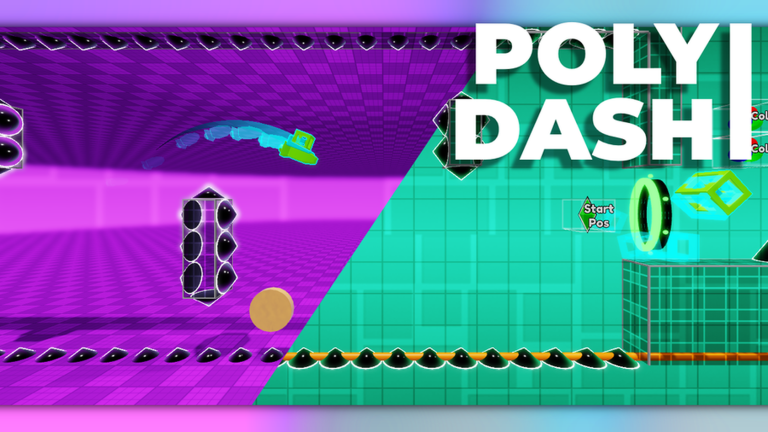
OverviewPoly Dash is a rhythm game on Roblox where you jump and fly through obstacles timed to music, inspired by Geometry Dash. This guide covers the controls, practice tools, the level editor, and how to push past the stages that keep stopping you.
What is on this page
Contents
Basic controls before you start
Check
The core action is a single click or tap to jump. Everything else in the game builds on top of that one input, so it is worth knowing the supporting controls before you dive into a stage.
- Click or tap to make your character jump this is your only main input during a run.
- Tab pauses the game so you can collect yourself without dying.
- Q quits the current level and takes you back to the level select screen.
- A and D change the playback speed, which is useful when you are trying to understand a tricky section.
- Z places a checkpoint in practice mode and X removes one, with L1 and R1 doing the same on console.
Getting started on your first levels
Step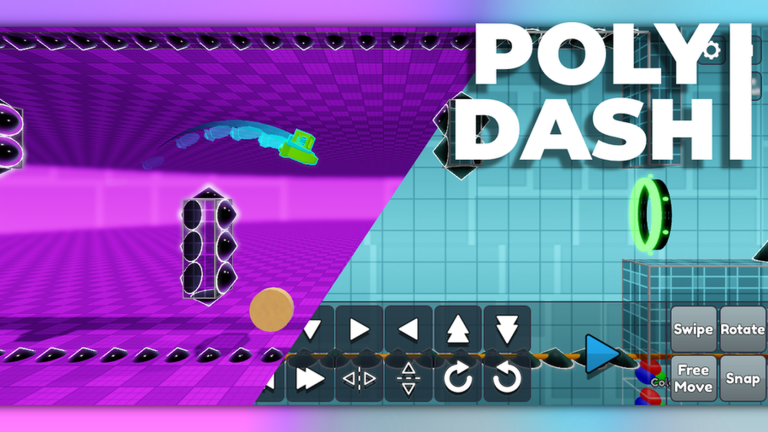
Poly Dash is a rhythm game first. The obstacle placement follows the music, so once the song's pattern is in your head, the stage starts to feel predictable. Trying to memorise everything in a single run rarely works — short, repeated attempts do.
- Listen to the music notice which beats line up with jumps, and let the rhythm guide you rather than watching the obstacles alone.
- Remember where you died each failure points to a specific moment in the music, so you know exactly what to focus on next run.
Practice mode and checkpoints
Tips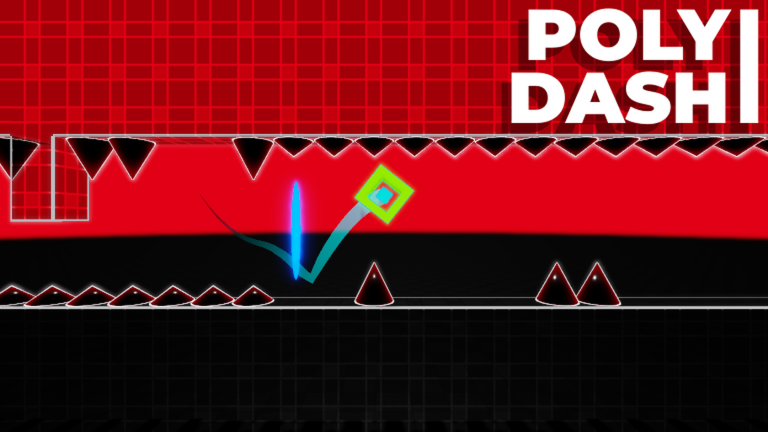
Practice mode lets you place checkpoints anywhere in a stage so you can restart from that exact spot. Instead of replaying the entire level every time you reach the hard part, you repeat only the section that is stopping you. You can also slow the playback with A and D to study what is happening before you try it at full speed.
- Place a checkpoint just before the section you keep dying on, not at the very start of the level.
- Slow the playback down with A and D to watch the obstacle pattern clearly, then raise it back to normal once you understand the timing.
- Use the checkpoint to repeat that one section until it feels comfortable, then move the checkpoint forward to the next trouble spot.
Building levels in the editor
SummaryPoly Dash includes a built-in level editor. It is currently in beta, which means new features are being added over time. The editor works fully on PC, with partial support on mobile.
- Platform PC gives the most complete editor experience.
- Status beta, with gradual updates adding features over time.
Glossary
Glossary- Checkpoint
- A save point you place manually in practice mode so you can restart from that spot instead of the beginning of the level.
- Practice mode
- A special version of a stage where you can place and remove checkpoints to drill specific sections without replaying the whole level.
- Playback speed
- How fast the stage runs; you can lower it with A and D to study obstacle patterns in slow motion.
- Editor
- The in-game tool that lets you build your own levels, currently in beta and best used on PC.
- Rhythm
- The repeating beat of the music that the obstacle placement is designed around; following it is the key skill in Poly Dash.
Common questions
FAQDoes failing a stage cost you anything?
There are no penalties for failing. You can retry a stage as many times as you want, quit out with Q whenever you like, and switch to a different stage at any point.
Can I change the difficulty after I have already started?
Press Q to leave the current level and return to the level select screen, then pick a different stage.
Does the game cost anything to play fully?
There are no paid elements. Every stage is available from the moment you open the game, and progress is determined entirely by skill.
What should I do if the game bugs out?
Send a report through the game's official feedback option. The developers ask players to suggest feedback directly.
Game updates can change what is on this page. If you spot something, get in touch and let us know.
