
Mansion Life Tycoon — The basic gameplay loop
About
OverviewMansion Life Tycoon is a Roblox tycoon where you build and complete giant mansions by collecting money and buying parts. This guide covers the core loop, how to make steady progress, and what to do when things go wrong.
What is on this page
Contents
The basic gameplay loop
Step
The game moves in a simple cycle. Money builds up over time at your mailbox, you spend it on buttons that add parts to your mansion, and then you wait for more money to arrive. Knowing this loop from the start stops you from wondering what to do next.
- Visit your mailbox money accumulates there over time, so head there first each session.
- Buy buttons each button you tap purchases a new part and adds it to your mansion.
- Keep buying work through the buttons steadily until every part of the mansion is placed.
Getting started on day one
Check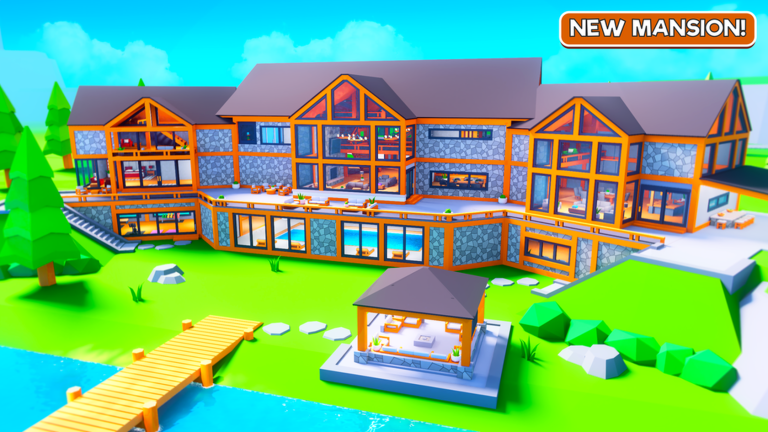
When you first load in, the tutorial walks you through the rules. Pay attention to it rather than skipping ahead, because it points out where your mailbox is. Knowing that location matters every single session after this one. Once you have collected your first bit of money, tap a button and watch a piece of the mansion appear — that is the whole game in miniature.
- Complete the tutorial.
- Note exactly where your mailbox sits on the map.
- Collect money from the mailbox as soon as the tutorial lets you.
- Purchase your first button with that money to confirm everything is working.
Playing without spending Robux
Tips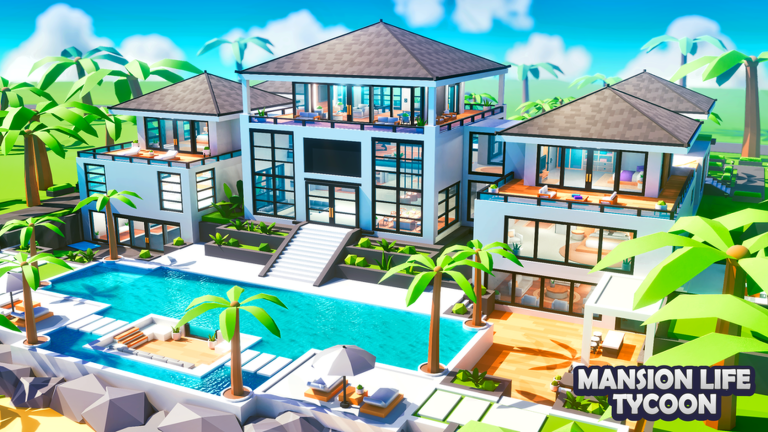
Nothing in the game is locked behind a purchase. You collect money, you buy parts, and eventually every section of the mansion is done. The only real requirement is showing up regularly so the money does not sit unused in the mailbox.
- Log in regularly so that accumulated mailbox money does not go to waste.
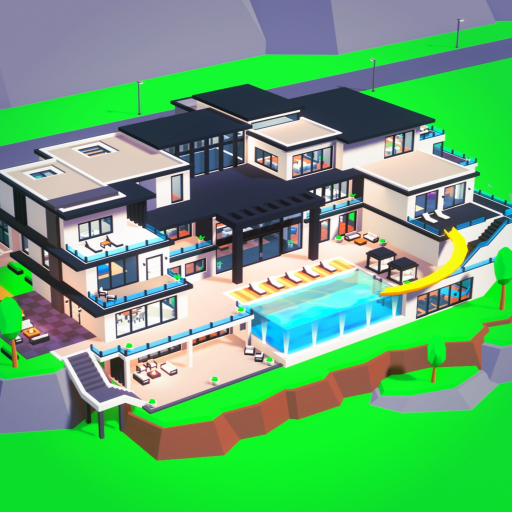
- There are three full mansions to complete — the standard mansion, the Tropical Mansion, and the Cabin Mansion — so there is always a next goal after you finish one.
Private servers and solo play
Table
You can create a private server at no cost. It is useful when the game is running slowly or you simply want a quieter build session.
| Private server | free to create, useful when the game is lagging or you want to enjoy your mansion privately. |
| Progress saving | automatic, so you never need to hit a save button. |
Bugs and performance problems
WarnYour progress saves automatically, so nothing you have built is lost when you close and reopen. If the problem is a proper bug rather than just slowdown, report it to the developer group Motivated Tycoons so the team can investigate.
Glossary
Glossary- Mailbox
- The spot where your money accumulates over time — visiting it regularly is how you fund every part of your mansion.
- Button
- An interactive prompt in the tycoon area that you tap to spend money and add a specific part to your mansion.
- Tycoon
- A Roblox game genre where you collect income and spend it to gradually build up a structure or business.
- Private server
- A session only you (and anyone you invite) can join, available for free in this game.
- Roleplay
- The part of the game where you act out living in your mansion rather than building it, including driving the luxury cars.
Common questions
FAQDo I need to spend Robux to finish the mansion?
No. Collecting money from your mailbox and buying buttons is all it takes, and that loop costs nothing. It takes time, but every part of every mansion can be unlocked without spending Robux.
Will I lose my progress if the game crashes?
No. Progress saves automatically, so closing or crashing the game does not undo your builds. When you come back, your mansion will be exactly as you left it.
What should I do if the game is running slowly?
Create a free private server or restart the game. The game itself suggests the private server option for lag, and a restart clears up most temporary problems without costing you any progress.
Game updates can change what is on this page. If you spot something, get in touch and let us know.
