
Mini Cities 2 Guide: Getting your first city off the ground
About
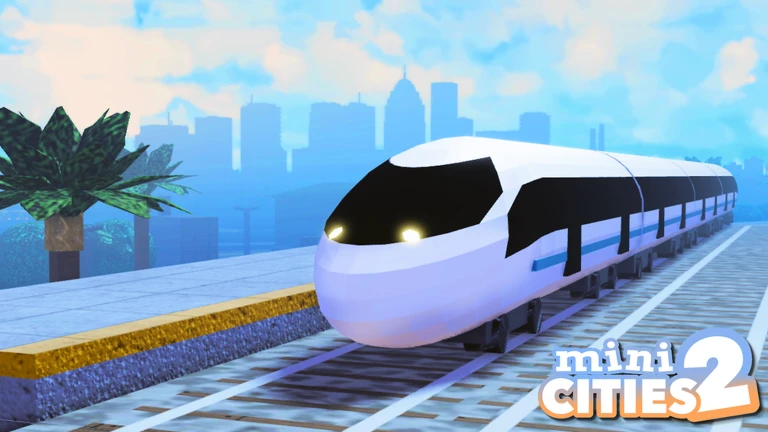
OverviewMini Cities 2 is a Roblox city-building game where you start with an empty plot and grow it into a full metropolis. You lay roads, place buildings, manage resources, and keep your citizens happy as your city expands.
What is on this page
Contents
Getting your first city off the ground
Step
You start from nothing. Place a road before anything else so your citizens have somewhere to drive. Once the road is down, add the basic buildings your citizens need and check your resources before going further.
- Lay a road place at least one road segment to give citizens a route between destinations.
- Check resources see what you have before committing to any building.
- Place essential buildings pick the facilities citizens need and put them somewhere the road already reaches.
- Open the development tree find out which buildings are close to being unlocked so you can set an early goal.
MetaNew Player Survey
The next survey is being prepared.
Resource management
Warn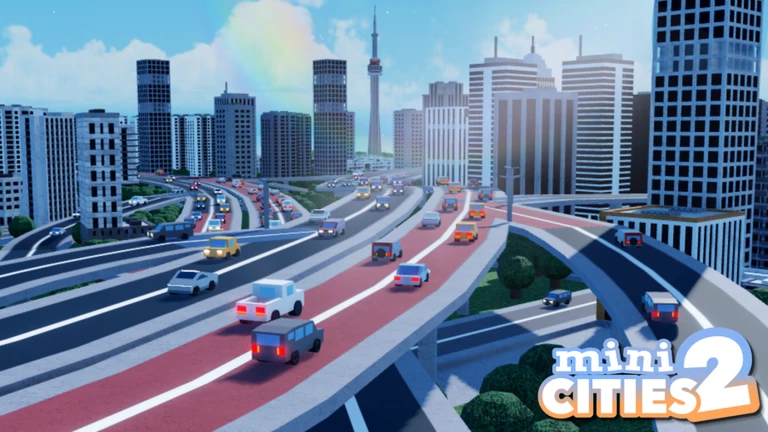
Every building costs resources, and running out stalls your whole city. Before you place anything, check what the building requires and confirm you have enough.
Keeping citizens happy
TipsCitizens drive through your city to reach their destinations. If a facility is missing or a road doesn't connect properly, you'll see it in their behavior and in your happiness rating.
- Watch where citizens are driving to spot which facilities they're trying to reach.
- Check happiness after placing a new building to see whether it made a difference.
- Trace the road network from a building to its destination to make sure the route is actually connected.
Roads and terrain tools
Table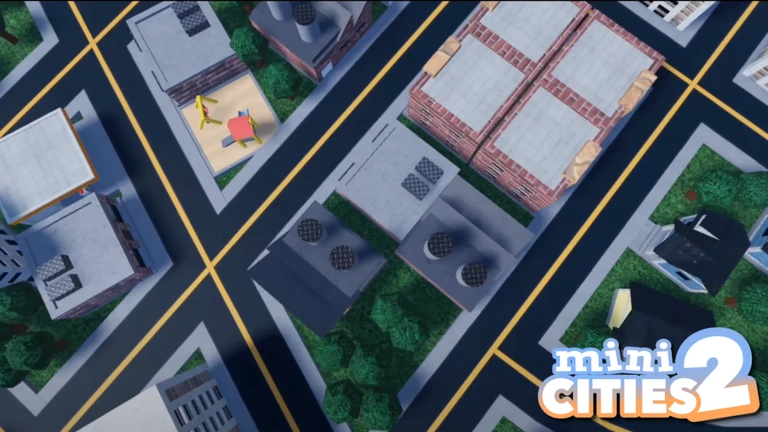
Mini Cities 2 gives you curved roads, free-place roads, a terrain editor, and a block editor.
| Curved roads | let you follow hills or bends instead of forcing a grid onto uneven ground. |
| Terrain editor | raises and lowers the ground so your city has hills, valleys, or flat platforms. |
| Block editor | adds custom structures and decoration beyond what the standard buildings provide. |
| Road layout | needs to connect every building to the network, not just look good from above. |
Progressing the development tree
CheckNew buildings unlock through the development tree as your city grows. Each unlock opens up more options.
- Open the development tree and identify the next building that is close to unlocking.
- Plan where a newly unlocked building will go before you actually place it.
Redeem codes
SummaryThe site currently tracks working redeem codes for Mini Cities 2. Check the codes section directly.
- Codes find them in the dedicated codes section on this page, not in the article text.
- Count five codes were active as of October 4, 2026.
 LAST_TRAIN_HOME
CanWeBuildIt
I_SURVIVED
BetaR3lease
LAST_TRAIN_HOME
CanWeBuildIt
I_SURVIVED
BetaR3lease
Glossary
Glossary- Development tree
- An in-game progression chart that unlocks new buildings as your city grows.
- Resources
- Materials you spend to construct buildings; you must manage them carefully to keep building.
- Citizen happiness
- A measure of how satisfied your city's residents are, which rises when you provide the buildings they need.
- Terrain editor
- A tool that lets you raise or lower the ground to create hills, valleys, and other custom landforms.
- Curved roads
- Road segments that bend in an arc, letting you fit roads around irregular terrain or build more natural-looking layouts.
Common questions
FAQDo I really start with nothing?
Yes, the plot is empty when you first load in. You place your first road and buildings yourself from the very beginning.
What do citizens actually do?
Citizens drive through your city to reach their destinations.
How do I unlock new buildings?
New buildings open up through the development tree as your city grows.
What should I build first?
Lay a road before placing any buildings, so citizens can actually travel around. Then place the basic facilities that meet your citizens' needs, keeping an eye on your resources as you go.
Can I play alone?
Yes, you can build your city entirely on your own.
Game updates can change what is on this page. If you spot something, get in touch and let us know.
