
Ninja Battlegrounds — Controls to learn first
About
OverviewNinja Battlegrounds is an anime-style PvP action game where you fight other players using punches, spells, and special moves to become the strongest chakra ninja. This guide covers the controls, combat basics, how to grow your character, and what to do when the game gives you trouble.
What is on this page
Contents
Controls to learn first
Check
The game runs on PC, mobile, and console, so the key names below apply to PC. Get these into muscle memory before you worry about anything else.
- M1 punch and deal damage to an opponent
- Q dash to move quickly or dodge an incoming attack
- F block to reduce damage from enemy hits
- G activate Awakening to enter a powerful temporary state
- B open the Emote Wheel for reactions after a fight
- Double-tap W break into a run for faster movement
Basic combat flow
Tips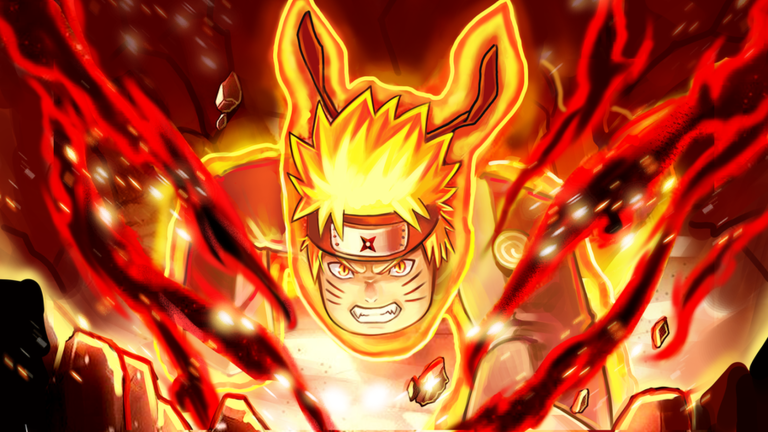
Every fight comes down to watching what your opponent does and reacting faster than they can recover.
- String punches together — land M1 hits in quick succession while the opponent cannot counter
- Dash to create space — when a heavy attack is coming, press Q to get out of range rather than standing still
- Block as a backup — F reduces incoming damage, but it does not bring it to zero
- Save Awakening for the right moment — G makes you significantly stronger
Building your fighting style with spells
Tips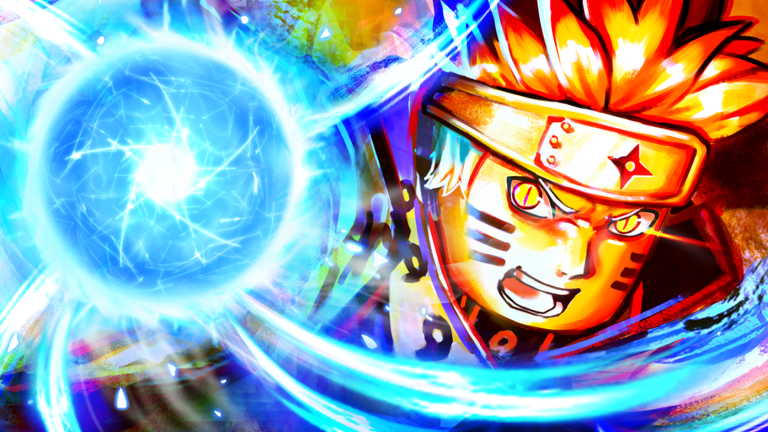
Punches and dashes form the foundation, but spells are what make each player's approach unique. Two players using the same character can fight completely differently depending on which spells they have learned.
- Try every spell you unlock to find out which ones feel natural in your hands
- Combine spells with punch strings — use a spell to open a gap, then follow up with M1 hits
- Watch strong players during and after matches to see how they blend spells into their movement
- Fight the same opponent more than once — their habits become readable after a few rounds
Redeem codes and where to find them
Tips
Codes give you in-game rewards when you redeem them. The game ships with one early access code, and the developers release additional codes through their community server, which you can reach through the social links on the game's Roblox page.
- Each code works only once per account
- Join the official community server — new codes are posted there
Dealing with bugs and performance issues
Warn
The developers have stated that the game is in an early stage and that players should expect bugs.
Glossary
Glossary- Chakra
- The in-game resource that measures your power and grows when you win fights.
- Awakening
- A temporary powered-up state triggered with G that makes your ninja significantly stronger.
- Dash
- The Q-key action that moves you quickly in a direction, used for both repositioning and dodging attacks.
- Block
- The F-key defensive action that reduces damage from incoming hits but does not prevent it entirely.
- Spell
- A special ability beyond basic punching that you can learn and mix into your combat style.
- Emote
- A reaction animation selected from the B-key wheel, used to express yourself after a fight.
- PvP
- Player versus player combat, which is the core game mode in Ninja Battlegrounds.
- Ragdoll
- A state associated with the dash action in the game.
Common questions
FAQCan I play this on my phone?
Yes — the game supports PC, mobile, and console.
The game keeps crashing or freezing — what should I do?
The developers warn that bugs are expected because the game is still in an early stage. Restart your device, clear your cache, and check your internet connection. If the problem continues, try playing on a different supported device.
Where do I get more codes after the starting one?
Additional codes are released through the official community server. Use the social links on the game's Roblox page to join it.
Game updates can change what is on this page. If you spot something, get in touch and let us know.
