
Doodle Obby Guide: Basic controls before you touch Stage 1
About
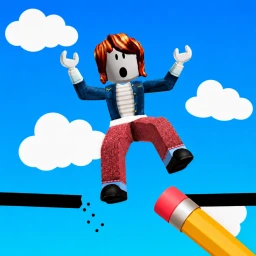
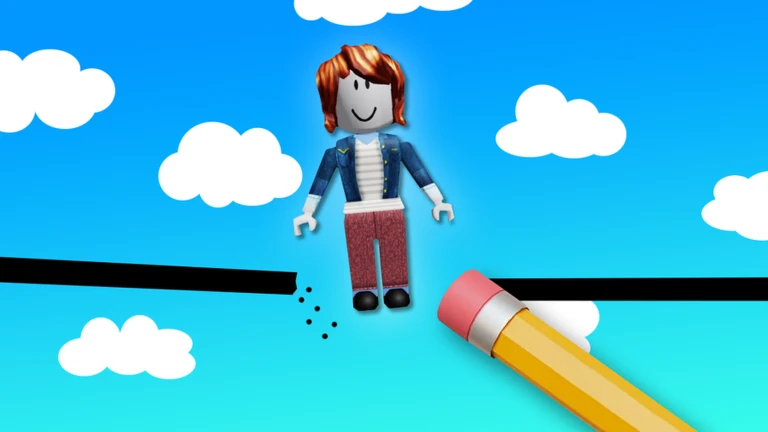
OverviewDoodle Obby is a 102-stage obstacle course where you draw the floor yourself using a pencil, then run across what you just created. This guide covers the controls, how to handle tougher stages, the puzzle sections, and what to expect from the boss fight at the end.
What is on this page
Contents
Basic controls before you touch Stage 1
Step
The whole game runs on three keys. You aim where you want to draw using the mouse, then use the keyboard to place, remove, or wipe your floor. Get comfortable with all three before you try anything tricky.
- Press 1 hold it down to draw a floor segment wherever your mouse is pointing.
- Press 2 erase a part of what you already drew if it is in the wrong spot.
- Press 3 clear every piece of drawn floor at once, useful when you want to start a section over.
- Point your mouse first decide exactly where you want the floor before you press anything.
- Start on Stage 1 the early stages are gentle, so use them to get a feel for placing floor accurately.
MetaNew Player Survey
The next survey is being prepared.
Checkpoint milestones worth knowing
Summary
There are four progress badges tied to specific checkpoints.
- Checkpoint 25 the game considers this the point where you have found your footing.
- Checkpoint 50 the stages are noticeably more demanding by here.
- Checkpoint 75 the developer's own badge text makes clear this is deep enough that finishing starts to feel real.
Troll morphs and story cutscenes
Tips
As you progress, you can collect troll morph transformations that change how your character looks. Story videos are also placed throughout the map.
- Collect troll morphs as you pass through each area — they change your character's appearance.
- Watch the story videos when you spot them — they flesh out what is happening in the game's world.
Glossary
Glossary- Obby
- Short for obstacle course — a Roblox game genre where you move through a series of increasingly difficult stages.
- Pencil upgrade
- An improvement to your drawing tool that increases how fast and how widely you can place floor segments.
- Troll morph
- A collectible transformation that changes your character's appearance.
- 1000 IQ puzzle
- A stage that requires you to think carefully about where and how to draw, rather than just drawing quickly.
- The Bomber
- The boss enemy waiting at the end of the game, after the main stages are cleared.
- Story cutscene
- A video placed somewhere on the map that tells you more about the game's world and events.
Common questions
FAQCan I play Doodle Obby on a phone?
The game is built around keyboard shortcuts — keys 1, 2, and 3 — so a physical keyboard is needed to play properly.
My pencil will not draw anything — what do I do?
Check that you are pressing key 1 while pointing your mouse at the spot you want to draw. If it still does not work, try reloading the game or moving to a different stage and returning.
I keep dying on the same stage — any advice?
Try changing the shape or thickness of the floor you are drawing, and look at the stage background for any hints about what the game wants from you.
Can I get the Deathless badge across multiple sessions?
No — the badge requires beating the entire game with zero deaths in one continuous attempt, with no saving and returning. The full run must be done in a single sitting.
Game updates can change what is on this page. If you spot something, get in touch and let us know.
