
Teamwork Obby — Getting into your first game
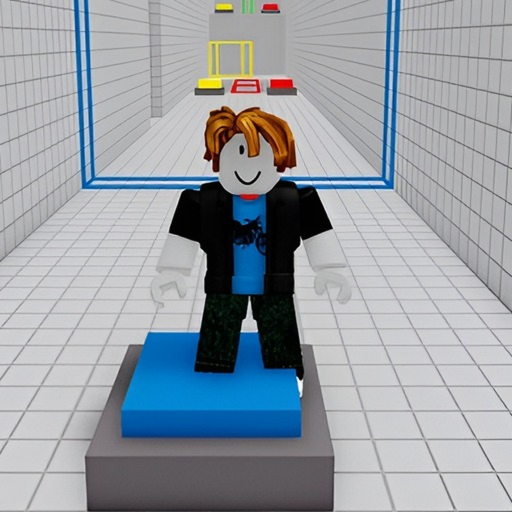
About
OverviewTeamwork Obby is a cooperative multiplayer game where two to four players work together to press buttons, solve puzzles, and clear obstacle courses. You cannot finish most stages alone — the whole point is coordinating with friends. This guide covers how to get started, how to work as a team, and what to do when you get stuck.
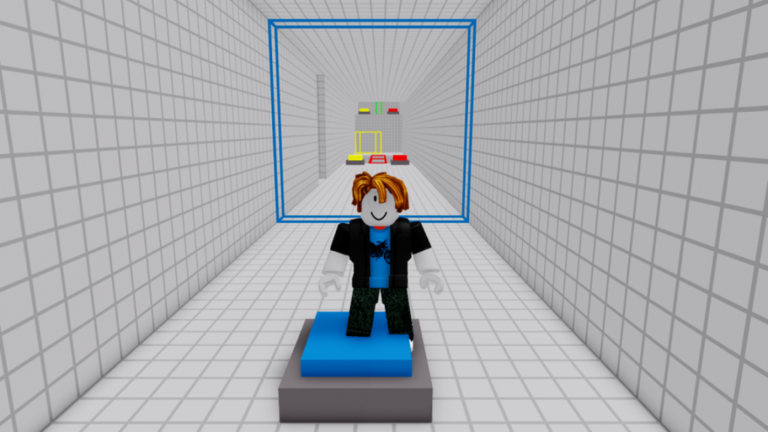
What is on this page
Contents
Getting into your first game
Step
The game is built for two to four players, so the first thing to do is get your friends into the same lobby. Once everyone is there, check how many people you have and choose a level designed for that number. When everyone is ready, hit start and move through the course together.
- Invite your friends send them an invite from the lobby screen before anything else.
- Count your players look at how many people have joined so you can pick the right level.
- Pick a matching level choose a 2-player, 3-player, or 4-player course to match your group size.
- Start together press the start button only when everyone is ready.
How player count changes the game
Table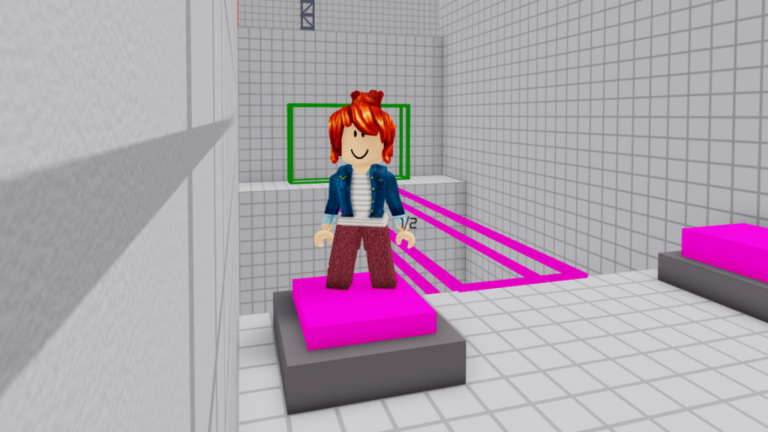
The game splits its courses by how many players you have. Two-player courses focus on basic button presses and straightforward obstacle sections. Three-player and four-player courses add more buttons and more complicated puzzles that demand everyone pulling their weight at the same time.
| 2-player | basic button mechanics and simpler obstacle sections. |
| 3-player | more buttons spread across the stage, every teammate has a specific job. |
| 4-player | the most complex puzzles and the highest demand for tight coordination. |
What to check when you are completely stuck
CheckIf the stage has stopped moving forward, slow down and work through the following before assuming the puzzle is unsolvable. Obbies are designed so you can always retry, so there is no penalty for pausing to regroup.
- Every button pressed? Scan the whole stage for any you walked past.
- Buttons pressed at the right moment? Some need to be hit at the same time.
- Puzzle conditions actually read? Re-examine any clues or mechanisms in the area.
- Connection stable? A laggy connection can make buttons feel like they are not responding when they actually are.
Milestones worth aiming for
Summary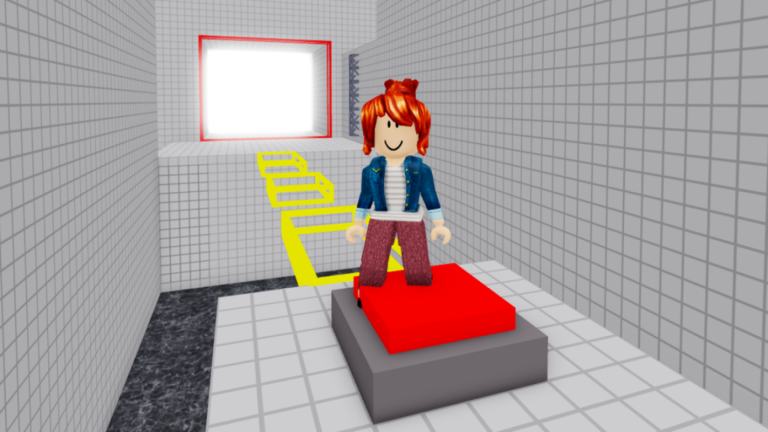
There are five official badges in the game, and they map neatly onto how your skills grow. Clearing your first level is the starting point. Reaching five levels is when the developers consider you experienced enough to guide others on easier courses. Ten levels marks you as an expert in the communication and teamwork the game demands. There is also a badge for finishing a 2-player run in under six minutes, which is the game's speedrun challenge.
Glossary
Glossary- Obby
- Short for obstacle course — a Roblox game type where players jump, climb, and navigate hazards to reach a goal.
- Lobby
- The waiting area you land in before a stage begins, where you invite friends and pick your level.
- Simultaneous press
- A mechanic where two or more players must press their buttons at the same moment for the stage to advance.
- Puzzle
- A section of a stage that requires players to meet specific conditions or sequences before they can move on.
- Speedrun
- Completing a stage as fast as possible — the game has a badge for finishing a 2-player run in under six minutes.
Common questions
FAQCan I play by myself?
No — the game is designed around cooperation and requires at least two players. Stages are built so that one person alone cannot press all the buttons or solve all the puzzles needed to advance.
What happens if a teammate leaves mid-stage?
Losing a player can make it impossible to hit all the required buttons, stalling the run. The safest fix is to reset and start the stage again once you have confirmed everyone is back and ready.
Do I need to spend Robux to reach later levels?
All levels are available without spending anything. Everything the game needs from you is a group of friends and the willingness to coordinate with them.
How do I go for the speedrun badge?
You need to complete a 2-player run in under six minutes.
Buttons feel like they are not working — what should I try?
A slow or unstable connection can delay button responses and throw off synchronisation with your partner. Exit the game, check your internet, and rejoin before trying the stage again.
Game updates can change what is on this page. If you spot something, get in touch and let us know.
