
Realistic Hockey — PC controls at a glance
About
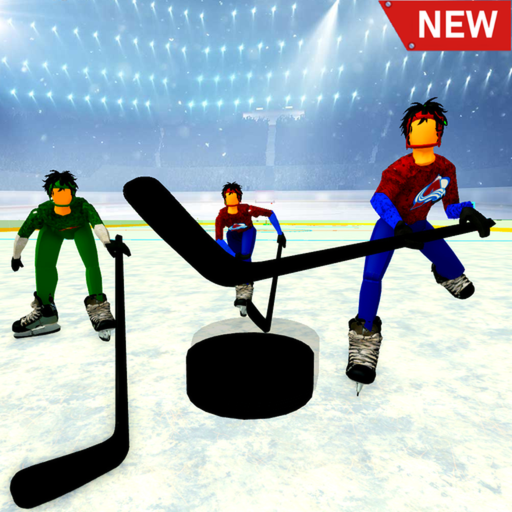
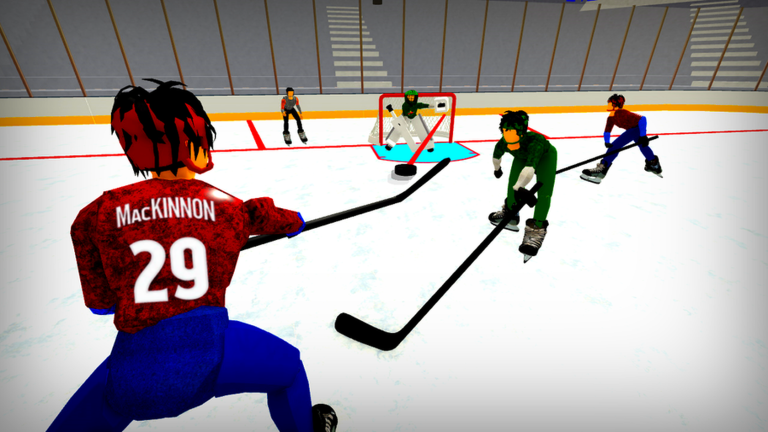
OverviewRealistic Hockey (5 on 5) is a fast-paced Roblox hockey game where two teams of five compete on a full-size rink with realistic characters and animations. This guide covers the controls, how to play well in a match, and what has changed in recent updates.
What is on this page
Contents
PC controls at a glance
Table
On PC there are five inputs, each doing something distinct.
| Input | What it does | When to use it |
|---|---|---|
| Left Click | Shoot or poke the puck | Attacking the goal or stealing the puck |
| E | Check — body-contact hit on an opponent | Stopping an opponent who has the puck |
| Q | Dangle — knocks an opponent down | Harder takedown when a check is not enough |
| Spacebar | One-timer slapshot | Catching the opponent off guard for a quick strike |
| CTRL | View lock — pins your aim | Keeping your target lined up for an accurate shot |
Getting through your first match
StepWhen you load in, you are assigned to a team automatically. The match runs fast, so knowing what each button does before play starts saves you from scrambling.
- Stay near the puck move with your teammates toward the opponent's goal when your side has possession.
- Support the shooter position yourself near the opposing goal so you can follow up if a shot is saved.
- Steal with Left Click or Check if an opponent has the puck, poke it away with Left Click or hit them with E to take it back.
- Watch the clock if the score is tied late, push forward aggressively because overtime is only three minutes long.
Mobile and console play
SummaryThe game was built with mobile and console players in mind, so the input scheme is deliberately stripped back compared to PC. Every device connects to the same servers, meaning your progress carries over no matter what you play on.
Recent updates worth knowing
CheckThe game is actively developed, and a recent update addressed a notable bug and added new content.
- Puck-stopping bug is fixed the puck no longer freezes after a shot.
- Right and left quick dekes are available two new shooting moves give you more ways to beat a goalie.
- Seven new stadiums are in rotation matches can now take place across a larger pool of venues.
- Overtime is set to three minutes if you go to overtime, there is not much time left to settle it.
- New celebrations have been added you can now react after scoring.
Free-to-play and VIP servers
SummaryNothing in the core game requires spending. VIP servers are free to rent, and whoever owns one gets access to a full admin panel to customise the session.
Glossary
Glossary- Puck
- The disc both teams fight over; getting it into the opponent's goal scores a point.
- Check
- A body-contact hit on an opponent triggered with E on PC, used to take the puck away or stop their run.
- Dangle
- A stronger takedown move bound to Q that knocks an opponent to the ice.
- One-timer slapshot
- A fast, surprise shot triggered with Spacebar.
- Overtime
- A three-minute extension played when the score is tied at the end of regular time.
- VIP server
- A private server any player can rent for free, with the owner able to customise the session through a full admin panel.
- View lock
- Activated with CTRL on PC, it steadies your aim so shots land more accurately.
Common questions
FAQCan mobile, PC, and console players compete in the same match?
Yes — all three platforms connect to the same servers, so device choice does not separate you from other players. Your progress is also shared across every device you use.
How many players does a match need?
Each team fields five players, making ten in total for a full match. The format is always 5 on 5.
Do I need to spend Robux to play properly?
No — every match is free to join, and VIP servers are also free to rent. The owner of a VIP server can customise the session, but joining one costs nothing.
What happens if neither team scores before time runs out?
The match goes to overtime, which lasts three minutes.
Game updates can change what is on this page. If you spot something, get in touch and let us know.
