
Bikelife Miami 2 Guide: PC controls for riding and shifting
About
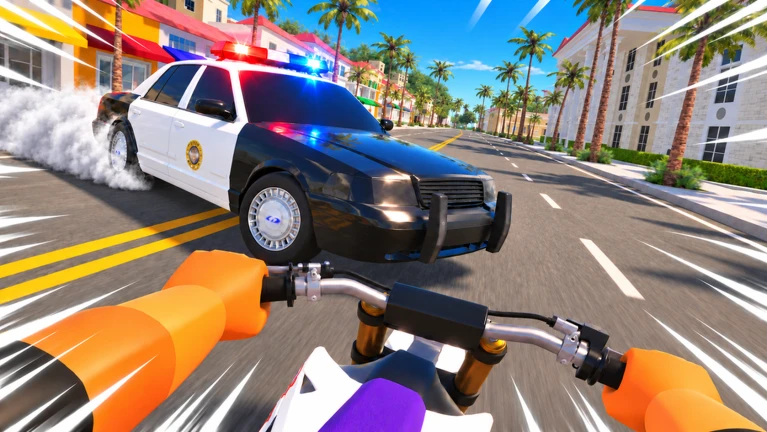
OverviewBikelife Miami 2 is a bike-riding game set in Miami where you drive, shift gears, and pull tricks. Up to 20 players can share the same server.
What is on this page
Contents
Player notes and tips
Found a useful trick? Share it with everyone! Notes with screenshots are welcome!
Write a guide note
[☀️🌴UPDATE] Bikelife Miami 2
PC controls for riding and shifting
Step
On PC, your movement and your gear changes are handled by two separate sets of keys.
- Drive forward
hold W to move your bike ahead.
- Steer
press A to turn left and D to turn right.
- Brake
tap S to slow down.
- Shift up
press E to raise your acceleration.
- Shift down
press Q to lower your acceleration.
- Hard brake or park
press P to stop hard or leave your bike parked.
MetaNew Player Survey

The next survey is being prepared.
Tricks and wheelies on PC
Tips
Each of the three trick keys produces a different move, and the wheelie key lets you ride with your front wheel off the ground.
- Press Z for Bike Trick 1.
- Press X for Bike Trick 2.
- Press C for Bike Trick 3.
- Hold Left Ctrl to pop a wheelie and keep your front wheel off the ground.
Console controls
Table
Button names below follow the Xbox label first, then the PlayStation equivalent in parentheses.
| Action | Button |
|---|---|
| Shift up | Y (Triangle) |
| Shift down | X (Square) |
| Tricks | D-pad buttons |
| Wheelie | B (Circle) |
| Hard brake / Park | RB (R1) |
Redeeming a code
StepThe game requires group membership before it will accept the code.
- Join the group
search for 'Bikelife Community' on Roblox and join it.
- Open the code box
find the code-entry field inside the game.
- Enter the code
type it in and confirm.
Glossary
Glossary- Shift up
- Pressing E on PC or Y/Triangle on console raises your acceleration so your bike builds speed faster.
- Shift down
- Pressing Q on PC or X/Square on console lowers your acceleration, slowing the rate at which you speed up.
- Wheelie
- Riding with the front wheel lifted off the ground, performed with Left Ctrl on PC or B/Circle on console.
- Hard brake
- A stronger stop than the normal brake, mapped to P on PC and RB/R1 on console; also used to park the bike.
- Park
- Leaving your bike stationary in place, triggered by the same button as the hard brake.
Common questions
FAQHow many players can be in one server?
A single server holds up to 20 players at once.
Do I have to join the Bikelife Community group to play?
If you want to redeem a code, group membership is required before the code will be accepted.
Does the game work on mobile?
Yes, mobile is supported alongside PC and console.
Game updates can change what is on this page. If you spot something, get in touch and let us know.
