
Drive X | Cars Guide: Getting started
About
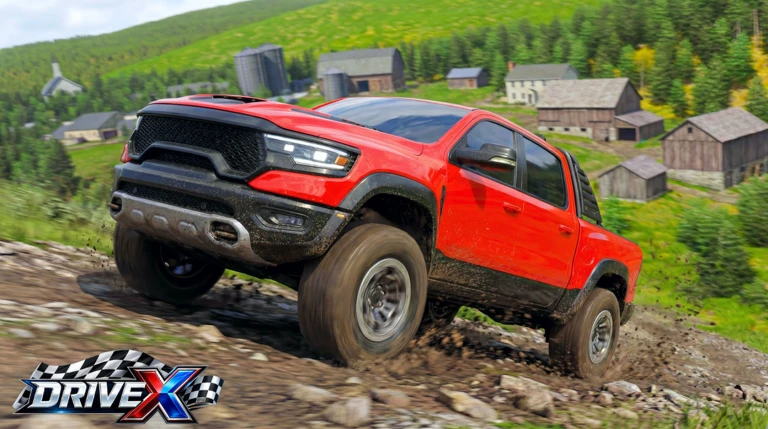
OverviewDrive X is an open-world driving and racing game on Roblox where you pick from more than 170 cars and take them through a large city. You can race other players one-on-one, practice drifting, cruise around freely, or just explore.
What is on this page
Contents
Getting started
Step
When you load in, you are taken straight to a car selection screen. More than 170 vehicles are available, spanning sports cars, supercars, hypercars, SUVs, and off-road vehicles. You can get your first car without spending Robux, so just pick something that looks good to you and head out.
- Choose your first car browse the selection and pick one based on looks or style; you do not need to spend Robux to get started.
- Learn the basics spend a few minutes getting comfortable with accelerating, braking, and steering before jumping into a race.
- Explore the city drive around the open world to get a feel for the map, the roads, and how your car handles.
Earning cash and growing your collection
Tips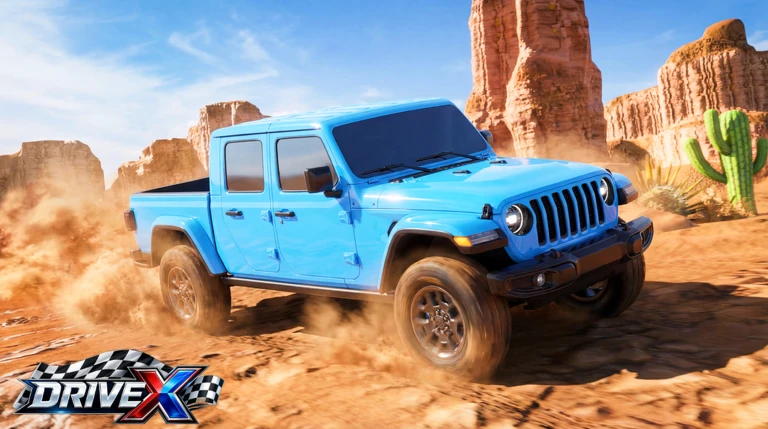
Drive X tracks three things on its leaderboards: miles driven, race wins, and cash. Cash is the in-game currency you use to buy new vehicles. Winning 1v1 races earns you cash rewards, and the game has recently increased those rewards. The shop and dealership are where you spend what you earn.
- Enter 1v1 races consistently — every win adds cash to your total.
- Keep driving even outside races — miles are tracked on the leaderboard, so any time spent in the open world counts.
- Spend cash at the shop or dealership — both let you buy new cars.
Winning 1v1 races
Check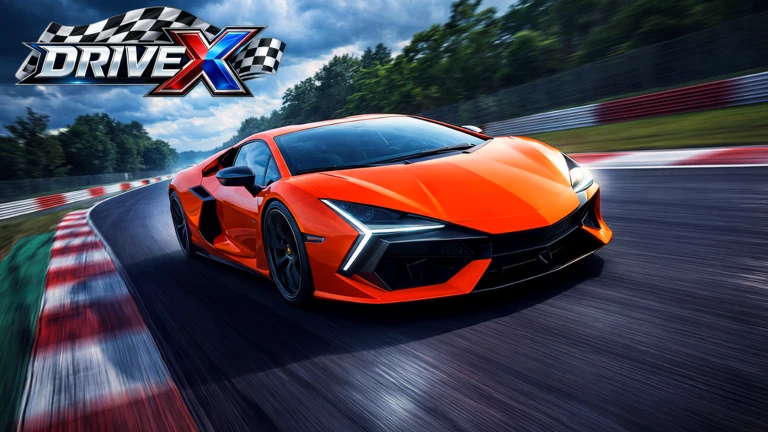
Every 1v1 race is you against one other player. Running the same track more than once teaches you where to brake and where to push.
- Brake early at corners carrying too much speed into a turn costs time; slow down before the corner, not during it.
- Run each track more than once knowing where corners appear lets you set up your braking earlier.
- Practice drifting the drift mechanic lets you carry momentum around corners.
Open-world driving beyond races
Tips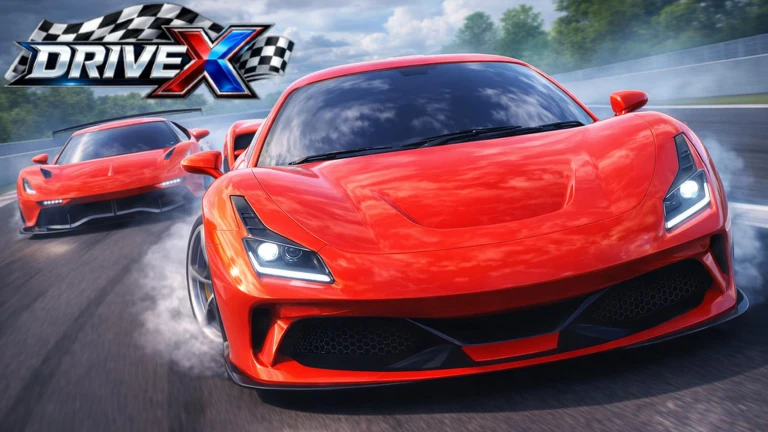
You are never required to race. The city is large enough that simply driving around reveals new roads and areas. Traffic has been added to the world. The cruise feature lets you drive alongside friends in the same server.
- Drive different areas — the city includes varied environments such as highways, side streets, and off-road terrain.
- Drive with friends using the cruise feature — if you are in the same server, you can cruise together through the city.
Car modifications and damage
StepCar Modifications is a feature added in a recent update. If your car takes damage from crashes, this system lets you bring it back to its normal state.
- Open the modification menu access Car Modifications from the in-game menu.
- Reset and test after restoring the car, take it for a short drive to confirm it is handling normally again.
 DELIVERY
$50,000
RACE1V1
$50,000
SPOOKY25
HOLIDAYS
DELIVERY
$50,000
RACE1V1
$50,000
SPOOKY25
HOLIDAYS
Playing without spending Robux
Warn
Drive X does not require any Robux to start. The most expensive supercars and hypercars demand a lot of in-game cash, which takes time to accumulate through racing.
Glossary
Glossary- Cash
- The in-game currency in Drive X, earned by winning 1v1 races and used to buy new cars at the shop or dealership.
- 1v1 Race
- A head-to-head race format where two players compete directly against each other, with the winner earning a cash reward.
- Drift
- A technique where you slide the car sideways through a corner.
- Open World
- The large city environment you can drive through freely.
- Leaderboard
- A ranking system that tracks and displays each player's total miles driven, race wins, and cash earned.
- Car Modifications
- An in-game feature that lets you repair damage your car has taken from crashes and restore it to its normal condition.
- Hypercar
- The highest-performance and most expensive category of car in Drive X, requiring significant in-game cash to purchase.
- Dealership
- One of two in-game locations, alongside the shop, where you can spend earned cash to buy new vehicles.
Common questions
FAQDo I need to spend Robux to enjoy the game?
No. You receive your first car without spending anything, and racing earns you cash to buy more. Robux is an option, not a requirement.
Can I play with my friends?
Yes. The cruise feature lets you drive through the city alongside friends, and you can also race each other in 1v1 matches. If you are on the same server, you will share the same open world.
Are new cars added over time?
Yes. The game receives regular updates that bring in new cars, races, and features. Four new cars were added in the most recent update, purchasable at the shop or dealership.
I keep losing races. What should I focus on first?
Work on your braking before corners — entering turns too fast is the most common reason players lose time. Run the same track several times so you know exactly where to start slowing down.
What is traffic and how does it affect driving?
Traffic is a feature added in a recent update that places other vehicles on the roads in the open world.
Game updates can change what is on this page. If you spot something, get in touch and let us know.
