
Gun and Armor Testing — Controls worth learning first
About
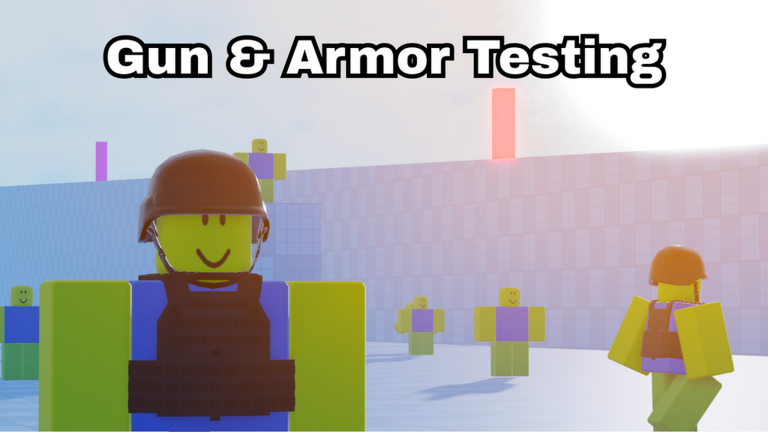
OverviewGun and Armor Testing is a first-person shooter on Roblox where you can try out more than 100 guns and different armor pieces, either alone or against other players. This guide walks you through the controls, shooting mechanics, armor choices, and the extra tools that help you spot and hit enemies.
What is on this page
Contents
Controls worth learning first
Check
You do not need to memorize every keybind on day one. Left Click, Right Click, R, and Shift handle firing, aiming, reloading, and sprinting. Once those feel natural, layer in the movement and mode keys below.
- Left Click fires your weapon.
- Right Click brings up your aim for tighter accuracy.
- R reloads your magazine.
- Shift lets you sprint to reposition quickly.
- C crouches or puts you prone; X stands you back up.
- V switches your gun's firing mode on the fly.
Stance and accuracy
Table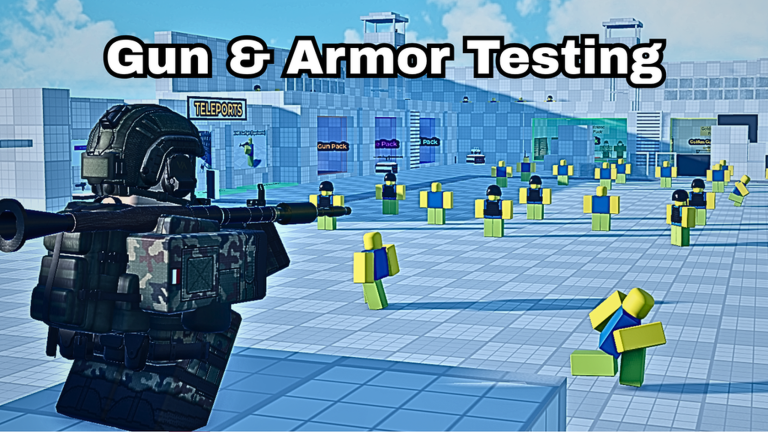
In first-person shooters, your body position directly affects how accurately your shots land. Standing is fastest but least precise; going prone is slowest but gives you the best accuracy. Match your stance to the distance of the fight.
| Standing | fastest movement, lowest accuracy |
| Crouching (C once) | moderate speed, better accuracy for mid-range fights |
| Prone (C again) | slowest movement, highest accuracy for long-range shots |
Firing modes and when to use them
Tips
Many guns support more than one firing mode, and V swaps between them instantly.
- Use single-fire at long range to place each shot carefully.
- Use full-auto at close range to put out maximum damage quickly.
- Burst fire sits between the two and works well at medium range.
Vision tools and weapon customization
Step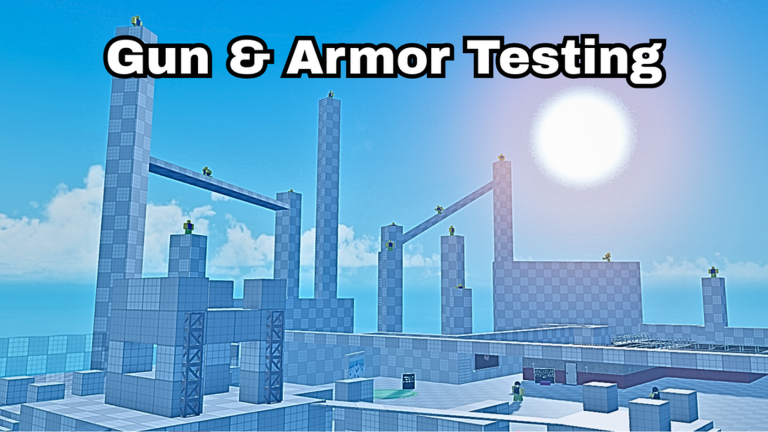
Beyond shooting, the game gives you several keys for spotting enemies and tuning how your gun behaves. Night vision, focus mode, and aim zoom each solve a different visibility problem, while the accuracy distance and attachment keys change the gun itself.
- Dark areas press N to toggle night vision goggles and restore visibility.
- Watching a direction press Z for focus mode to observe a specific area more carefully.
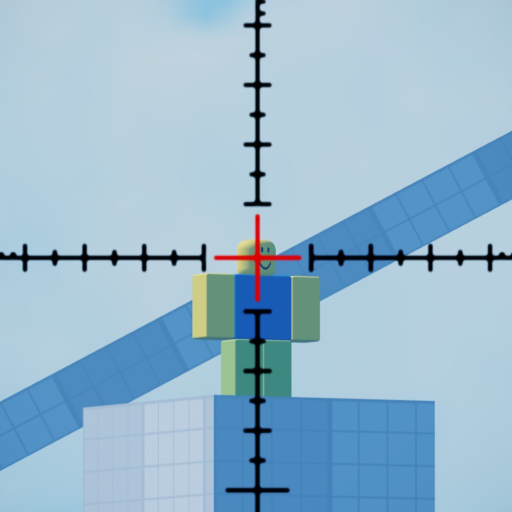
- Far targets press T for aim zoom to confirm where distant enemies are.
- Tweaking gun behavior press [ or ] to lower or raise accuracy distance and understand how your weapon performs at different ranges.
- Attachments press H or J to activate a gun's attachments and change how it handles.
- Sensitivity scroll the mouse wheel while aiming to dial in the feel that suits you.
Armor trade-offs
Summary
You can pick your armor before a fight, and the decision matters. Higher-rated armor cuts the damage you take, but it makes movement heavier.
- Light armor higher speed, lower damage reduction
- Heavy armor lower speed, higher damage reduction
Kill milestones and what they track
SummaryBadges mark your cumulative kills, headshots, and longest shots. The kill ladder runs from your very first kill all the way to 50,000, and the distance ladder rewards shots from 200 studs out to 1,000. Headshot badges start at your first and climb to 100.
- Kill milestones 1, 100, 500, 1,000, 5,000, 10,000, 20,000, and 50,000 kills each earn a badge
- Distance milestones 200, 300, 500, 750, and 1,000 studs mark the long-shot badges
- Headshot milestones first headshot and 100 headshots are both tracked
- Point Blank badge awarded for getting a kill at very close range
Glossary
Glossary- FPS
- First-person shooter — a game where you see through the character's eyes and hold a gun.
- Prone
- Lying flat on the ground (press C twice), which gives the highest accuracy at the cost of movement speed.
- Burst fire
- A firing mode where one trigger pull sends a short burst of bullets rather than one shot or continuous fire.
- Accuracy distance
- A setting adjusted with [ and ] that changes how your gun's accuracy behaves at different ranges.
- Attachment
- A mod fitted to a gun, activated with H or J, that changes how the weapon handles.
- Night vision goggles
- A visibility tool toggled with N that helps you see in dark parts of the map.
- Focus mode
- Activated with Z, this lets you concentrate your view on a specific direction to spot enemies.
- Stud
- The unit of distance Roblox uses; the long-shot badges measure your kill distance in studs.
Common questions
FAQThere are so many keybinds — where do I start?
Start with just four: Left Click to fire, Right Click to aim, R to reload, and Shift to sprint. Once those feel automatic, add C for crouching and V for switching firing modes. Layer in the vision and customization keys only when a situation actually calls for them.
How do I change my mouse sensitivity?
Hold Right Click to aim, then scroll the mouse wheel up or down while still aiming. The sensitivity adjusts immediately, so keep scrolling until the feel is right.
What should I do if I run into a bug?
The game is still in active development, and the developers ask for feedback to help fix issues. Use the in-game feedback option to report it.
Game updates can change what is on this page. If you spot something, get in touch and let us know.
