
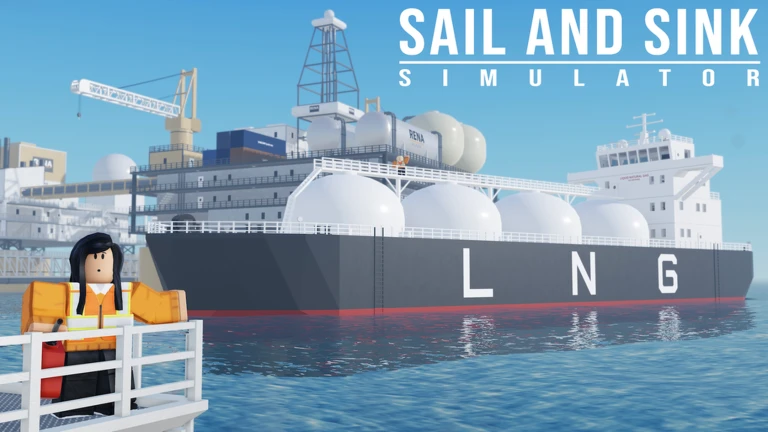
 Live now
–
Game guide
Sail and Sink Simulator Guide: Getting started on the ocean
Is this game fun?65 votes
Fun 92%60Average 5%3Not fun 3%2
About
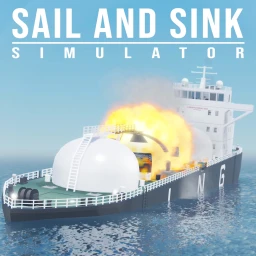
OverviewSail and Sink Simulator is an open-world ocean game where you explore islands, find hidden wrecks, complete quests, and unlock new ships. This guide covers how to get started, where to find wrecks, how the sinking physics work, and how to keep the game running smoothly.
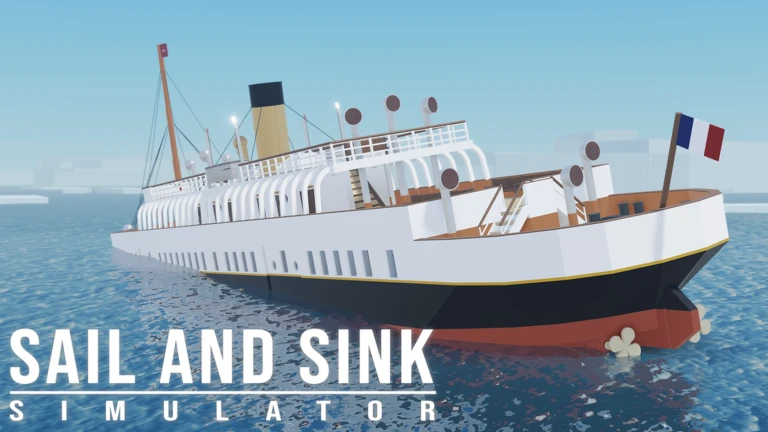
What is on this page
Contents
Player notes and tips
Found a useful trick? Share it with everyone! Notes with screenshots are welcome!
Write a guide note
[⚓️] Sail and Sink Simulator!
01
Getting started on the ocean
Step
The world is open, so there is no single path forcing you forward.
- Talk to the guy at the beach
he unlocks the Compass at the Beach badge.
- Sail to nearby islands
Sunny Isle, Industrial Island, and Pirates' Shore are all out there waiting to be discovered.
- Look for a campfire island
it is one of the smaller landmarks worth finding.
- Check Firelight Bay
another discoverable location.
- Visit Pirates' Shore specifically
once you find the sunken Wooden Ship, you can spawn it there.
✦ Player polls!
MetaNew Player Survey

The next survey is being prepared.
02
Finding hidden wrecks
TipsThe ocean contains multiple sunken ships. They sit in islands, icy regions, rocky waters, and areas with sea mines. Some wrecks have more than one piece — the Crane Ship, for example, has its crane and its hull logged separately, and you need both to complete that discovery.
Tips worth knowing
- Search near deserted islands for the RMS Carvania wreck, which rests close to one.
- The SS Princess Elise is broken into multiple sections.
- The Crane Ship wreck is split into two parts
the crane and the hull — and the badges make clear you need to find both.
- The SS Nomadia and SS Fitzwilliam are also out there.
- The Deep Ocean Explorer badge rewards finding a hidden wreck.
03 Live and upcoming events
Events
Events running now or coming soon. They have fixed dates, so check them first.
Live now
–
04
How the sinking physics work
Summary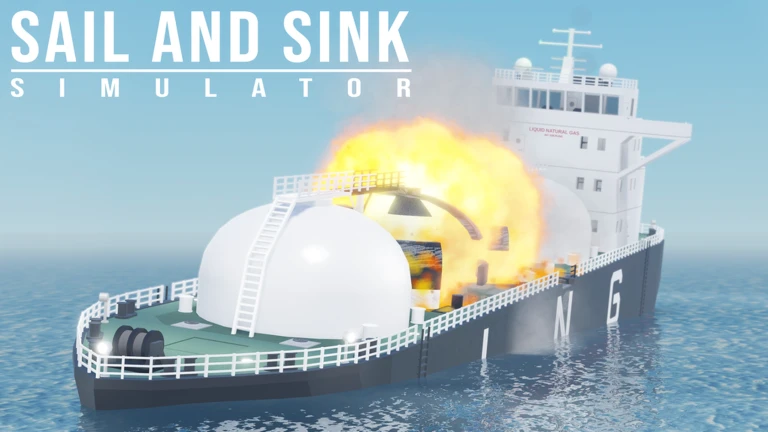
The game's standout feature is its dynamic sinking system. Damage location drives the whole process. Wrecks do not disappear after they go under.
- Damage location
determines which sinking sequence triggers.
- Lights
can flicker as the ship goes down.
- Fire
can spread across the ship before it sinks.
- Underwater corrosion
wrecks slowly decay on the seabed after sinking.
- Sea mines
a hazard in certain ocean areas that will strike your ship and trigger the sinking sequence.
05
Hazards to watch out for
Warn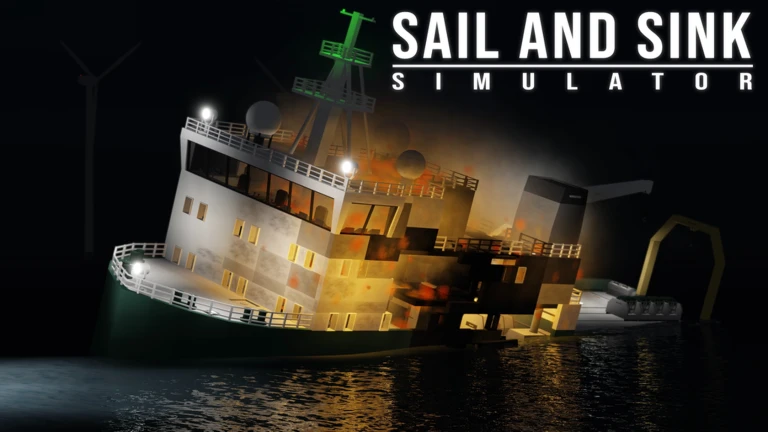
The map has several threats. Both the iceberg and the sea mine have their own badges.
Worth watching out for
Icebergs are out there hitting one with your ship triggers a sinking event.
Sea mines are scattered through certain ocean areas and will damage your ship on contact.
The Great Ice Wall is the edge of the map.
06
Quests, levels, and ship unlocks
CheckProgress in this game runs through quests. As your level climbs, more detailed ships become available to use.
- Discover new locations each island and wreck you find can open up fresh quests.
- Find the Wooden Ship wreck at Pirates' Shore doing so lets you spawn it there.
07 Working codes
Codes
 OLIVIA+NORA
SINKABLES
NEWISLAND
KATO
Glossary
Glossary- Dynamic sinking
- The system that changes how a ship sinks based on exactly where it takes damage, producing different sequences of flooding, fires, and explosions each time.
- Wreck
- A sunken ship resting on the ocean floor; finding one unlocks a badge.
- Sea mine
- An underwater hazard found in certain ocean areas that damages your ship on contact.
- Private server
- A session recommended by the game itself for better performance.
- Great Ice Wall
- The boundary at the edge of the game world, reachable by sailing far enough in one direction.
Common questions
FAQHow do I unlock new ships?
Complete quests to earn levels, and new ships unlock as your level rises. Finding the Wooden Ship wreck also lets you spawn that specific vessel at Pirates' Shore.
I keep missing wrecks. Where should I look?
Wrecks are spread across every type of terrain: islands, icy regions, rocky waters, and sea mine areas. Some wrecks have multiple pieces in different spots.
The game is running slowly on my device. What can I do?
The game recommends creating a private server for the best performance.
Updated Sep 14, 2026
Game updates can change what is on this page. If you spot something, get in touch and let us know.
