The Whispering Wild is an open-world wolf RPG on Roblox where you design a wolf, hunt for food, raise pups, and build a pack with other players. The game is currently in alpha, so expect changes as development continues. This guide covers the basics of getting started, growing your pack, customizing your wolf, and staying safe in the community.
In shortThe first thing you do is design your wolf, then head out to explore, hunt, and find a pack.
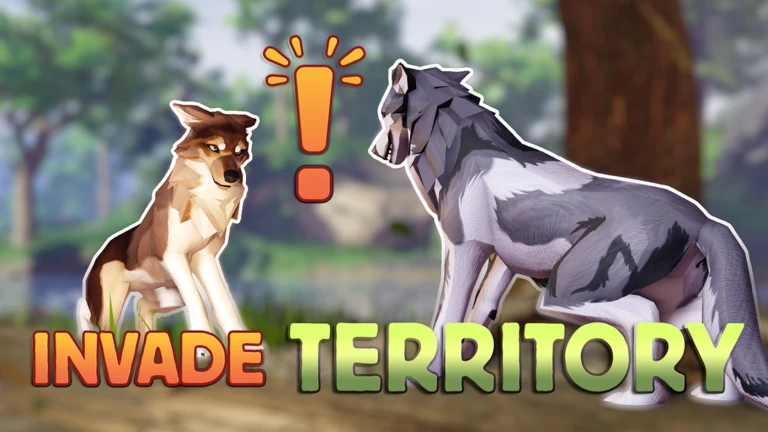
When you first load in, you create your wolf's appearance before anything else. From there, the world opens up and your immediate goals are finding food and connecting with other players.
Design your wolfset your coat color, eye color, and other appearance options before entering the world.
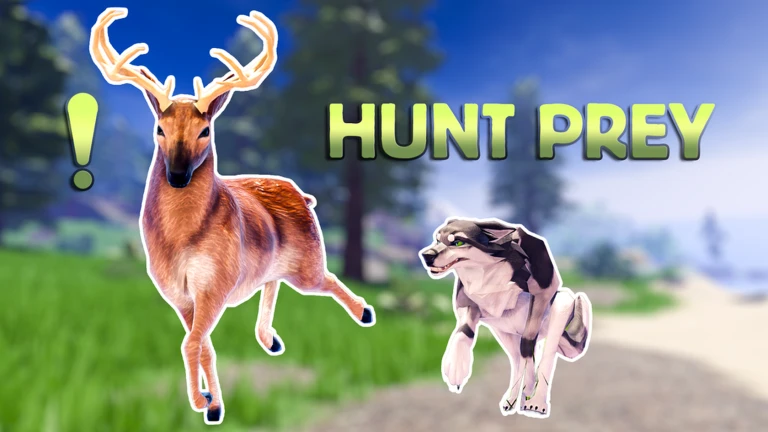
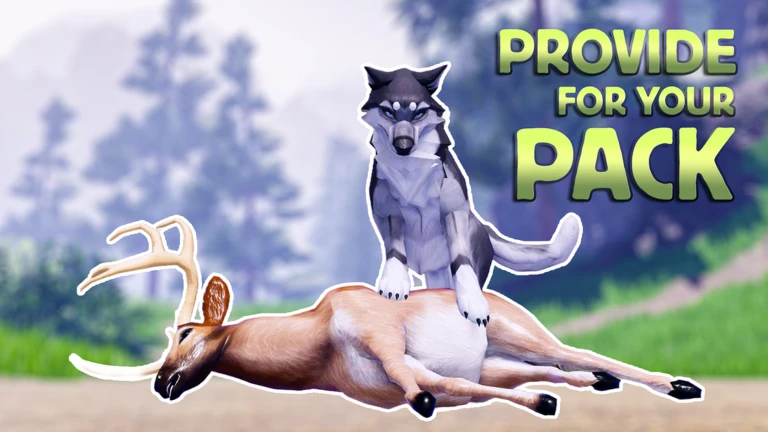
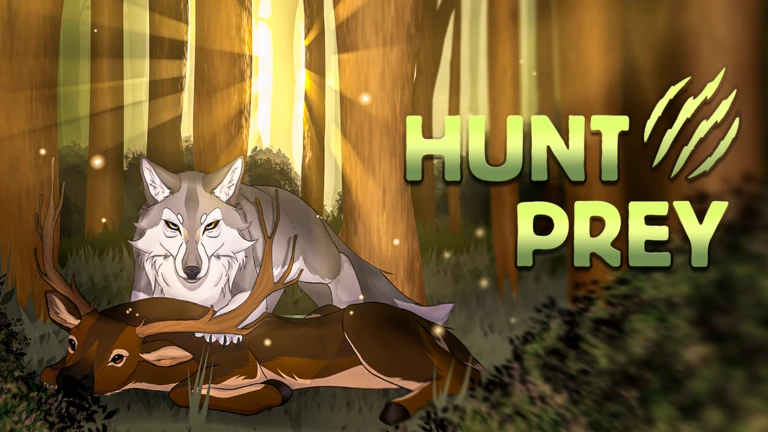
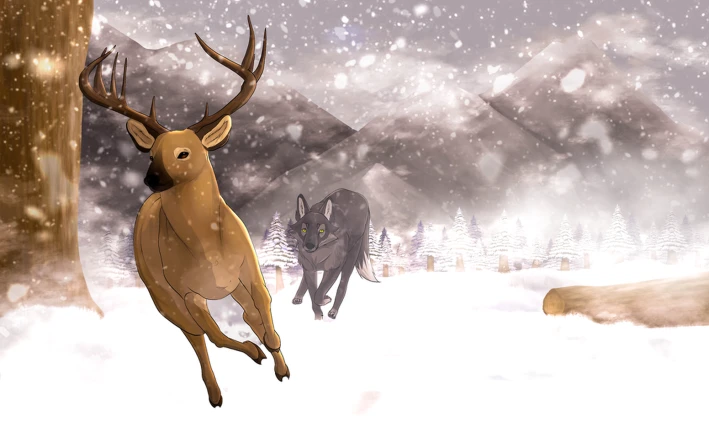
Hunt for foodtrack prey across the landscape to keep your wolf fed and earn the True Hunter badge for your first kill.
Join a packfind other players to team up with.
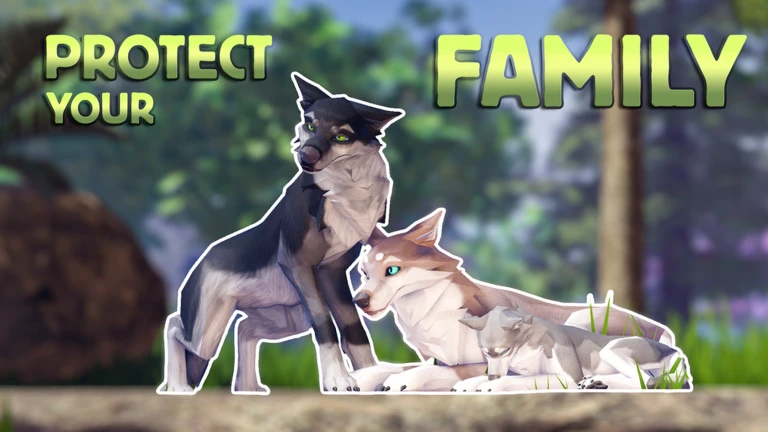
Raise a familyfind a mate, deliver pups, and start growing your own group within the pack.
Exploretravel through forests, mountains, and hidden locations as you build your wolf's story.
In shortBuilding a pack is a long-term goal that rewards cooperation, and the game tracks your progress all the way to 50 members.
Creating your first pack and then recruiting other wolves is one of the main ongoing goals in the game. The badges mark clear milestones so you always know how far you have come. Reaching the higher numbers takes real coordination because a full server holds fewer than 100 players, and 50 members means you have pulled in more than half of one.
Create your first pack to unlock the First Pack badge.
Deliver your first litter of pups to earn the First Puppies badge.
Reach 5 members, then push toward 7, 10, 15, and 20 as stepping-stone goals the game recognizes with badges.
Hit 30 members for a milestone the game itself calls insane, then 40 and 50 for the hardest achievements in the pack-building line.
50 members means more than half a server is in your pack.
03Live and upcoming eventsEvents
Events running now or coming soon. They have fixed dates, so check them first.
Live now –
Halloween + Update!
We will have the first update in a while!
Featuring:
- More fur (Optional to remove all fur)
- New Skins
- New accessor…
In shortAll core gameplay is free; gamepasses expand your appearance options and, in one case, the number of pups you can raise.
Exploration, hunting, pack play, and roleplay cost nothing. The only thing locked behind Robux is a wider range of cosmetics and one gameplay expansion for pups. Base skins can be unlocked at no cost by simply logging enough playtime.
Free
exploration, hunting, and all roleplay features
Free
base skins, unlocked by accumulating playtime rather than spending Robux
Paid
wolf styles such as Tri-Color, Tribal, and Flow, each with their own color variations
Paid
eye customization options including glowing effects, vibrant colors, and a blind-eye appearance
Paid
the Bones Accessories Bundle for bone-themed cosmetics
Paid
More Pups, which raises the number of pups you can have from 2 up to 5
05
Available gamepasses and their prices
Table
In shortAll gamepasses are optional.
Every gamepass is purchased with Robux. Prices and availability can change as the game is still in alpha.
Gamepass
Price (Robux)
What it does
More Pups
49
Raises your maximum litter from 2 pups to 5
Vibrant Eye Colors
49
Adds pages of vivid and pastel eye colors to choose from
Blind Eyes
59
Lets you make one or both eyes fully white for a blind appearance
Glowing Eyes
99
Adds a glow effect to your wolf's eyes while keeping the chosen eye color
Tri-Color Style Wolves
175
Unlocks the Tri-Color wolf style with 12 exclusive color variations
Unlock All Base-Skins
200
Immediately unlocks all playtime-based skins so you do not have to wait
Tribal Style Wolves
225
Unlocks the Tribal wolf style and its exclusive color options
Flow Style Wolves
225
Unlocks the Flow wolf style
Bones Accessories Bundle
300
Gives access to a collection of bone-themed accessories
06
Reporting players and bugs
Step
In shortEverything gets reported through the official Discord server, but player reports and bug reports go to different places.
The Discord server is where all issues get handled. Use the right channel for each problem, and gather your evidence before you open anything.
Open a Report Ticketuse this for players who are harassing, trolling, exploiting, using inappropriate names, or sharing personal information in chat.
Post in Bug Reportsuse the designated channel for anything that is not working correctly in the game, not the ticket system.
Send suggestions elsewherefeature requests and ideas go in the Feedback or Suggestions channel, not a ticket.
Prepare your evidence firsthave the reported player's username and clear, uncropped screenshots or video ready before you open the ticket.
Wait for a moderatordo not paste links into the ticket form itself; hold them until a moderator opens the ticket and asks for them.
Appeal a ban honestlyif you believe your ban was a mistake, file an appeal only if you can do so truthfully, and be respectful toward staff.
07
Safety rules to know before you play
Warn
In shortBreaking these rules can get you reported or banned.
The game has a moderation team that acts on player reports.
Worth watching out for
Never share your real name, age, social media accounts, or any personal information in game chat or your character's bio.
Do not bully, harass, or discriminate against other players, including following someone who has asked you to stop.
Keep roleplay and pack names appropriateNSFW content, slurs, and filter bypassing are all reportable.
Do not use exploits or cheats of any kind.
If your account gets banned, do not create a new account to keep playingban evasion is itself a reportable offense.
Glossary
Glossary
Pack
A group of wolf players who team up to hunt, hold territory, and raise pups together.
Pups
The offspring your wolf delivers in-game, which count toward your pack's total member number.
Base skins
Wolf appearances that any player can unlock for free by playing long enough.
Gamepass
An optional Robux purchase that adds cosmetic options or, in the case of More Pups, a gameplay expansion.
Alpha
The current development stage of the game, meaning features and rules can still change.
Roleplay name
The in-game name your wolf character uses, separate from your Roblox username, which must follow the game's content rules.
Common questions
FAQ
Do I need to spend Robux to enjoy the game?
No. Hunting, exploring, joining packs, and all roleplay features are completely free. You can also unlock base skins over time just by playing, so your appearance options grow without spending anything.
What does the More Pups gamepass actually change?
Without it, your wolf can have up to 2 pups per pregnancy. The More Pups gamepass raises that cap to 5. It costs 49 Robux.
I was banned — can I appeal?
You can appeal if you genuinely believe the ban was a mistake. Submit your appeal through the Whispering Studios Forum under Help and Support, be honest, and be respectful to staff. Rude behavior or repeated spam can get your appeal closed.
What evidence do I need to report another player?
You need the reported player's username and clear, uncropped screenshots or video showing the behavior. Do not paste links into the ticket form — wait until a moderator opens the ticket and then follow their instructions for sharing evidence.
Updated Oct 13, 2026
Game updates can change what is on this page. If you spot something, get in touch and let us know.

 Live now
–
Live now
–