
Airsoft Battles — Starting out
About
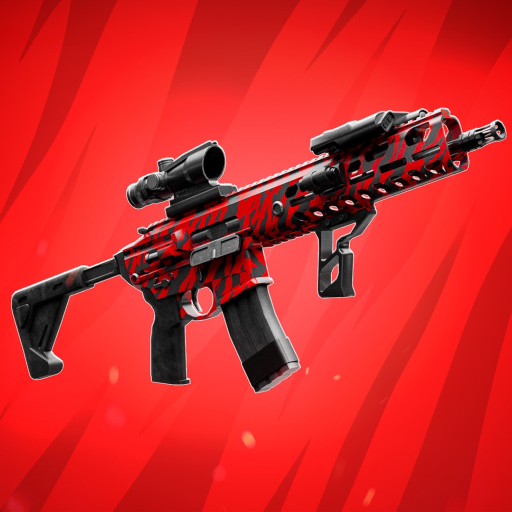
OverviewAirsoft Battles is a multiplayer shooter on Roblox where you fight other players in chaotic, paintball-style combat. You can play on PC, phone, tablet, Xbox, or PlayStation 5, either in team matches or free-for-all.
What is on this page
Contents
Starting out: the tutorial and first steps
Step
When you first load into the game, a tutorial walks you through the controls and how to shoot. After the tutorial, spend some time in the lobby or training area before jumping into a live match.
- Complete the tutorial work through it so you understand movement and shooting before facing real opponents.
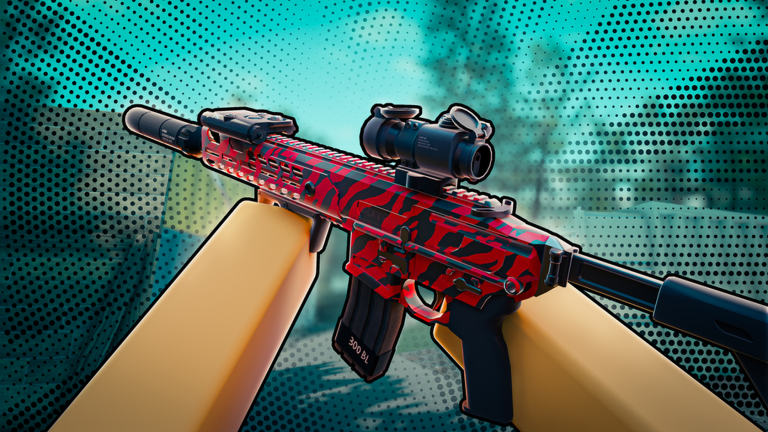
- Pick up the default weapon the starter weapon is balanced and works in any situation.
- Practice in the lobby or training area use this space to get comfortable with your device's controls before a live match.
How to move and stay alive in a match
Tips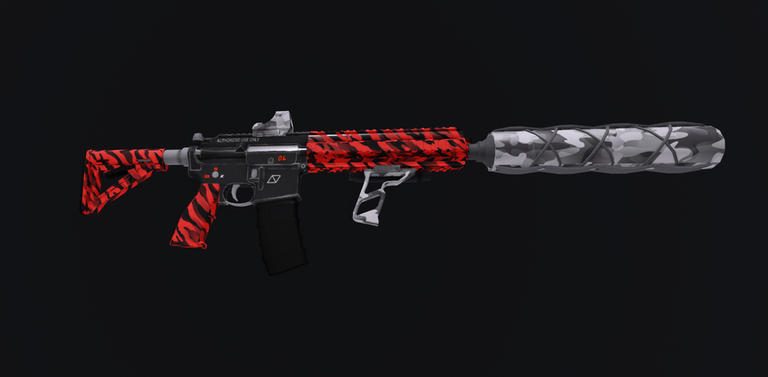
Airsoft Battles puts you up against multiple opponents at once. Move with your teammates, keep obstacles between you and the enemy, and learn where spawn points sit on each map.
- Stay with your team — players who move alone die much faster than those who stick together.
- Use cover constantly — walls, crates, and structures block incoming fire while you line up a shot.
- Learn the map — knowing where spawns and common enemy positions are lets you plan your route before you move.
- Avoid outnumbered fights — if multiple enemies are focusing on one spot, take a different path rather than pushing straight in.
Choosing a weapon for your playstyle
Table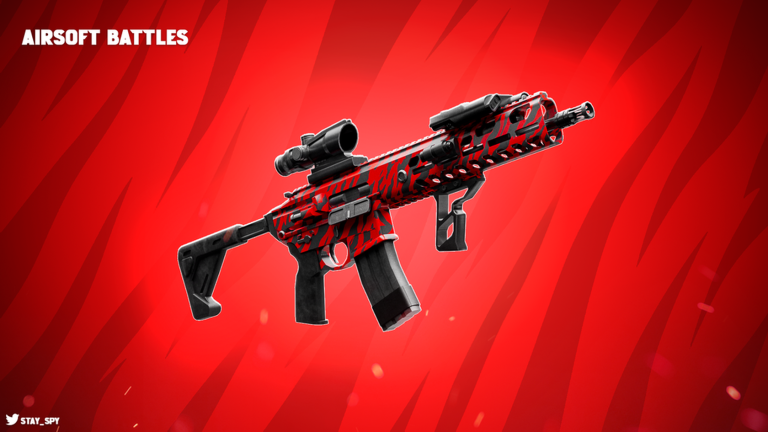
The game offers weapons built for different situations. No single weapon wins every fight, but picking one that suits your preferred range and the current map layout gives you a clear edge.
| Balanced weapon | works at any range and is the safest choice while you are still learning the game. |
| Close-range weapon | excels indoors and in tight spaces but loses effectiveness at longer distances. |
| Long-range weapon | strong on open maps and in wide corridors but struggles when enemies get up close. |
Controls by device
Summary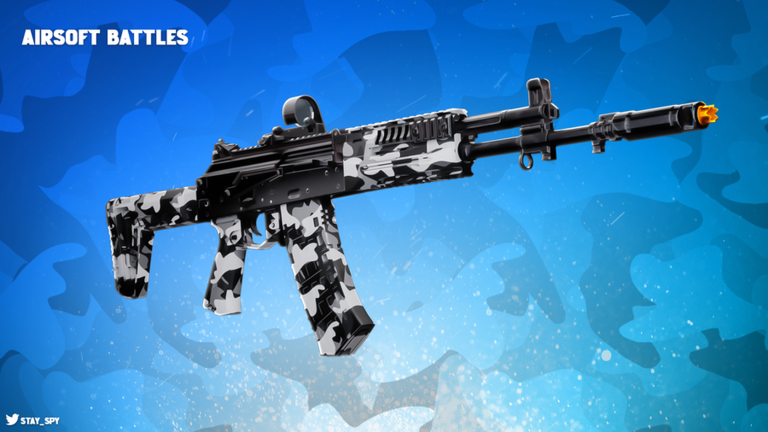
PC, phone, tablet, and console all feel different in your hands. Spend time in the lobby testing your setup, and adjust sensitivity in the settings if the default does not feel right.
Fixing lag and frame-rate problems
Check- Check your internet connection an unstable connection shifts enemy positions on your screen, making shots feel off even when your aim is correct.
- Lower the graphics settings if the game stutters, reducing the visual quality smooths it out on weaker devices.
- Close background apps other apps running at the same time eat into the memory and processing power the game needs.
- Clear your cache (phone or tablet) built-up cache files slow things down; clearing them can recover lost performance.
Glossary
Glossary- Tutorial
- The guided mode at the start of the game that teaches you controls and basic shooting before you enter live matches.
- Lobby
- The waiting area where you browse and join matches; also a safe space to practice controls.
- Spawn
- The point on the map where your character appears at the start of a match or after being eliminated.
- Sensitivity
- A setting that controls how fast your view turns when you move the mouse, stick, or touch the screen.
- Frame rate
- How many times per second the screen updates; a higher frame rate means smoother, more readable movement.
- PvP
- Player versus player — every opponent you face in a match is a real person, not a computer.
Common questions
FAQIs PC better than mobile for this game?
A mouse gives you more precise aim than a touchscreen, so PC players can react faster once they have practice. That said, mobile players can absolutely compete — what matters most is knowing your device's controls and tuning your sensitivity.
How do I join a team match?
Select a team game mode from the lobby and the game places you on a team automatically. Once you are in, move in the same direction as your teammates and signal when you spot enemies to keep everyone coordinated.
How do I unlock new weapons?
You can earn weapons through in-game rewards by playing matches and collecting in-game currency. Check the in-game shop or menu to see exactly what is available and what each item costs.
Why do enemies seem to jump around or teleport?
That is almost always a sign of lag caused by an unstable internet connection. Try moving closer to your router or lowering the graphics settings to reduce how hard your device is working.
Game updates can change what is on this page. If you spot something, get in touch and let us know.
