
Flight Master — Getting started
About
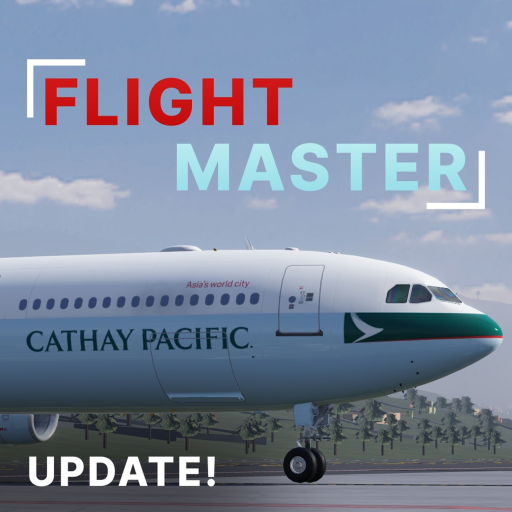
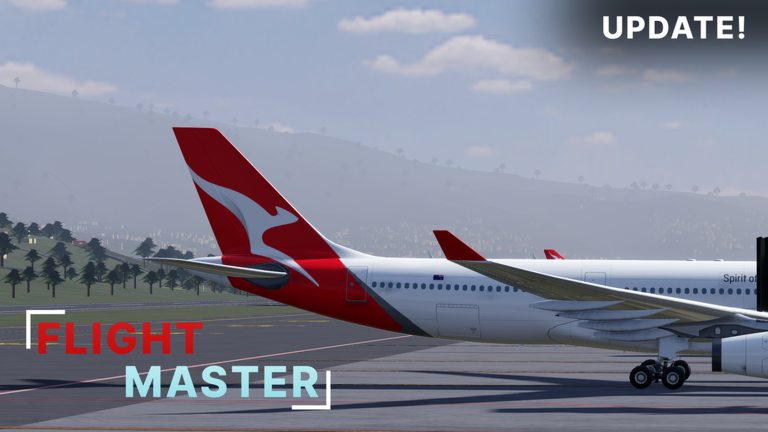
OverviewFlight Master is a Roblox flight simulator with 10 planes and 7 airports to fly between. This guide walks you through picking a plane, learning the controls, and building the skills to land smoothly every time.
What is on this page
Contents
Getting started: your first steps in the cockpit
Step
When you load into the game, head to the hangar and pick a plane before anything else. Each aircraft handles a little differently. Once you are seated in the cockpit, go through the key layout.
- Pick a plane go to the hangar and choose the aircraft you want to fly.
- Sit in the cockpit take the pilot seat so the instruments are in front of you.
- Check the controls read through the key layout before you touch anything else.
- Try small inputs nudge the controls gently so you can see how the plane responds.
Free planes versus paid planes
Table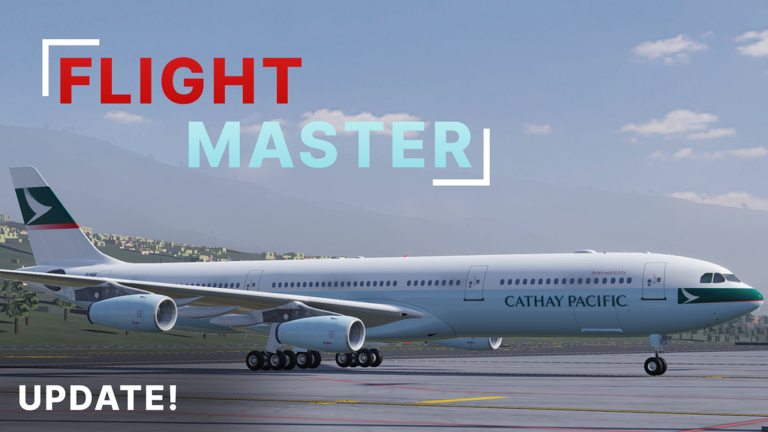
The game offers several planes at no cost alongside aircraft that require Robux to unlock. The A340-300 costs 80 Robux. All 7 airports are reachable with any plane, free or paid.
| Free planes | multiple free aircraft are available. |
| Robux planes | additional aircraft available for purchase. |
| A340-300 | the most recently added aircraft, available for 80 Robux. |
| Airport access | all 7 airports are reachable with any plane, free or paid. |
Control habits that keep you airborne
Warn
The plane does not snap instantly to where you point it. Yanking the controls causes problems that are hard to recover from. Steep climbs after takeoff and the final seconds before touchdown are where players run into trouble.
Recent updates worth knowing about
Summary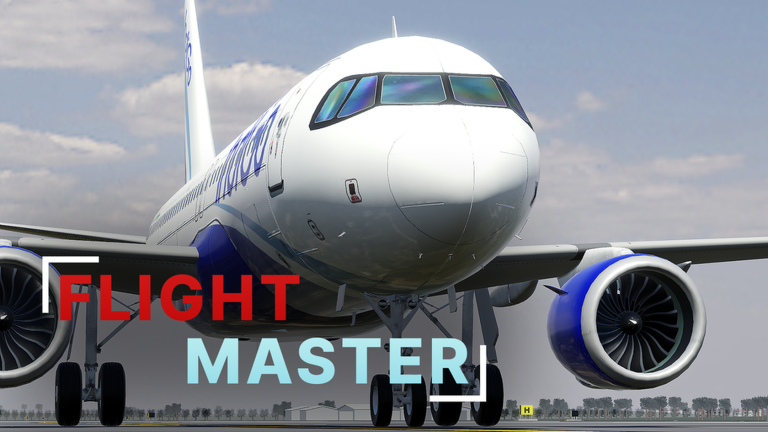
The developer has pushed updates affecting both performance and content.
- A340-300 added as a new flyable aircraft (80 Robux).
- Performance a major round of optimisation cut lag significantly.
- Bug fixes a range of issues were resolved in the same update.
- Lighting visibility was improved slightly.
Glossary
Glossary- Takeoff
- The phase where the plane accelerates down the runway and lifts into the air.
- Landing
- The phase where you reduce speed and altitude until the plane touches down and stops on the runway.
- Altitude
- How high the plane is above the ground, shown on one of the cockpit instruments.
- Stall
- What happens when the plane slows down too much or climbs too steeply and loses the lift needed to stay airborne.
- Robux
- Roblox's in-game currency, used here to unlock additional aircraft.
- Flight simulator
- A game genre that reproduces the experience of piloting a real aircraft as closely as possible.
Common questions
FAQCan a complete beginner pick this up?
Yes — the game is designed so you can learn the controls from scratch inside it.
What happens when I crash?
The game does not end after a crash, so you can jump straight into another flight.
Do I need to spend Robux to see all the airports?
No. All 7 airports are available to any player regardless of which plane they are flying, and free planes can reach every one of them.
Game updates can change what is on this page. If you spot something, get in touch and let us know.
