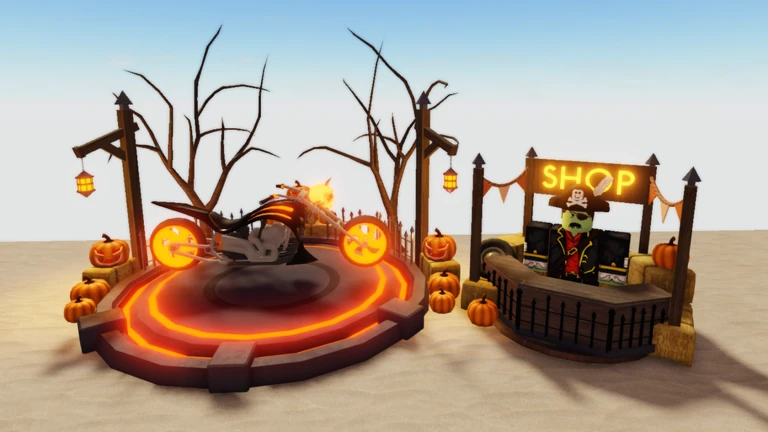
 Live now
–
Live now
–
🎃HALLOWEEN PART 2🎃
Continue earning the Halloween currency that can be used to unlock even more rewards... Explore the new Halloween Even…

A Dusty Trip is an open-world driving game set across a vast desert landscape, where there is no finish line and no set goal — just you, your vehicle, and the sand stretching out in every direction. This guide covers how to get moving, how to explore, what to do when something goes wrong, and how to get the most out of every session.
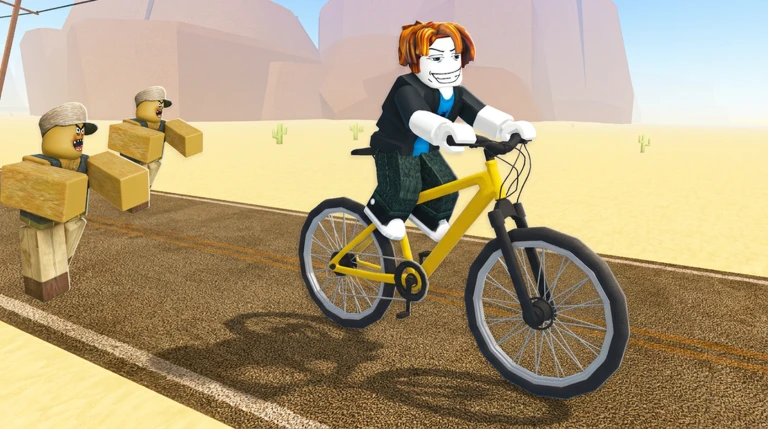
When you first load into the game, your vehicle just sits there. Nothing moves until you start the engine, so that is always step one. Once it is running, the controls are straightforward and you can drive wherever you like.
A Dusty Trip is not a goal-driven game. The desert is your playground, and the point is to move through it however feels good to you. Because the controls are simple, you will feel comfortable behind the wheel within a few minutes. From there, the variety in the landscape itself keeps things interesting.
Events running now or coming soon. They have fixed dates, so check them first.
Live now
–
Continue earning the Halloween currency that can be used to unlock even more rewards... Explore the new Halloween Even…
 Upcoming
–
Upcoming
–
Follow the event so you don't miss out...
Because A Dusty Trip is a low-complexity game, genuine roadblocks are rare. When something does feel off, a quick check of a few basics is usually enough to sort it out.
 DustyCoins1
800 dusty coins
BROKEN-CARS28
500 dusty coins
S7GONESOON
800 dusty coins
NEWSTRGE25
DustyCoins1
800 dusty coins
BROKEN-CARS28
500 dusty coins
S7GONESOON
800 dusty coins
NEWSTRGE25
There is no finish line or specific objective. The game is designed around driving through the desert and enjoying the journey itself. You set your own purpose each session.
Yes. Roblox places multiple players in the same world, so friends who join the same session will appear in the desert with you. You can drive alongside each other and explore together.
Open the settings menu and reduce the graphics quality to a lower setting. Dropping it to medium or low is usually enough to smooth things out on most devices.
Before you start
Please check the following before using MetaNew.
* You can change your email preference any time from your profile.
