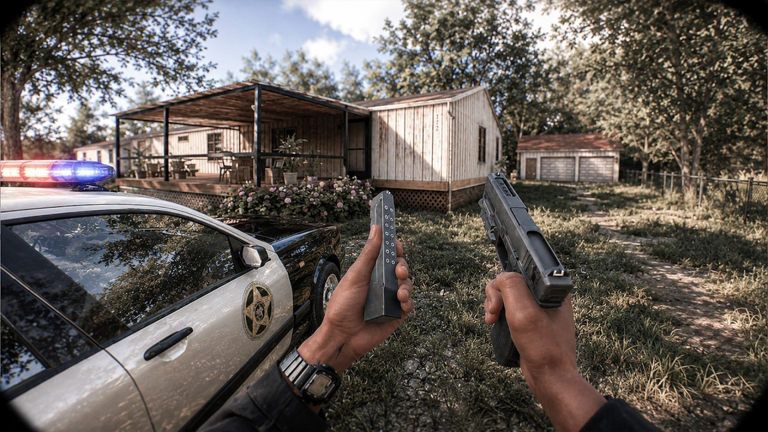
BODYCAM: SWAT Simulator puts you in the boots of a SWAT officer, completing missions with a squad across different locations. This guide covers the controls, how to work with your team, what to do when you get stuck, and how XP milestones reward your progress.
In shortSticking together and using your flashlight and laser properly is what gets a squad through early missions.
Missions ask you and your team to move to objectives, deal with suspects, and return to the lobby when the job is done. Work through these steps on your first run.
Turn on your flashlightdark areas are common, so hit V or Square as soon as visibility drops.
Use your laserswitching it on with Z or Triangle helps you aim accurately.
Lean around cornerspress Q or E to peek left or right instead of stepping fully into the open.
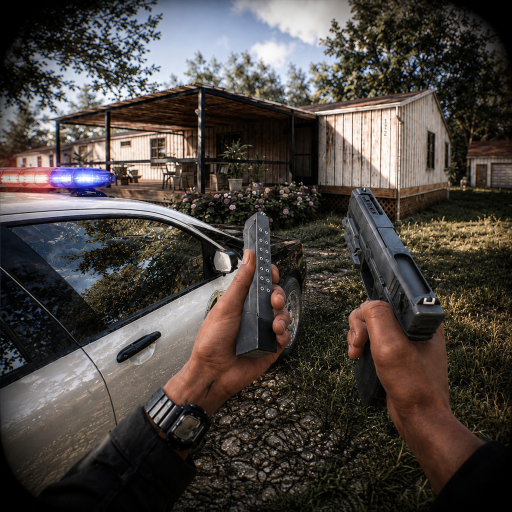
Watch your ammotap M to check how many rounds you have left.
Return to the lobbyonce the mission is marked complete, head back for your debrief.
In shortThis is a co-op game, and the squad that communicates and stays together consistently outperforms one that splits up.
Every mission is designed for a team. Going solo into a room or ignoring your teammates turns a winnable situation into a wipe.
Tips worth knowing
Stay close to your teammates rather than pushing ahead on your own.
Communicate through voice or chat so your squad knows where you are and what you see.
05
XP milestones and what they mean
Summary
In shortThe XP milestones give you a clear sense of how far you have come and how far you still have to go.
As you play, your XP total climbs and the game recognises you at set thresholds. These milestones track your dedication and show up as badges on your profile.
1,000 XP Motivated Player
5,000 XP Dedicated Player
10,000 XP Insane Player
25,000 XP Heavenly Player
50,000 XP Godly Player
75,000 XP Ascended Player
100,000 XP King Player
06
What to do when a mission keeps defeating you
Check
In shortMost failed runs come down to one of three things: controls, equipment, or team coordination — check each one before trying again.
If you are stuck on a mission, go through this list before attempting it again.
Are you using your flashlight in dark sections, or are you moving blind?
Is your laser on when you need to aim quickly and accurately?
Are you leaning rather than fully stepping into enemy fire?
Are you checking your magazine before entering a new room?
Is your squad moving together, or is someone isolated and getting picked off?
Stands for Special Weapons and Tactics — the type of police officer you play as in every mission.
PvE
Player versus Environment — you fight computer-controlled enemies rather than other players.
Flashlight
A piece of equipment that lights up dark areas, toggled with V on PC or Square on console.
Laser
An aiming aid attached to your weapon, toggled with Z on PC or Triangle on console.
Fire mode
The setting that controls whether your weapon fires single shots, bursts, or full-auto, switched with X.
Lean
Tilting your body left or right to aim around a corner without fully exposing yourself, done with Q or E on PC.
Magazine check
Pressing M to see how many rounds you have left before you run dry in a fight.
Common questions
FAQ
Can I play on mobile and get the same experience as PC players?
Yes — the game runs on PC, mobile, and console. The controls differ across devices, so spend a moment confirming the layout for your platform before heading into a mission.
What happens when I die in a mission?
Falling in the line of duty earns you the Officer Down! badge — it is a normal part of the game.
Is there any reward for liking or favouriting the game?
The developers unlock new updates when the game hits like milestones, so engaging with those buttons directly influences when new content arrives.
Updated Oct 5, 2026
Game updates can change what is on this page. If you spot something, get in touch and let us know.


 FreeCash
