
Station Master Tycoon Guide: Getting your station off the ground
About
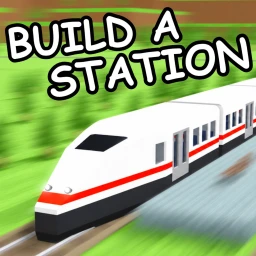
OverviewStation Master Tycoon is a free sandbox game where you design and build your own train station, then watch AI guests sit, shop, eat, and walk through it. This guide covers how to get started, how to keep your guests happy, how to visit other players' stations, and how to make the most of the customization tools.
What is on this page
Contents
Getting your station off the ground
Step
When you first load in, you are given a plot of land that is yours to fill.
- Check the plot walk the edges of your land so you know how much space you have to work with.
- Place outer walls set the perimeter before any interior dividers go in.
- Lay the flooring cover the areas guests will walk through so you can see how the space actually feels.
- Widen the corridors give yourself more passage space than you think you need.
MetaNew Player Survey
The next survey is being prepared.
Keeping AI guests happy
Tips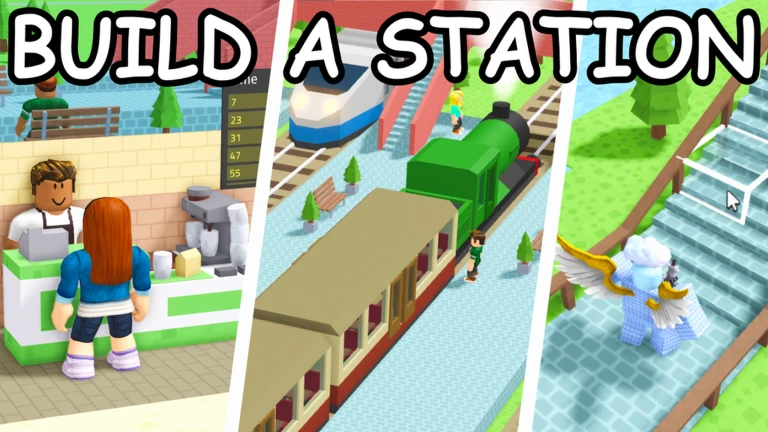
The AI guests wander your station by themselves, stopping to sit, shop, and eat wherever those things are available. Watching where they go — and where they never bother — tells you exactly where your station needs work.
- Put benches and seating in several spots so guests always have somewhere to rest.
- Divide the station into clear zones — waiting area, food, shops, restrooms — so guests spread out rather than clumping in one corner.
- Keep corridors wide; tight passages make movement look awkward and guests struggle to get through.
- Pick a consistent color theme for walls and floors so the station reads as finished and polished.
- Add level changes with stairs or raised sections to make the layout feel more like a real station.
Visiting other players' stations
Step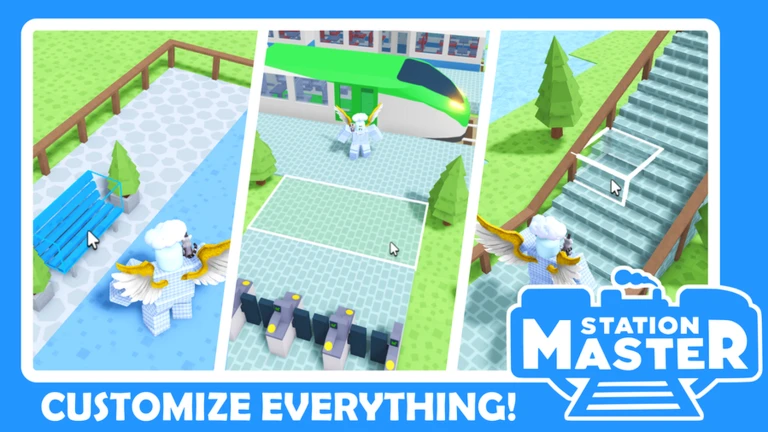
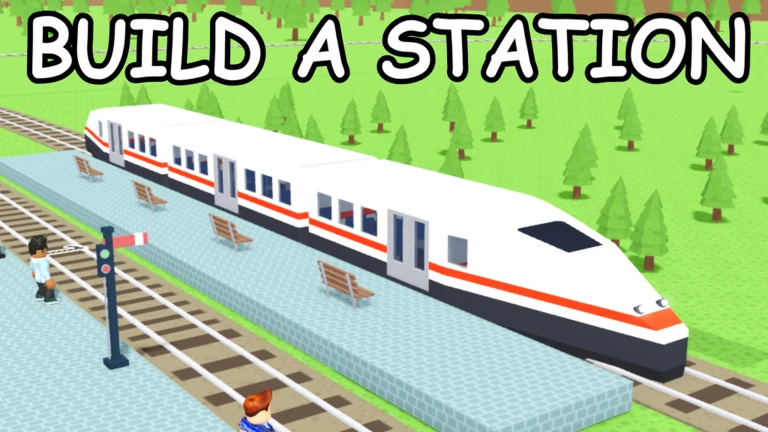
The map links all the stations on a server through a shared rail network.
- Find the rail access locate the train platform inside your own station.
- Board a train choose a destination from the options available at the platform.
- Walk the whole station explore the layout, check the color choices, and watch how the guests behave there.
Wall and floor customization
Tips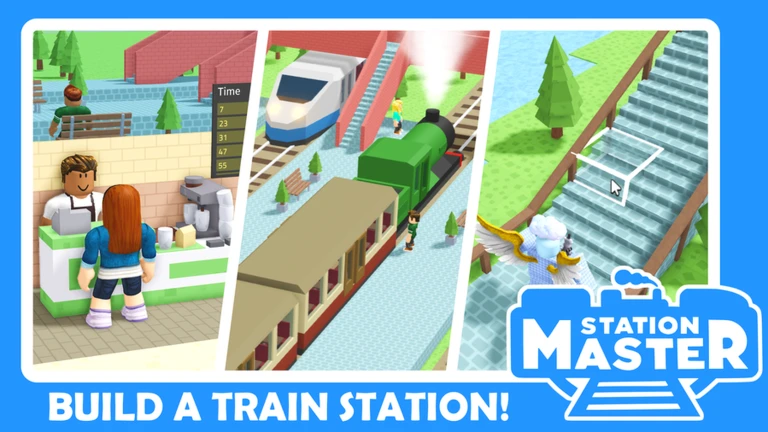
The game lets you choose from a range of wall patterns and floor textures.
- Settle on a base color first, then pick walls and floors that fit it rather than choosing each piece separately.
- Use different colors for different zones so guests and visitors can read the layout at a glance.
- Vary the wall patterns and floor textures between areas to add visual interest without changing the overall theme.
Playing with others
Summary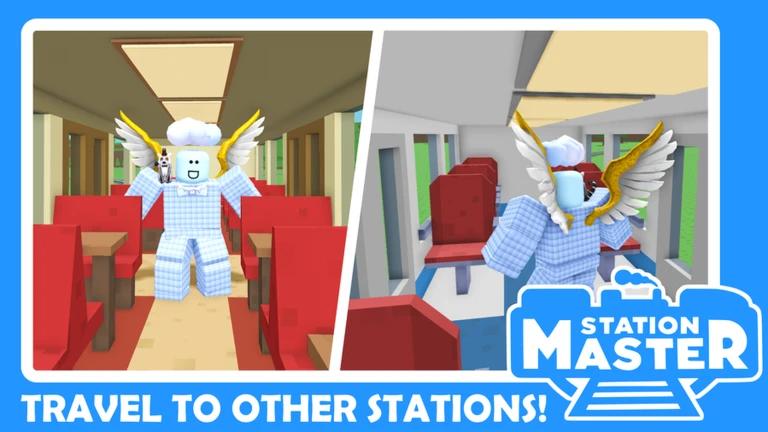
A single server holds up to four players at once. You can use that to get feedback on your own station, explore friends' builds together, or simply build quietly alongside someone else.
- Server size up to four players at once.
- Shared exploration multiple players can tour the same station at the same time.
- Play style solo building and group visits are both fully supported.
- Cost the game is free to play with no purchase required.
Glossary
Glossary- AI Guest
- An automatic character that wanders your station on its own, sitting, shopping, eating, and walking without any input from you.
- Sandbox
- A style of game with no fixed goal — you build whatever you want, however you want.
- Rail network
- The in-game train system that connects every player's station on the map so you can travel between them.
Common questions
FAQCan I fix mistakes after I have already built something?
Yes — walls and floors can be moved or replaced at any time.
Do I need to spend money to get the full experience?
No. The game is free and all the core building features are available without any purchase.
How do I get to another player's station?
Find the train platform inside your own station, board a train, and pick a destination. The rail network takes you directly to the station you choose.
Game updates can change what is on this page. If you spot something, get in touch and let us know.
