
CAR CRASH Guide: Basic controls for regular cars
About
OverviewCAR CRASH is a sandbox driving game built around realistic car physics, where you can drift, crash, and cruise with no fixed goal. This guide covers the controls for both regular cars and police cars, tips for pulling off drifts, and how to make the most of a free-roam session.
What is on this page
Contents
Basic controls for regular cars
Check
Regular cars use W, A, S, and D to move. Shift boosts your speed, P is the handbrake, H sounds the horn, and Z, X, and C cycle through left indicator, both indicators, and right indicator. Pressing Y puts your driver into ragdoll, so a big crash will send the character flying.
- W A S D steering and throttle
- Shift sprint for extra speed
- P handbrake, used for sharp turns and drifts
- H horn
- Z / X / C left, both, and right indicators
- Y ragdoll mode, your driver goes limp on impact
How to drift properly
Step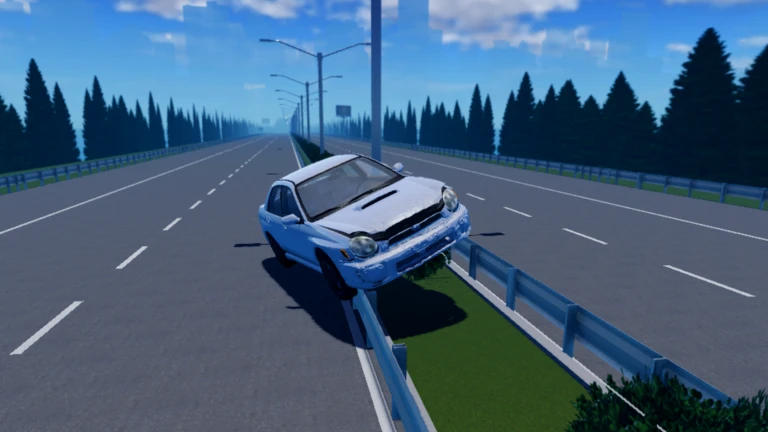
The physics engine is realistic enough that yanking the wheel alone will just spin you out. A proper drift needs the handbrake and the steering input to happen at the same time, right before the curve. Adding sprint keeps the rear wheels sliding longer so the drift travels further.
- Build speed hold Shift before the turn
- Hit the handbrake press P just as you enter the curve
- Steer into the slide hold A or D through the corner while keeping P held
Police car controls
Check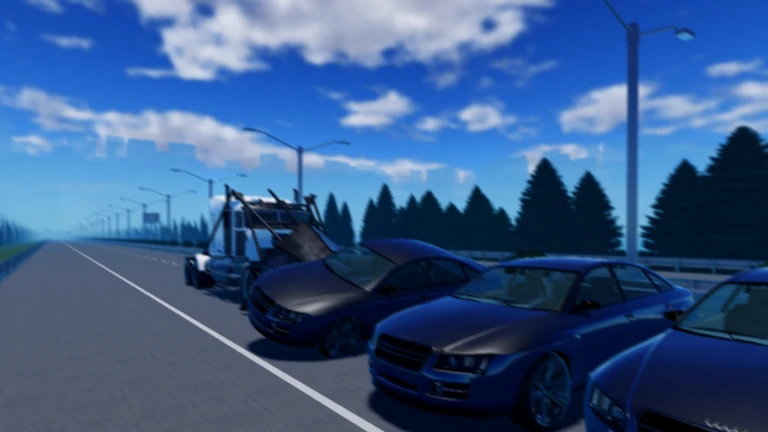
All the standard movement keys carry over to police cars. On top of that, three extra keys handle the emergency equipment.
- J toggles the siren lights on and off
- R plays the Wail siren sound
- T plays the Yelp siren sound
Premium membership and what it changes
Table
Every car, control, and physics mechanic is available to all players from the start. Premium membership layers two extras on top of that, neither of which touches the core gameplay.
| Free players | full access to all driving, drifting, crashing, and indicator controls |
| Premium players | free VIP commands and a premium chat tag alongside everything free players get |
Glossary
Glossary- Handbrake
- Activated with P, it locks the rear wheels and causes the car to slide, which is the foundation of drifting.
- Ragdoll
- Activated with Y, it makes your driver go limp so the body reacts physically to crashes and impacts.
- Sprint
- Held with Shift, it boosts car speed.
- Indicator
- The turn signals controlled by Z for left, X for both, and C for right, used to signal your direction to other players.
- Wail
- A police siren sound triggered with R on a police car.
- Yelp
- A shorter, sharper police siren sound triggered with T on a police car.
- Sandbox
- A game style with no fixed objectives, leaving players free to invent their own goals and rules.
- VIP Commands
- Special in-game commands available only to Premium members.
Common questions
FAQDo I need to spend Robux to enjoy the game?
No. Every driving mechanic, including drifting, crashing, ragdoll, and all the controls, is available to free players. Premium membership adds VIP commands and a chat tag, but neither changes how the cars handle.
How do I drift without just spinning out?
The key is pressing the handbrake and steering at the same moment, just before the curve. Holding Sprint while you do this keeps the rear sliding longer.
What are the police car siren keys for?
J toggles the flashing lights, R plays the Wail sound, and T plays the Yelp sound.
Game updates can change what is on this page. If you spot something, get in touch and let us know.
