
Pull a Friend — The two roles and how they work
About
OverviewPull a Friend [2 Players] is a cooperative cart game set in Cartphus, where two players work together to survive obstacle courses — one steering, one controlling the brakes. This guide covers how to split roles, coordinate through tough sections, save your progress, and unlock every cart skin without spending anything.
What is on this page
Contents
The two roles and how they work
Table
Every run requires exactly two players, each with a distinct job.
| Steering | controls the cart's direction using WASD or the arrow keys |
| Braking | manages the cart's speed using the spacebar to keep things under control |
Getting through your first course
Step
The first course is the right place to practice timing. Focus on getting both players comfortable with their controls and talking to each other.
- Agree on roles settle who steers and who brakes before the cart moves
- Call out obstacles early the steerer should warn the braker about what's coming so there's time to react
- Brake before the bend tapping the brake just before a corner makes turning much cleaner
- Retry the same spot if you keep failing at one section, talk through a different approach together before trying again
Checkpoints and saving your place
CheckProgress is saved the moment you hit a checkpoint — no button press needed. When you come back for another session, you pick up from the last checkpoint you reached.
- Checkpoints are placed throughout the courses, acting as safe milestones
- The save happens automatically on arrival, so there is nothing extra to do
- Your next session starts from that checkpoint, not from the very beginning
- Private servers are free, so you and your friend can run your own session without strangers joining
Unlocking cart skins
Tips
Cart skins are scattered around the map, and you pick them up while playing through the courses. Clearing every stage unlocks the full collection, so there is nothing hidden behind a paywall.
- Skins are found around the map during a run
- Clearing a stage lets you switch to a newly unlocked skin before the next one
- Every skin in the game can be unlocked without spending Robux
When you keep hitting the same wall
Warn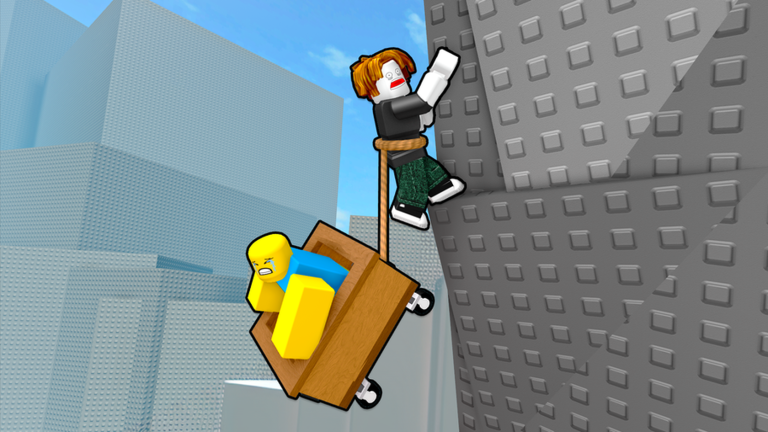
Obstacle courses in Cartphus can knock your cart out or deal damage if you go in too fast. The fixes below address the most common reasons runs fall apart.
The Wild Robot event
Summary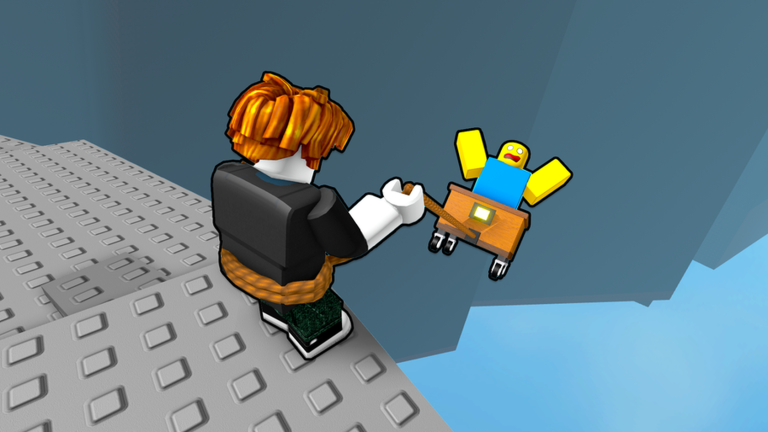
Roz from The Wild Robot is currently featured in Cartphus. Picking up the associated items costs nothing.
- Event The Wild Robot movie collaboration, active in-game now
- Cost free, no Robux required
- Items limited UGC items that change how your character looks
- Where to check the in-game screen shows current event details
Glossary
Glossary- Cartphus
- The name of the game's world, where all the obstacle courses are set.
- Steerer
- The player who controls the cart's direction using WASD or the arrow keys.
- Braker
- The player who manages the cart's speed using the spacebar.
- Checkpoint
- A point on the course that automatically saves your progress the moment you reach it.
- Cart skin
- A cosmetic item that changes the look of your cart, unlocked by clearing stages.
- UGC item
- A player-created item available in Roblox; the limited ones from this event can only be grabbed in-game.
- Private server
- A dedicated session just for you and your friend, available for free in this game.
Common questions
FAQCan I play this alone?
No — the game requires two players at all times. One person has to steer and the other has to brake, so a second player is not optional.
Do I have to pay to get all the cart skins?
No. Every skin unlocks through gameplay alone. Clear stages, pick up skins around the map, and you will eventually have the whole collection without spending any Robux.
What should we do if we keep failing the same section?
Talk through it before your next attempt. Slowing the cart down lets the braker react in time and the steerer line up better.
Will my progress be lost if I close the game?
No. The game saves automatically whenever you reach a checkpoint. When you come back, you start from the last checkpoint rather than the beginning of the course.
Game updates can change what is on this page. If you spot something, get in touch and let us know.
