
Rope Swing Obby Guide: Controls before you start

About
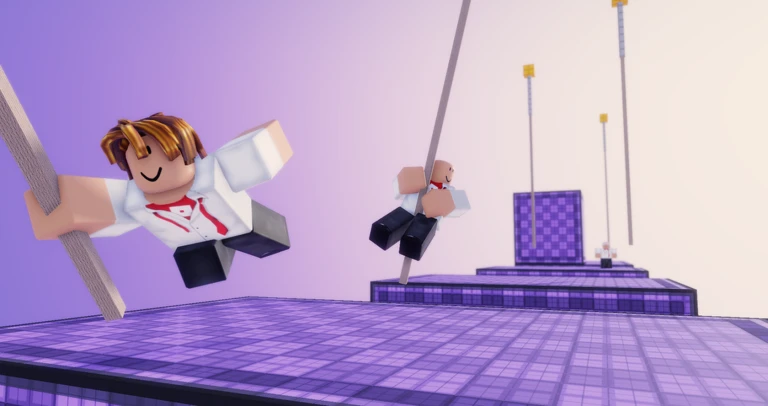
OverviewRope Swing Obby is a challenging obstacle course where ropes are your only way forward — no running, no walking, just swinging and jumping. This guide covers the controls, how stages are structured, the reward system, and what to do when you get stuck.
What is on this page
Contents
Player notes and tips
Found a useful trick? Share it with everyone! Notes with screenshots are welcome!
Write a guide note
[W10] Rope Swing Obby
Controls before you start
CheckOn keyboard, Q handles jumping and E handles the special action. If you are on a console, those same functions shift to different buttons. The game warns upfront that the controls take getting used to, so do not expect them to feel natural on your first attempt.
- Keyboard Q jumps you off the rope
- Keyboard E triggers the special action
- PlayStation □ or Xbox X replaces the Q key
- PlayStation △ or Xbox Y replaces the E key
MetaNew Player Survey

The next survey is being prepared.
How the 100 stages are laid out
Table
There are 100 stages in total. The first ten are where you pick up the basics, and the badge at stage 50 frames it as the halfway point.
| Stages 1–10 | basics |
| Stages 11–25 | things become smoother as the controls click |
| Stages 26–50 | halfway there |
| Stages 51–75 | the finish line is getting closer |
| Stages 76–100 | hardest stretch to the end |
Reward crates and the group skip
Summary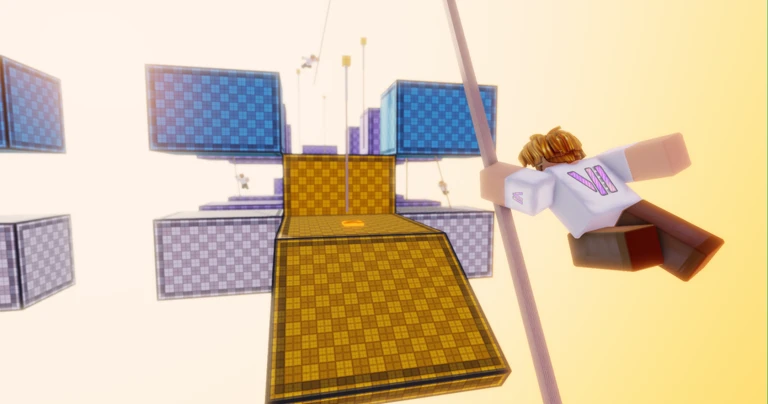
Clearing stages earns you crates. The group is free to join and immediately gives you up to 100% extra crate rewards and one free stage skip every day. Premium players get access to a separate crate type with a guaranteed full extra reward, plus an additional daily skip. Every stage is open to everyone regardless of whether they have Premium.
- Group bonus
up to 100% extra rewards on any crate
- Group daily skip
one free stage skip per day
- Premium crates
100% chance of full extra reward
- Premium skip
one additional free skip per day on top of the group skip
- No paywalled stages
all 100 stages available without spending anything
Trophy tiers and Hardcore mode
Step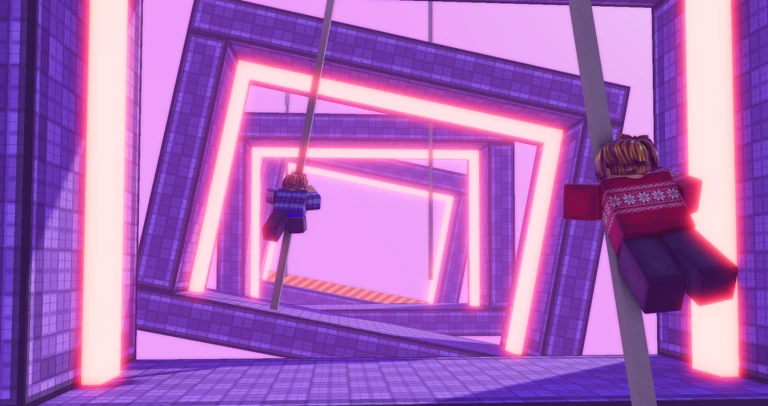
Finishing stages earns you trophy rankings that escalate from Bronze through Legendary, and each one you earn for the first time unlocks a corresponding badge. Once you have worked through that standard ladder, a Hardcore version of the same progression unlocks an entirely separate set of badges.
- Earn Bronze
unlocks the Master Roper badge
- Reach Silver
unlocks Assertive Challenger
- Reach Gold
unlocks Pressure Crusher
- Reach Nightmare
unlocks Deathwish Expert
- Reach Legendary
unlocks Unstoppable Force; the standard ladder is complete
- Take on Hardcore
the same Bronze-through-Nightmare ladder at higher difficulty, with its own badges; Transcendent Legend sits at the very top, and even the developers are unsure it can be cleared
Worlds, updates, and leaderboards
Tips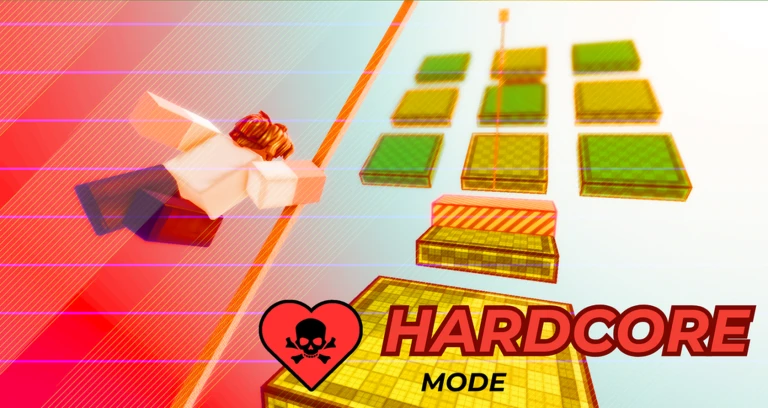
The game currently runs on World 10, and World 8 is a separate experience — you cannot access W10 content from W8. A recent update added Winter World 2 and fixed a bug where leaderboards were not updating. To make sure you are seeing the latest version of the game, use a private server.
- W8 and W10 are separate worlds; join W10 directly to access current content
- Use a private server when you want to check the latest updates
Glossary
Glossary- Obby
- Short for obstacle course, a Roblox game type where you navigate platforms and hazards to reach the end.
- Rope swing
- The core mechanic of this game — you grab a rope, let it carry you through its arc, then release at the right moment to land on the next platform.
- Crate
- A reward box earned by clearing stages, which the group bonus and Premium membership can increase.
- Daily skip
- A free pass that lets you jump over one stage per day, available to group members and Premium players.
- Hardcore mode
- A harder version of the trophy system that runs parallel to the standard trophy ladder, with its own set of badges.
- Trophy tier
- A ranking system with five levels — Bronze, Silver, Gold, Nightmare, and Legendary — each unlocking a badge on first completion.
Common questions
FAQIs this game too hard for a beginner?
The game itself warns that the controls are difficult to get used to. The first ten stages exist to build your fundamentals, and falling costs you nothing.
Do I need to spend Robux to reach stage 100?
No — every stage is accessible without spending anything. Joining the free group gets you extra crate rewards and a daily skip. Premium adds more crate bonuses and another skip, but it is entirely optional.
What should I do if the controls feel wrong on console?
On PlayStation, the □ button replaces Q and △ replaces E. On Xbox, X replaces Q and Y replaces E.
How do private servers help?
The game recommends using private servers to access the latest updates.
What is the difference between W8 and W10?
W10 is the current world. W8 is a separate experience, and you cannot reach W10 content from inside it.
Game updates can change what is on this page. If you spot something, get in touch and let us know.
