
Obby But You Walk on Walls — How wall-walking works
About
OverviewObby But You Walk on Walls flips the usual obstacle course idea by letting you walk on walls and ceilings as well as the floor. This guide covers the basic controls, how to move through all three worlds, and what to do when you get stuck.
What is on this page
Contents
How wall-walking works
Step
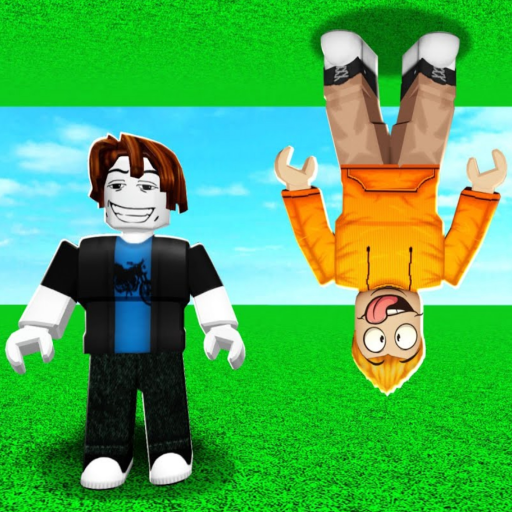
The biggest difference from a normal obby is that gravity does not pin you to the floor. Walk into a wall or ceiling and your character attaches to it without any button press. From there, WASD moves you along that surface just as it would on the ground.
- Check your orientation spin the camera all the way around if you feel lost; seeing where the next platform is makes the path obvious.
- Jump as normal the spacebar still works the same way, launching you away from whichever surface you are standing on.
Stage layout across the three worlds
Summary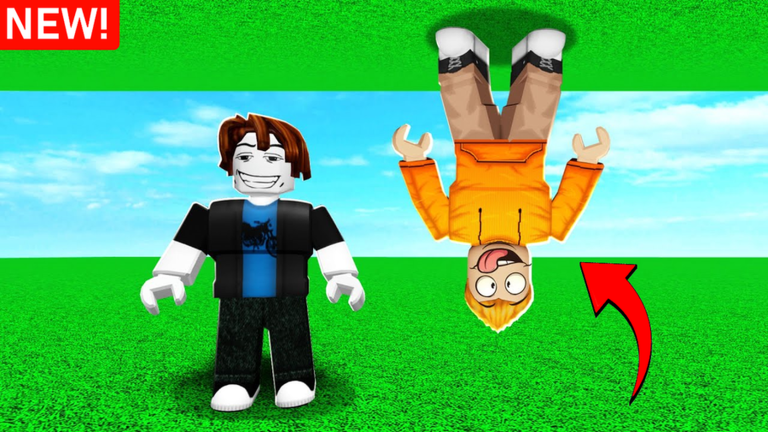
There are three worlds with 40 stages each, giving more than 120 stages in total. The difficulty climbs noticeably between worlds, but the structure stays the same throughout.
- World 1 gentle introduction stages built around getting comfortable with wall-walking.
- World 2 unlocks after you clear World 1, and starts combining jumps across several different surfaces.
- World 3 the most complex courses, requiring precise timing and good camera control.
- Checkpoints clearing a stage adds a checkpoint, so you restart from progress already made rather than the very beginning.
- Retries there is no penalty for falling, so you can attempt any stage as many times as you need.
Getting unstuck in World 1
Check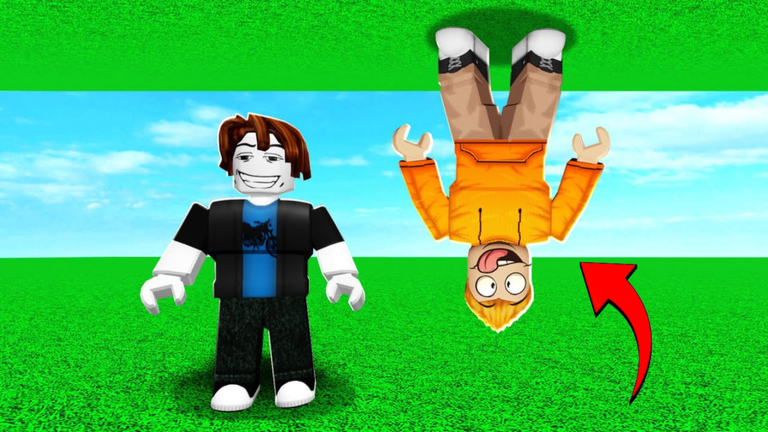
World 1 is designed to be beginner-friendly, so if you are stuck it is almost always a camera or direction problem rather than a skill wall. Run through these checks before you reset.
- Rotate the camera fully around your character to find the route ahead.
- Make sure you are pressing WASD toward the next surface, not parallel to it.
Pushing through Worlds 2 and 3
Tips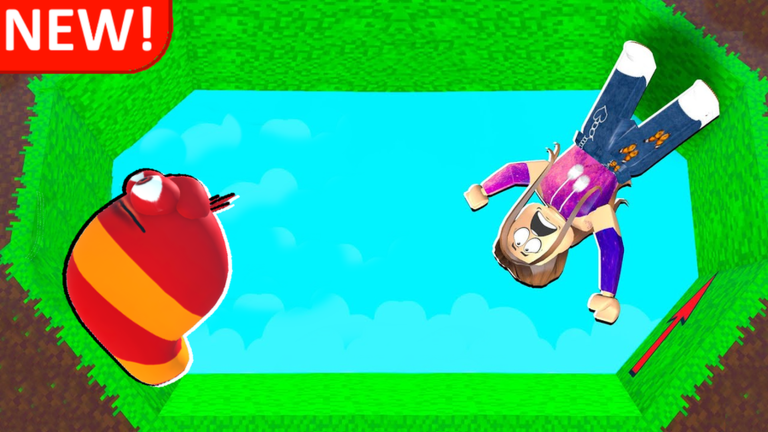
Worlds 2 and 3 throw multi-wall jumps at you constantly.
- Focus only on the very next surface you need to land on, not the whole stage.
- If you miss the same spot repeatedly, adjust your angle or timing by a small amount each attempt rather than doing the same thing over again.
- Every stage can be finished without paying anything; skipping is a shortcut, not a requirement.
Premium benefit and free play
Table
The game is fully playable without spending anything. The single premium perk speeds up an optional feature.
| Free players | can attempt and complete all 120-plus stages with no restrictions. |
| Premium players | receive a 2x faster free skip, which lets you bypass a stage more quickly. |
| Skip function | lets you move past a stage you are stuck on; free players can use it too, just at standard speed. |
Camera and control tips
WarnWall-walking demands more active camera management than a standard obby.
Glossary
Glossary- Obby
- Short for obstacle course — the Roblox game genre where you move through a series of platforming challenges to reach the end.
- World
- One of the three main sections of the game, each containing 40 stages.
- Stage
- A single obstacle course within a world; clearing it saves your checkpoint.
- Checkpoint
- A saved position earned by clearing a stage, letting you restart from that point instead of the very beginning.
- Skip
- An in-game option that lets you jump past a stage you are stuck on; Premium players skip at twice the normal speed.
- Retry
- Restarting a stage from scratch with no penalty, used whenever you are stuck or want a clean run.
Common questions
FAQThe upside-down sections make me disoriented. Will that go away?
Yes — after a handful of stages your brain adjusts to the reversed gravity.
Do I need to buy Premium to finish the game?
No. Premium only makes the skip feature run twice as fast. Every stage across all three worlds can be completed without any purchase.
I keep falling off the same wall. What should I try?
First, check that your camera is pointing where you want to go before you press WASD. If the jump itself is the problem, adjust your angle or timing by a small amount each try rather than repeating exactly the same move. Switching to a different stage and returning later also helps.
My mouse keeps overshooting and I lose my view. What can I do?
Open Roblox settings and reduce your mouse sensitivity.
Game updates can change what is on this page. If you spot something, get in touch and let us know.
