
Build with Friends Guide: First steps when you join
About
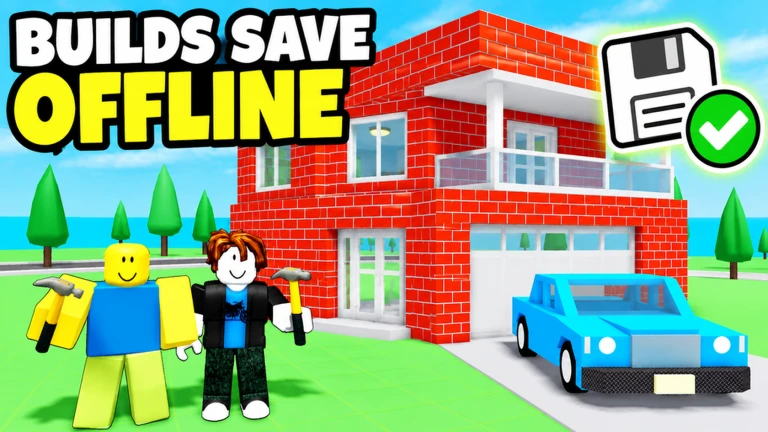
OverviewBuild with Friends is a relaxed co-op building game where you place blocks to construct anything from a small house to a massive server-wide structure. Your builds save automatically, so you can keep working on the same project across multiple sessions.
What is on this page
Contents
Player notes and tips
Found a useful trick? Share it with everyone! Notes with screenshots are welcome!
Write a guide note
Build with Friends
First steps when you join
Step
Before you dive into building, there are a couple of quick things worth doing. The game itself recommends joining the official Roblox group and giving the game a thumbs up.
- Join the group
find the official group linked on the game page and hit Join so you are part of the community.
- Like the game
tap the thumbs-up on the game page to show your support.
- Read the rules
the game has three rules posted in its description, and knowing them now saves trouble later.
MetaNew Player Survey

The next survey is being prepared.
Core building mechanics
Tips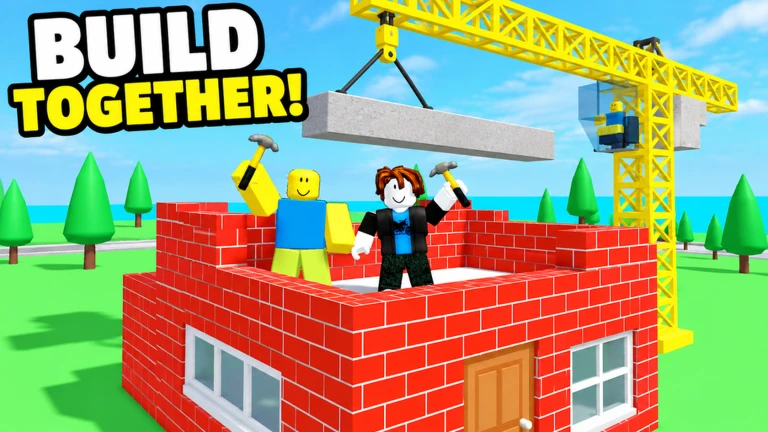
The building tools let you place and delete blocks wherever you want on the map. You can build on your own plot or contribute to the big shared structure in the center of the map. Everything saves automatically, so you never need to worry about losing your work when you log off.
- Use the building tool to place a block.
- Select any block you have already placed and remove it if you want to change or fix something.
- Your builds save on their own
no manual save step needed before you leave.
Building a track and riding a cart
Step
The game specifically highlights the ability to build a track and then ride a cart along it. The Ride a Cart badge is earned by doing exactly that.
- Build the track.
-
Ride the cart along the track to earn the badge.
Rules you must follow
Warn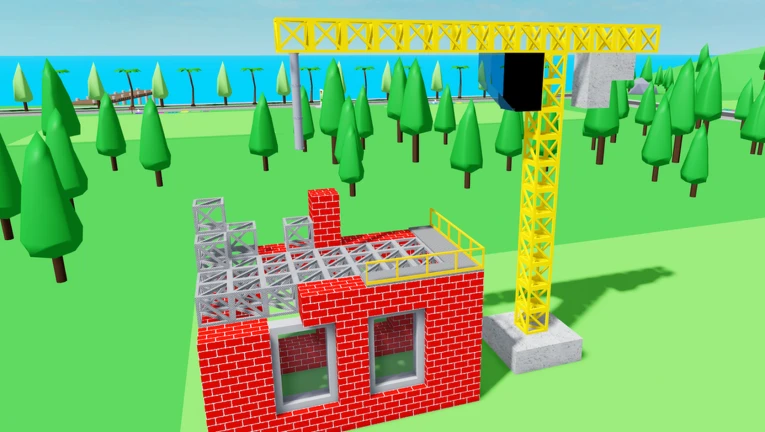
The game posts three rules that all players are expected to follow.
Glossary
Glossary- Griefing
- Deliberately destroying or ruining another player's build — strictly against the game's rules.
- Generator
- A placeable item that produces power for your build. Placing your first one earns the First Power badge.
- Auto-save
- The game's built-in feature that records your build automatically so it is still there the next time you log in.
- Server
- The shared game world where all players in a session exist together; the center of the map is a shared building space for everyone in it.
- Cart
- A rideable vehicle that travels along a track you build yourself.
Common questions
FAQHow do I invite a friend to build with me?
Open the in-game menu and use the invite feature, then enter your friend's Roblox username to bring them into your build.
Will my build disappear when I leave the game?
No — the game saves your build automatically. The next time you log in, your build will be right where you left it.
What happens if someone destroys my build?
Griefing is against the game's rules.
Game updates can change what is on this page. If you spot something, get in touch and let us know.
