
Throw Me — Pairing up before you start
About
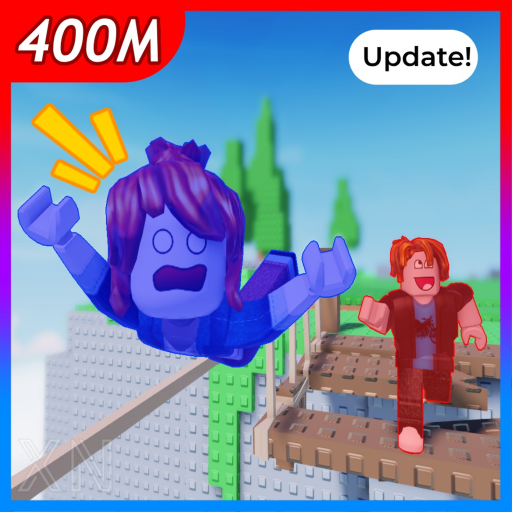
OverviewThrow Me is a two-player obstacle course where one partner shrinks down small and the other grows big, and together you climb to the top of a mountain. The big player can throw the small one over gaps and up to high places, while both press buttons to unlock the path forward. This guide covers how to pair up, what each role does, and how to push through when the courses get tough.
What is on this page
Contents
Pairing up before you start
Step
Throw Me requires exactly two players; there is no solo mode. One of you needs to send a pairing request to the other while you are both in the game, and the course only begins once that request is accepted.
- Find a partner make sure your friend is already in the game before you try to send the request.
- Send the pairing request use the in-game system to invite the person you want to play with.
- Wait for acceptance the course starts once your partner approves the request.
- Check your role after pairing, one player becomes small and the other becomes big.
What each size does
Table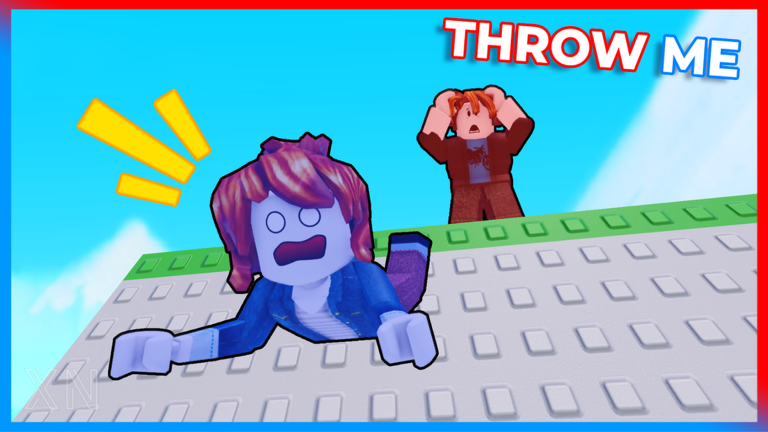
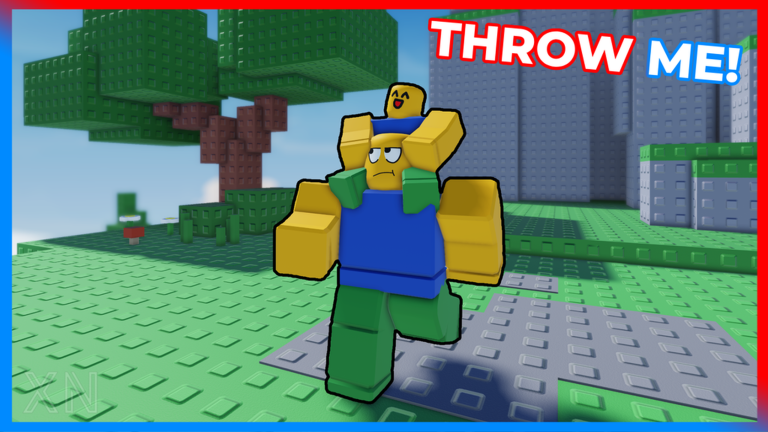
The two sizes have opposite strengths, so the course is built around both of you covering each other's weaknesses.
| Small player | fits through narrow gaps and tight spaces that the big player cannot enter. |
| Small player | cannot jump to high places, so relies on the big player for altitude. |
| Big player | can jump to higher platforms that the small player cannot reach alone. |
| Both players | must press buttons together to clear certain obstacles on the course. |
Controls you need to know
Check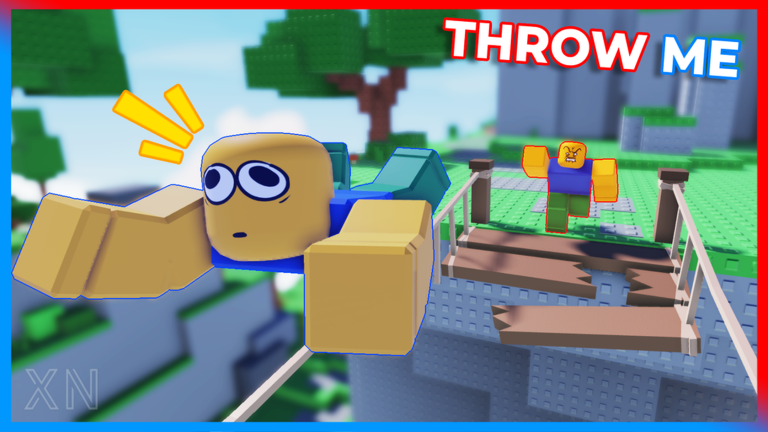
The game runs on PC, mobile, and console. Before you start climbing, confirm both players can see and reach their controls.
- Throw and drop buttons are displayed at the bottom right of the screen the big player uses these to launch the small player.
- Movement controls let each player navigate their character independently.
Climbing the mountain together
Tips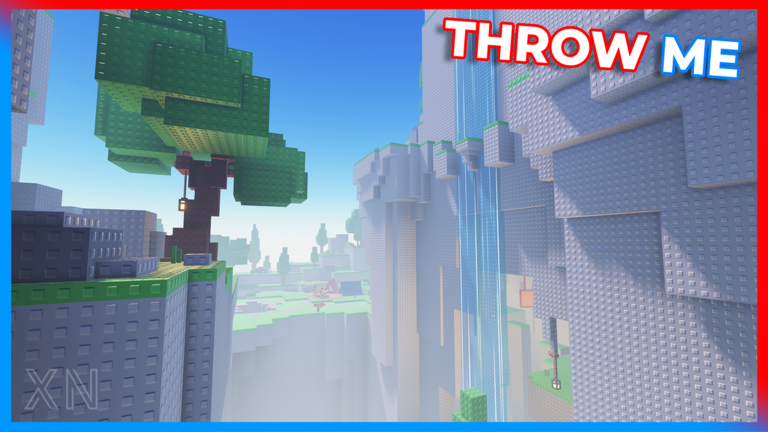
The courses get harder the higher you climb, so building good habits early makes a real difference later on.
- Let the small player take every narrow path — do not try to force the big player through gaps they cannot fit.
- The big player should wait until the small player is in position before throwing, because a mistimed throw wastes both players' momentum.
Respawns and what happens when you fall
Warn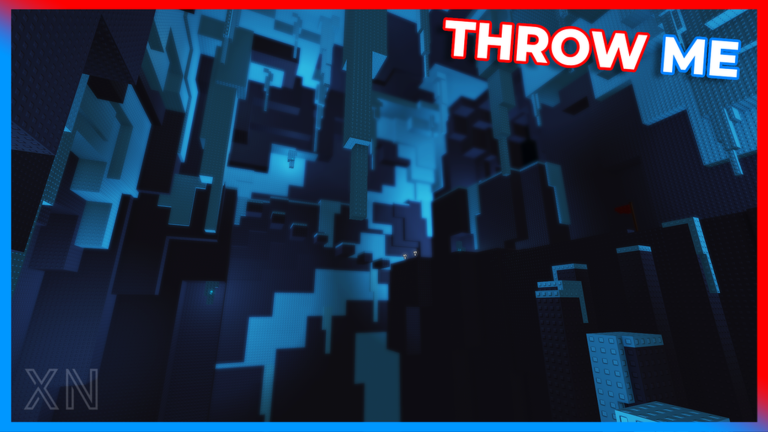
Falling does not end your run immediately, but respawns are a resource you can exhaust. Joining the XN Game Studios group gives you three free respawns to start with.
Distance badges and what they mark
TableThe mountain tops out at 400 M, and four of the badges map directly onto distances along that climb. Earning them in order tells you exactly how much of the course you have cleared.
| Badge | Altitude reached | What it means for your run |
|---|---|---|
| Rookie | 100 M | You have cleared the first quarter of the mountain. |
| Average | 200 M | You are halfway to the summit. |
| Skilled | 300 M | Only one quarter of the course remains. |
| Master | 400 M | You have reached the top of the mountain. |
Glossary
Glossary- Obby
- Short for obstacle course — a Roblox game type where players jump, climb, and navigate through challenges to reach a goal.
- Pairing
- The in-game process of sending a request to another player so you are linked as a duo before the course begins.
- Respawn
- A resource that lets you revive rather than restarting from the beginning of the stage.
Common questions
FAQCan I play this alone?
No — Throw Me is strictly a two-player game. You need to pair with another player before the course will start, so bring a friend.
How do I get free respawns?
Join the XN Game Studios group on Roblox and you will receive three free respawns. Do this before your first run so you have them ready when you need them.
Does it matter which player is big and which is small?
When you pair up, one player becomes small and the other becomes big.
Game updates can change what is on this page. If you spot something, get in touch and let us know.
