
Roach Guide: Your first steps in the game
About
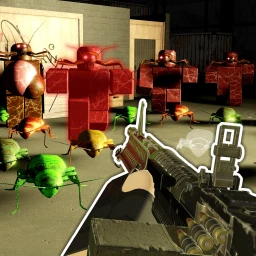
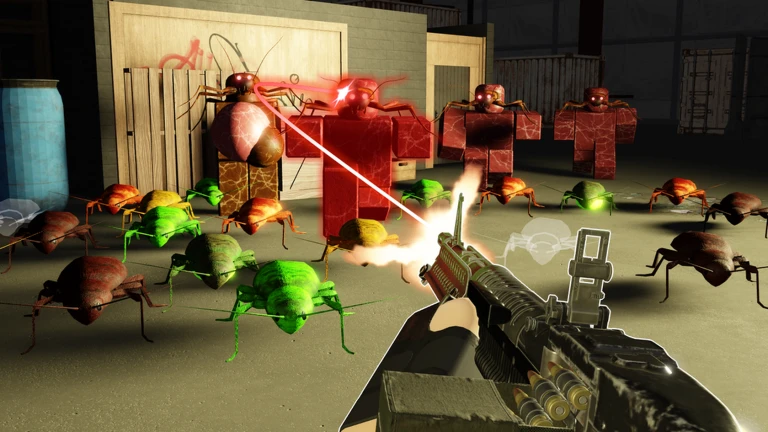
OverviewRoach is a co-op FPS story game by Dev Noob Studios where you and your friends fight through linear missions against roaches. The game is a work in progress, so expect updates and play with an open mind. This guide walks you through your first steps, difficulty choices, side content, and useful controls.
What is on this page
Contents
Your first steps in the game
Step
The moment you join, you earn the Welcome Investigator badge automatically. From there, the path forward is straightforward: clear each part of Chapter 1 before moving on. Terminating your first roach is its own milestone.
- Join the game the Welcome Investigator badge arrives the instant you load in.
- Play Chapter 1 Part 1 clearing it on any difficulty earns the Chapter 1 Part 1 Complete badge.
- Terminate a roach your first kill rewards the First Termination badge.
- Move on to Chapter 1 Part 2 tackle Part 2 to earn the next badge.
MetaNew Player Survey
The next survey is being prepared.
Difficulty and the weapon reward
Tips
Clearing Chapter 1 Part 2 on any difficulty earns a completion badge, but finishing it specifically on Hard earns a separate badge that comes with a weapon reward. The entire story can be completed for free. All purchases are optional and exist to support the developers.
- Any difficulty clears count for the completion badge.
- Hard mode for Chapter 1 Part 2 earns a weapon reward badge.
- The entire story can be completed for free — no purchases are required.
- All purchases in the game are optional and exist to support the developers.
The Area 51 side story
Summary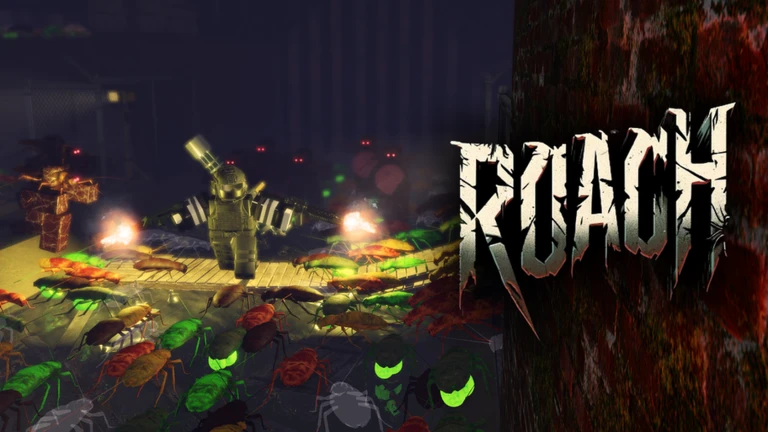
Alongside the main chapter missions, there is a distinct side story set in Area 51. Clearing it on any difficulty is enough to earn the Area 51 Side Story badge.
- Area 51 a side story separate from the main chapter progression.
- Any difficulty completing it at any difficulty level unlocks the badge.
Controls and server options
Check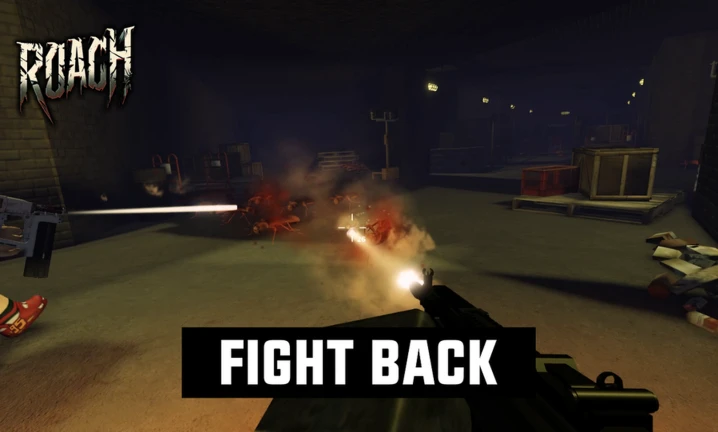
The game exposes two controls. VIP servers are available if you want a private session with friends.
- M key toggles music on and off.
- G key plays an emote.
- VIP servers can host up to 50 players.
- Premium members receive an exclusive daily reward chest.
Glossary
Glossary- Linear story missions
- Missions that follow a set order, meaning you complete one part before the next unlocks.
- Side story
- An optional mission separate from the main chapter progression, like the Area 51 stage.
- Emote
- An animation your character performs, triggered by pressing G.
- VIP server
- A private server supporting up to 50 players in Roach.
- Work in progress
- The developers' own description of the game, meaning content and stability will keep changing over time.
Common questions
FAQDo I need to spend Robux to finish the story?
No. The story can be completed entirely for free. All purchases are optional and go toward supporting the developers.
How do I get the weapon reward from Chapter 1 Part 2?
Clear Chapter 1 Part 2 on Hard difficulty. The weapon reward is tied to that specific badge.
Can I play the Area 51 side story before finishing Chapter 1?
The side story is separate from the main chapters. Clearing it on any difficulty earns the badge.
What do Premium benefits include?
Roblox Premium members receive an exclusive daily reward chest when they log in.
Game updates can change what is on this page. If you spot something, get in touch and let us know.
