
Iron Man Simulator — Getting into your suit

About
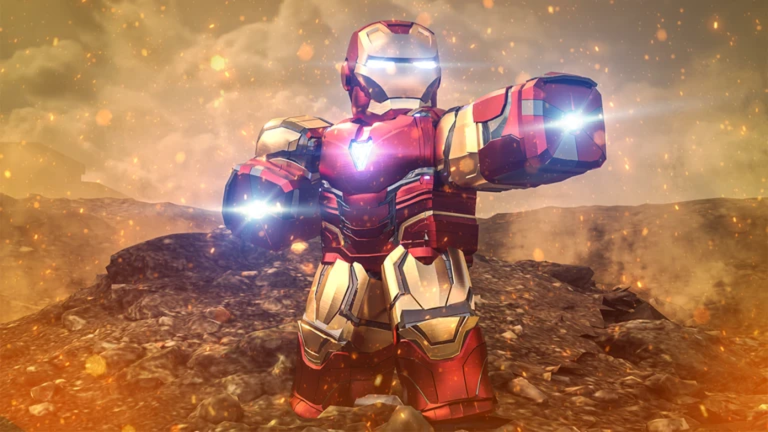
OverviewIron Man Simulator is an action game where you put on an Iron Man suit and fight other players using repulsors, rockets, flight, and more. This guide walks you through suiting up, mastering the controls, winning fights, and fixing common problems.
What is on this page
Contents
Getting into your suit
Step
When you load into the game, you start without the suit. Press Q to call it, then approach it to put it on. Once you're wearing it, you can try out every other ability.
- Press Q call the suit to your location.
- Walk up to the suit equip it and enter armored mode.
- Press M toggle the mask on or off.
- Press F start flying.
- Press X remove the suit if you want to step out of it.
- Press Backspace take off just the helmet.
Your weapons and what they do
Table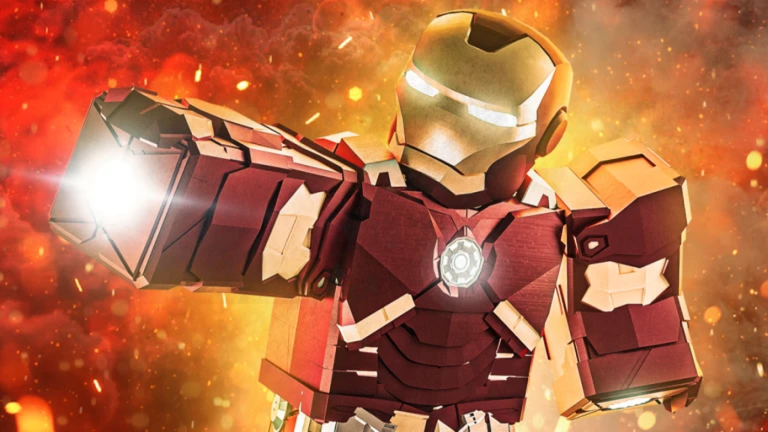
The suit gives you two main ways to deal damage. Repulsors fire quickly and are easy to land from a distance. Rockets are high-damage explosive shots. Sentry mode handles targeting on its own.
| Repulsors (Q / E / R) | fast, accurate beams fired from your hands and chest. |
| Rockets (T) | high-damage explosive shots. |
| Infrared scan (J) | highlights enemy positions so you can spot players who are far away or out of sight. |
| Sentry mode (K) | switches you into an automatic firing mode that targets nearby enemies without manual aiming. |
Flight and movement in combat
Tips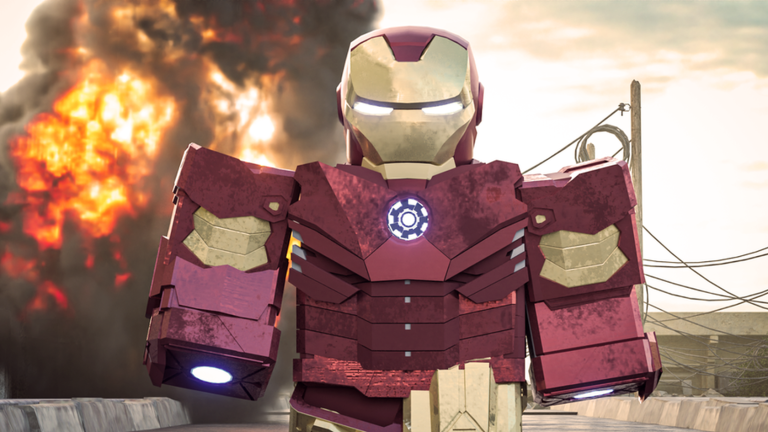
Flight is a major feature of the Iron Man suit. The flight boost lets you move faster while airborne. Use the infrared scan to find enemies, and eject when you need to exit the suit quickly.
- Fly higher than your opponent.
- Hold Left Ctrl while flying to boost your speed.
- Use J to scan for enemies at range.
- Press N to eject from the suit in a hurry; if you are far from it afterward, press N again to call the Suit Gantry and re-equip.
Playing without spending Robux
Summary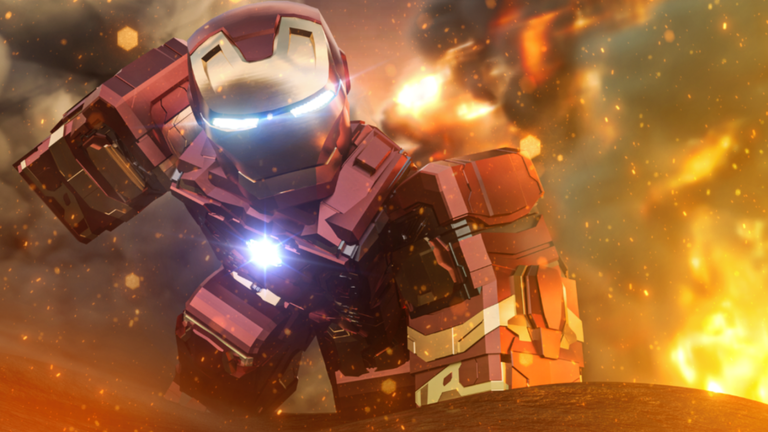
All the suit's combat tools — flight, repulsors, rockets, infrared scan, sentry mode, and eject — are available to every player from the start.
When controls stop working
CheckIf something is not responding, run through this list. Many issues happen because a key is pressed at the wrong moment — for example, flight controls only work while the suit is on.
- Q does not call the suit check that no other Roblox setting has reassigned the key.
- F does not start flight make sure the suit is fully equipped before pressing it.
- Left Ctrl boost does nothing confirm you are already airborne when you press it.
- Voice commands are not responding open Roblox settings and confirm microphone access is allowed.
- Nothing responds at all restart the game and try again.
Glossary
Glossary- Repulsors
- Beam weapons fired with Q, E, and R.
- Rockets
- High-damage explosive shots fired with T.
- Flight boost
- An acceleration burst activated by holding Left Ctrl while already in the air.
- Sentry mode
- A K-key mode that automatically fires at nearby enemies without manual aiming.
- Infrared scan
- A J-key ability that reveals enemy positions at range.
- Eject
- The N-key function that launches you out of the suit instantly.
- Suit Gantry
- A remote suit-delivery system called by pressing N again after ejecting while far from the suit.
Common questions
FAQI called the suit but I can't put it on — what do I do?
Walk right up to the suit after pressing Q, then press Q again or click on it to equip it.
My voice commands do nothing — is something broken?
Open your Roblox settings and check that microphone permission is turned on. The supported commands include phrases like 'Power on', 'Eject', and 'Call suit'.
Game updates can change what is on this page. If you spot something, get in touch and let us know.
