
Simulator Truk Indonesia Guide: Your first delivery
About
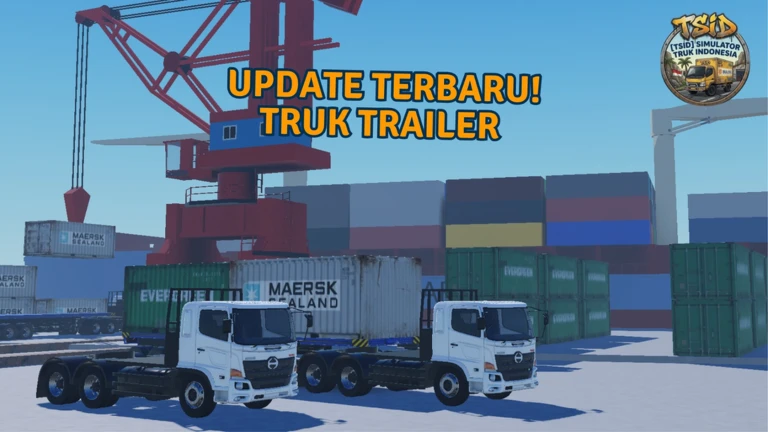
OverviewSimulator Truk Indonesia puts you behind the wheel of a truck on Indonesian roads, hauling cargo from pickup points to drop-off destinations. This guide walks you through your first delivery, explains the camera system and torque limiter, and covers the job types available so you can earn money and unlock more of the game.
What is on this page
Contents
Player notes and tips
Found a useful trick? Share it with everyone! Notes with screenshots are welcome!
Write a guide note
[TSID] Simulator Truk Indonesia
Your first delivery
Step
When you spawn in, you pick a truck and get sent on a delivery job straight away. The screen shows you a map and instructions pointing you toward your destination. Finish the drop-off and you receive money and experience, which slowly open up more of the game.
- Pick a truck
choose one from the spawn area before anything else.
- Read the map
check the on-screen map and instructions to find your destination.
- Drive to the drop-off
steer your truck to the marked location.
- Unload the cargo
arrive at the destination and complete the delivery to collect your reward.
MetaNew Player Survey

The next survey is being prepared.
Job types
Table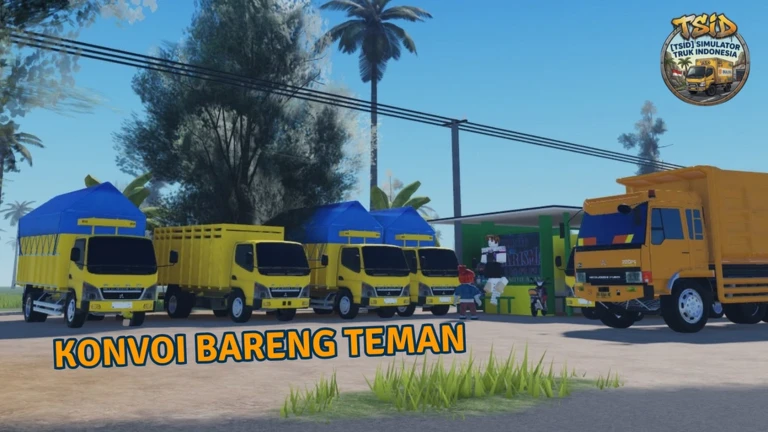
Two categories of work are available. As you progress, new jobs become accessible, so the selection grows the further you get.
| Standard delivery | basic cargo hauling from one point to another. |
| Sand transport | a specialist job that has you moving project sand to its destination. |
Camera modes
Tips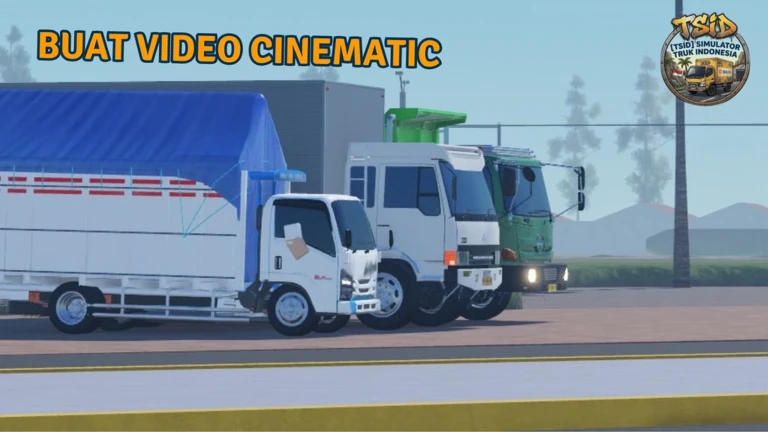
The game gives you two camera perspectives at any time.
- Cabin camera puts you inside the cab for an immersive driving view.
- External camera pulls back to show the truck from outside, making it easier to judge gaps and avoid obstacles.
Torque limiter
Warn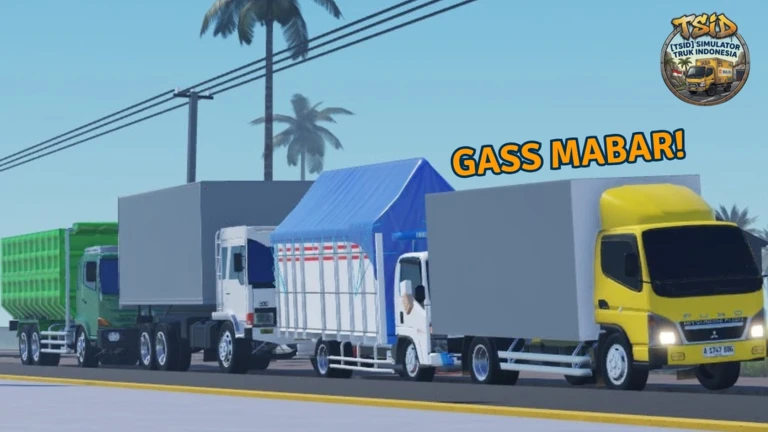
The torque limiter is a feature that restricts how much drive force the truck applies.
The TSID route
SummaryThe TSID route was added in an update and extends the delivery map into new areas of Indonesia.
- New regions
completing the route unlocks delivery areas you cannot reach otherwise.
- Better rewards
jobs on the route pay out more money and experience than basic deliveries.
Redeem codes
StepThere is a code entry screen somewhere in the game's menu. Each code can only be used once, so enter it carefully. This site currently tracks six working codes — check the codes section of this page for the full list.
- Open the menu
look for a code or redeem option in the settings or main menu.
- Enter the code
type it exactly as shown.
- Collect the reward
confirm the entry and the reward goes straight to your account.
 SULTAN20M
INDOMARET10M
MAMANG10M
SOLAR10M
Glossary
Glossary- Cabin camera
- A first-person view from inside the truck's cab that gives an immersive driving experience.
- External camera
- A view from outside the truck that lets you see its full outline and judge distances to obstacles.
- Torque limiter
- A setting that caps the truck's drive force, keeping it stable on steep hills and rough ground.
- TSID route
- A delivery route added in an update that unlocks new regions of the map and higher rewards.
- Sand transport
- A specialist job type focused on hauling project sand rather than general cargo.
Common questions
FAQWhat devices can I play on?
The game supports both mobile and PC, so you can play on either without any difference in content.
Where do I find redeem codes?
Codes are shared through the game's official page and official group. Once you have one, enter it in the code screen inside the game's menu to claim your reward.
Game updates can change what is on this page. If you spot something, get in touch and let us know.
