
Work at Ronald's Restaurant Guide: Starting out as a customer
About
OverviewWork at Ronald's Restaurant is a chill fast-food simulation on Roblox where you can eat, work the kitchen, serve customers, or just hang out with friends. This guide walks you through joining as a customer, becoming a staff member, earning points, and climbing the rank ladder.

What is on this page
Contents
Player notes and tips
Found a useful trick? Share it with everyone! Notes with screenshots are welcome!
Write a guide note
🍔 Work at Ronald's Restaurant
Starting out as a customer
Step
When you first load in, you are free to walk around the restaurant and order food without doing anything else. You can place an order at the counter or use one of the Self-Ordering Kiosks near the kitchen for a quicker option. The menu includes items like the Big Ron and Fries. No rank or quiz is needed to eat — just walk up and order.
- Open the menu
browse what food is available before you commit to an order.
- Order at the counter
talk to the cashier to place your order the traditional way.
- Use a Self-Ordering Kiosk
find one near the kitchen for a faster, self-serve experience.
- Sit down and eat
hang out at a table alone or with friends; there is no pressure to work.
MetaNew Player Survey

The next survey is being prepared.
Becoming a staff member
Check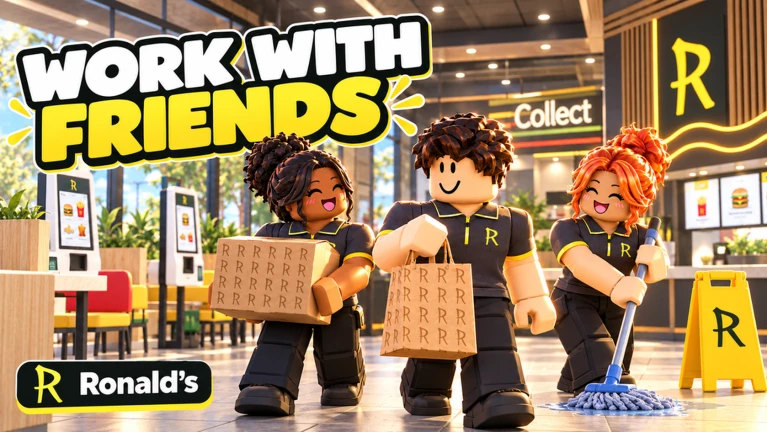
To get behind the counter, head into the kitchen and press Apply. This starts the Trainee quiz, which you must pass to join the team for free. If you would rather skip the quiz, you can purchase a rank directly in-game instead. Either way, read the Staff Handbook in the Menus before your first shift — it covers the official rules and what is expected of you.
- Enter the kitchen and locate the Apply button.
- Pass the Trainee quiz to unlock staff status at no cost.
- If you fail the quiz, you can retake it as many times as you need.
- Alternatively, buy a rank in-game to skip the quiz entirely.
- Open Menus and read the Staff Handbook before starting any shift.
Earning points and ranking up
Tips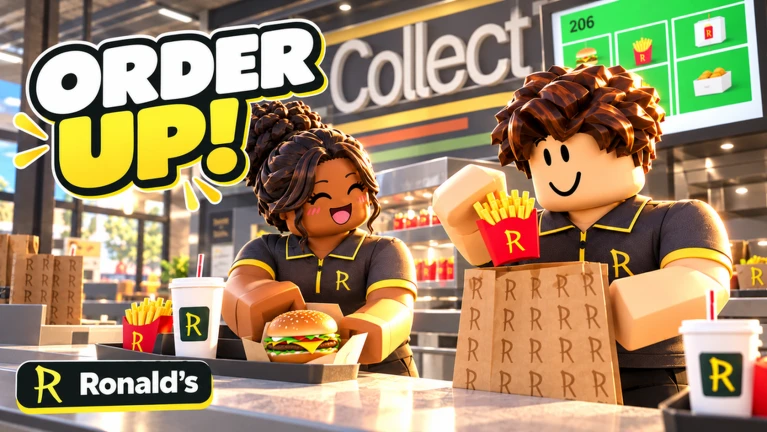
Once you are a staff member, every kitchen task you complete adds points to your total. Reach enough points and the game automatically promotes you to the next staff rank — you do not need to request it. Earning full performance points in a single shift is also what unlocks the Hard Worker badge, so putting in a solid effort each session pays off twice.
- Prepare meals and handle kitchen duties to earn points every shift.
- Your rank goes up automatically once you hit the required point threshold
no action needed on your part.
- Finishing 100 orders total earns you the Kitchen Pro badge, so treat every order as progress toward it.
- Completing 10 Golden or Diamond Orders in total earns the Order Jackpot badge, so keep an eye out for those special order types.
- Attending your first shift earns the First Shift badge, and hosting a shift for the first time earns Manager on Duty.
Free bonus codes
StepThe game has a code redemption system built into its menu. As of October 12, 2026, two working codes are available. Redeeming them is straightforward and adds points to your total immediately.
-
Open the in-game Menus from anywhere in the restaurant.
-
Find and select the Redeem Codes option inside the menu.
-
Enter each available code and confirm to receive your points.
 SIXSEVEN
67 Points
RONALDS
50 Points
UGC Champion badge
Warn
The UGC Champion badge requires you to earn Gems and then claim a free UGC item, but this is only possible during an active event. Outside of event periods there is nothing to collect toward it.
Glossary
Glossary- Points
- The currency staff members earn by completing kitchen work; collecting enough automatically raises your staff rank.
- Rank
- Your staff position in the restaurant, which goes up automatically as you accumulate points or can be purchased in-game.
- Trainee Quiz
- A short test you take after pressing Apply in the kitchen; passing it makes you a staff member for free.
- Staff Handbook
- The official rule guide for employees, found under Menus, which you should read before starting any shift.
- Self-Ordering Kiosk
- A machine near the kitchen that lets customers place their own orders without going to the counter.
- Golden / Diamond Orders
- Special order types that count toward the Order Jackpot badge; completing ten of them total earns the badge.
- Gems
- An event-specific currency used to claim free UGC items during limited-time events.
Common questions
FAQWhat happens if I fail the Trainee quiz?
You can retake it as many times as you like.
Do I need to spend Robux to enjoy the game?
No. Playing as a customer costs nothing, and you can become a staff member for free by passing the Trainee quiz. Purchasing a rank is an option if you want to skip the quiz.
How do I get the Five-Star Service badge?
You need to work with the other players on your server to push the restaurant's rating up to five stars.
Where do I enter bonus codes?
Open the in-game Menus and look for the Redeem Codes section. Type in your code there and your points are added straight away.
Game updates can change what is on this page. If you spot something, get in touch and let us know.
