
ADC DANCE STUDIO Guide: Getting started on the dance floor
About
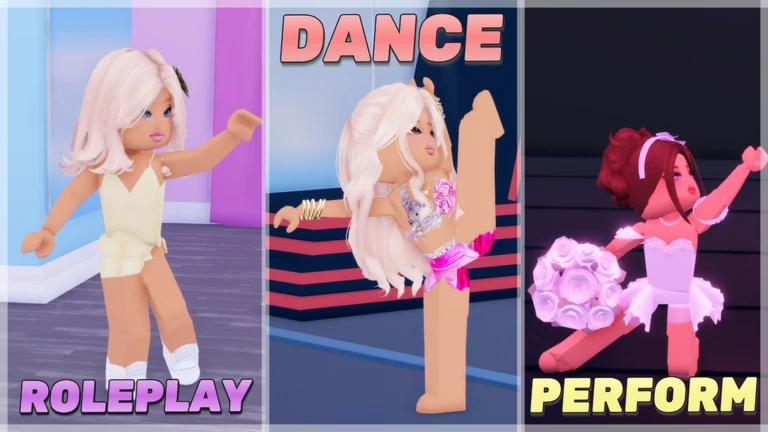
OverviewADC Dance Studio is a Roblox game where you dance, perform, and roleplay with friends on stage. This guide covers how to get started, what you can do for free, how paid options change the experience, and how to earn every badge the game offers.
What is on this page
Contents
Getting started on the dance floor
Step
When you first load in, you will see a dance floor and a stage. Spend a minute pressing the dance button to get a feel for how your character moves. Once you are comfortable, you are ready to start a roleplay or join whatever is happening on stage.
- Pick a role decide whether you want to be a dancer, a coach, or a supporting parent.
- Start a roleplay agree on a scenario with your friends and head to the stage together.
- Watch the chat in-game announcements will tell you when a class or contest is about to start.
Free play versus paid options
Table
You do not need to spend anything to dance, roleplay, or take part in classes and contests. Paid options add cosmetic items and conveniences on top of that.
| Free | dancing, roleplaying, and joining dance classes and contests |
| Premium membership | unlocks additional props you can hold or wear while dancing |
| VIP Gamepass | gives you the VIP rank and a VIP sign that marks your status in the game |
| Private server | lets you and your friends use exclusive commands to customise your own dance space |
Classes, contests, and showcases
Tips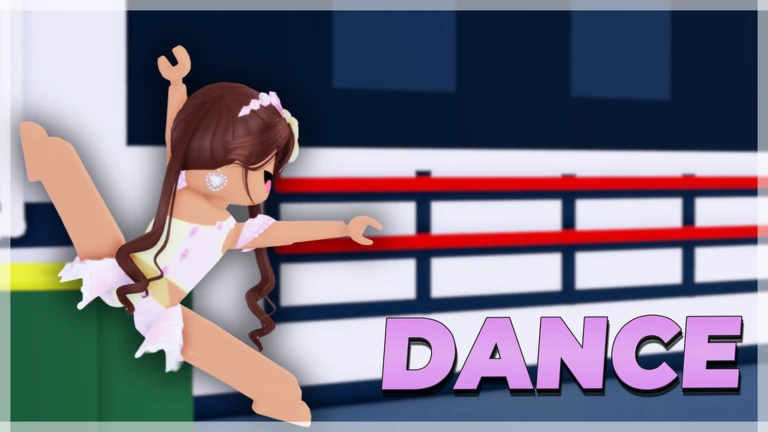
ADC Dance Studio regularly runs dance classes, competitions, and showcases. Keep an eye on the chat, because that is where events are announced.
- Attend a dance class to learn new moves from a coach.
- Enter a contest to show off what you have practised.
- Perform in a showcase to dance in front of an audience on the main stage.
- Joining the official ADC Dance Community group on Roblox keeps you up to date when events are planned.
Seasonal event badges
Check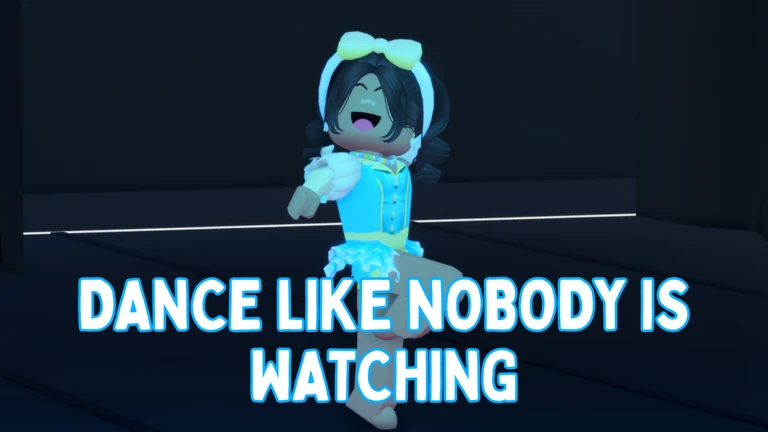
The game has run events tied to Halloween, winter, Valentine's Day, summer, and the back-to-school season, each rewarding a limited badge just for joining during the event period. Two other badges are always available regardless of the season.
- Log in during any seasonal event to claim that event's badge automatically.
- Halloween, Winter, Valentine's Day, Summer, and Back to School events have each had their own badge.
- Complete the in-game maze to earn the maze-completion badge.
- Meet the owner, Gracie, while she is in your server to unlock her badge.
- Past event badges cannot be collected after the event ends.
Glossary
Glossary- Prop
- A visual item your character can hold or wear while dancing, unlocked by having a Premium membership.
- VIP Sign
- A marker that shows your VIP status in the game, obtained through the VIP Gamepass or VIP rank.
- Private Server
- A server only you and invited friends can join, which gives the owner access to exclusive commands for customising the space.
- Roleplay
- Choosing a character role such as dancer, parent, or coach and acting it out with other players on the dance floor or stage.
- Showcase
- An in-game performance event where players dance on stage in front of an audience.
Common questions
FAQCan I enjoy the game without spending Robux?
Yes. Dancing, roleplaying, and joining classes and contests are all free. Paid options only add props or a VIP sign, so nothing about how you play changes.
How do I get a seasonal badge?
Just log into the game while a seasonal event is running — you receive the badge automatically. Once the event ends, that badge is no longer available, so check regularly.
What is the maze badge and where is the maze?
There is a maze somewhere on the game's map. Reach the end of it to earn the maze-completion badge. The game's description of the badge calls it 'an impossible maze,' so expect a challenge.
Game updates can change what is on this page. If you spot something, get in touch and let us know.
