
BETA-Ominous Runners Guide: Keyboard controls
About
OverviewBETA-Ominous Runners is an arcade-style touge drift racing game where you drive across multiple maps, drifting, doing time attacks, and free driving. This guide covers the two control schemes and everything else you need to get started.
What is on this page
Contents
Keyboard controls
Check
Keyboard mode uses WASD to steer and accelerate, with a handful of extra keys for lights, camera, and the handbrake.
- WASD move the car in any direction
- P handbrake
- ENTER exit the car
- H toggle headlights on or off
- K trigger pop-up headlights
- L open the leaderboard
- V locked camera
- Shift+P freecam
- B third-person and other cameras
MetaNew Player Survey
The next survey is being prepared.
Mouse steering setup
Step
Mouse steering is a separate control mode you toggle on and off at any time. Once it is active, the mouse handles acceleration and braking while Shift acts as your handbrake.
- Toggle mouse control press R to turn mouse steering on or off
- Accelerate Left Mouse Button
- Brake Right Mouse Button
- Handbrake hold Shift while using mouse steering
Camera options
Tips
Several camera options are available while you drive.
- Press B to cycle through third-person and other camera perspectives
- Press V to lock the camera
- Press Shift+P to enter freecam
How to drift
Step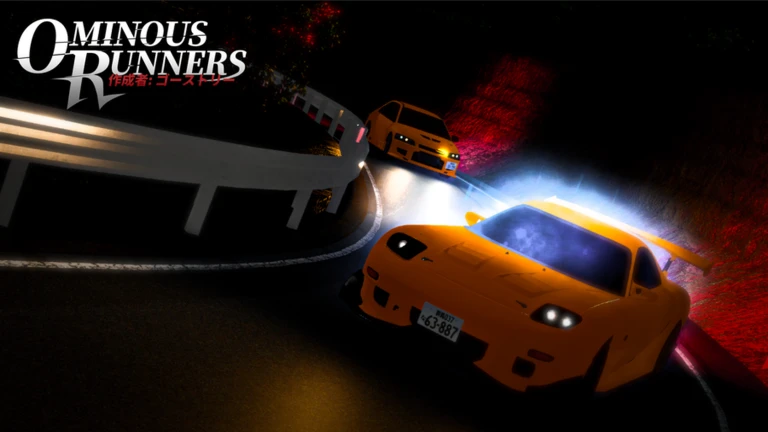
Drifting means using the handbrake to put the car sideways, then using the steering to hold the angle while keeping throttle on.
- Hit the handbrake P (keyboard) or Shift (mouse) to put the car sideways
- Counter-steer use WASD or mouse movement to control the direction
- Keep throttle on to maintain the drift
Starting a countdown
Step
Type the command followed by the number of seconds you want.
- Open chat
- Type /countdown followed by a number for example, /countdown 5 for five seconds
- Begin your run when the countdown ends
Community strategy ideas
CommunityThese ideas and tips come from people playing the game. Share your discoveries too!
No strategy ideas yet. Share a tip you discovered.
Share a strategy idea
BETA-Ominous Runners
Glossary
Glossary- Touge
- A style of racing set on winding mountain pass roads, which is the central theme of this game.
- Handbrake
- A control that cuts rear traction — P on keyboard or Shift in mouse mode — used to start a drift.
- Time Attack
- A solo mode where you drive a course and try to record a fast time.
- Freecam
- A camera mode activated with Shift+P that lets you move the view to any position, separate from the car.
- Pop-ups
- Retractable headlights on certain cars, toggled with the K key.
Common questions
FAQCan I race against other players?
You can drive solo or with friends, drift, do time attacks, and have fun. You can use the /countdown command to give yourself a formal start.
Should I use keyboard or mouse steering?
Both are available. Keyboard uses WASD, while mouse steering uses mouse buttons for acceleration and braking, with Shift as the handbrake. Press R to toggle between modes.
My score is not showing on the leaderboard — what do I do?
Open the leaderboard with L before you start your run, then play.
Game updates can change what is on this page. If you spot something, get in touch and let us know.
