
Build A Pony Guide: Building and customizing your pony
About
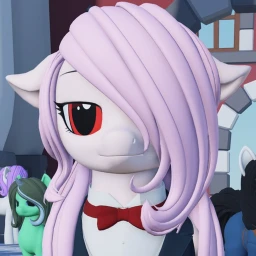
OverviewBuild A Pony! lets you design a fully custom pony by choosing hair, tail, and clothing parts, adjusting their colors, and editing your pony's face expressions.
What is on this page
Contents
Building and customizing your pony
Step
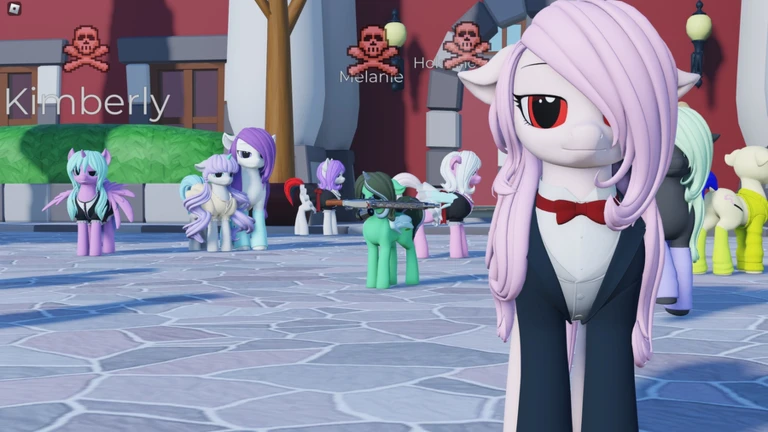
When you start the game, you choose parts for your pony's hair, tail, and clothing. Every individual part of each piece can have its color changed separately. Once the parts and colors are set, you can edit your pony's face expressions.
- Pick parts choose your preferred hair, tail, and clothing from the available options.
- Set colors adjust the color of each individual part of those pieces.
- Edit expressions customize your pony's face expressions.
Moving around the world
Check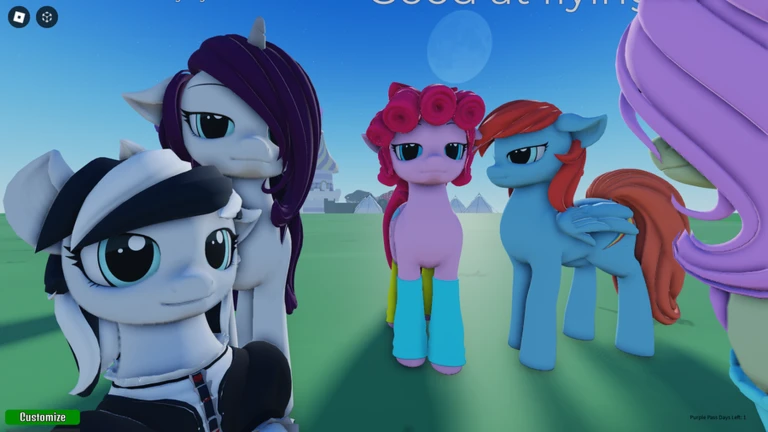
Movement in Build A Pony! is built around flight. You can also make your pony perform actions like barking or dancing once you know the controls.
- Press F to start flying.
- Press Space to fly upward.
- Press Left Shift to fly downward.
- Press R to make your pony bark.
- Type /dance in chat to make your pony dance.
Equipping UGC items
Step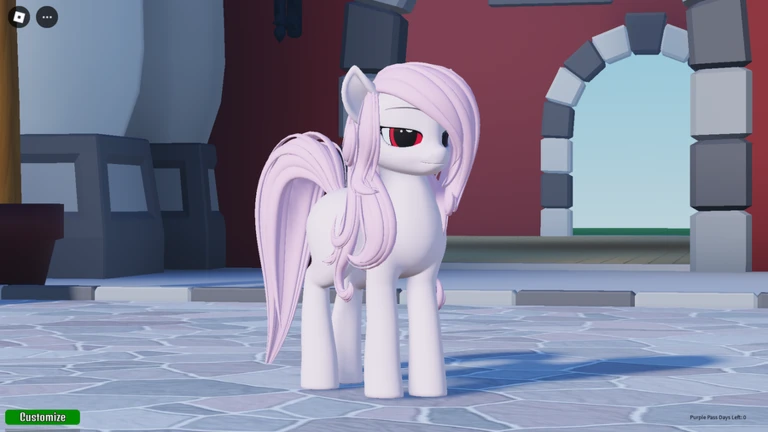
The UGC system lets you bring items from the Roblox Marketplace into the game. Certain types of UGC items can be worn on your pony, and you can also change their color after equipping them.
- Find the item go to the Roblox Marketplace and open the page for the UGC item you want.
- Copy the ID grab the item's ID from the page URL.
- Click the nose in-game, click your pony on the nose to open the ID entry prompt.
- Paste the ID paste the ID you copied into the input field to equip the item.
- Adjust the color change the item's color after equipping it.
Save and build hazards to know
Warn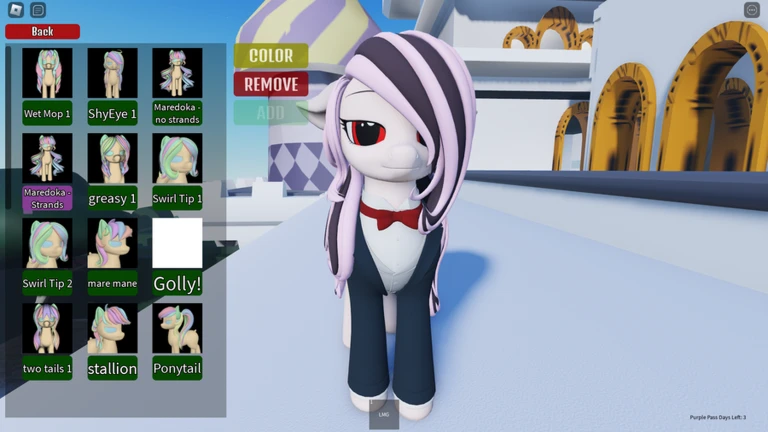
The game has a known issue where save slots can become corrupted. The housing system is in beta, and larger builds have a specific loading limitation you need to plan around.
Glossary
Glossary- UGC item
- A user-created accessory or item available on the Roblox Marketplace that you can equip on your pony in-game.
- UGC ID
- The number found in a Roblox Marketplace item's URL that you paste into the game to equip that item.
- Slash command
- A text command you type in the chat box starting with a forward slash, such as /dance or /resetmypony, that triggers a specific in-game action.
- Save slot
- The stored record of your pony's parts, colors, and expressions that the game keeps between sessions.
Common questions
FAQMy save slot broke — what do I do?
Type /resetmypony in the chat to reset the corrupted data. After that, report what happened in the game's designated server.
My build won't load after I saved it — what's going on?
Larger builds will not load after being saved. Keep at least two copies of every build and store one in Studio.
How do I put a UGC item on my pony?
Open the item's page on the Roblox Marketplace and copy the ID from the URL. Then click your pony on the nose in-game and paste that ID into the prompt that appears.
How do I check whether a pass is still valid before I buy it?
Read the pass's name before purchasing — the expiry information is included in the name itself.
Game updates can change what is on this page. If you spot something, get in touch and let us know.
