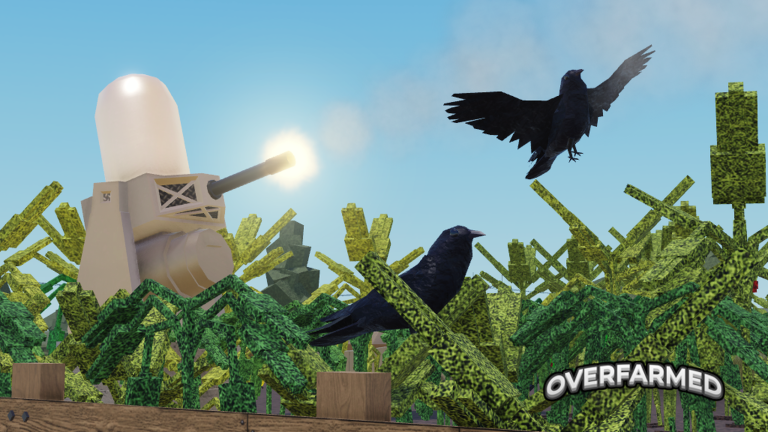
Overfarmed! is a Roblox farming game where you grow and sell crops, automate your fields with buildables, go fishing, forage around the map, and manufacture goods from your harvests. This guide walks you through getting started, earning EXP, automating your farm, surviving weather events, and pushing toward the end-game badges.
In shortPlant, harvest, and sell repeatedly to build up the cash and EXP you need for everything else.
When you load in, you already have a few tiles of land ready to use. Click any tile, pick a crop, and plant it. Once it grows, sell it for cash and put that cash toward more land or better crops.
Click a tileselect a crop from the menu and place it to start growing.
Water your croppress R to water it and speed up growth by 25%.
Fertilize your croppress F to apply fertilizer for another 25% growth boost that stacks with water.
Sell individuallypress G or E to sell or replant the crop your cursor is on.
Sell everything at oncepress L to harvest and sell every ready crop on your farm in one go.
Plant everywhere fastpress P to plant your last-chosen crop on every empty tile simultaneously.
In shortCrop sell prices shift every hour and can spike higher if a crop grows with a rare quality, so harvest promptly and watch the market.
Every crop has a base sell range, but the actual price is recalculated once per hour using a random seed tied to the date and time, so prices are always changing. On top of that, any crop can grow with a special rarity that multiplies its value.
Tips worth knowing
Gold rarity doubles a crop's sell price.
Platinum rarity multiplies the sell price by four.
Neon rarity multiplies the sell price by six.
Wheat is the starter crop — it costs $5 to plant and sells for around $14 on average with a 15-second grow time.
03Live and upcoming eventsEvents
Events running now or coming soon. They have fixed dates, so check them first.
Live now –
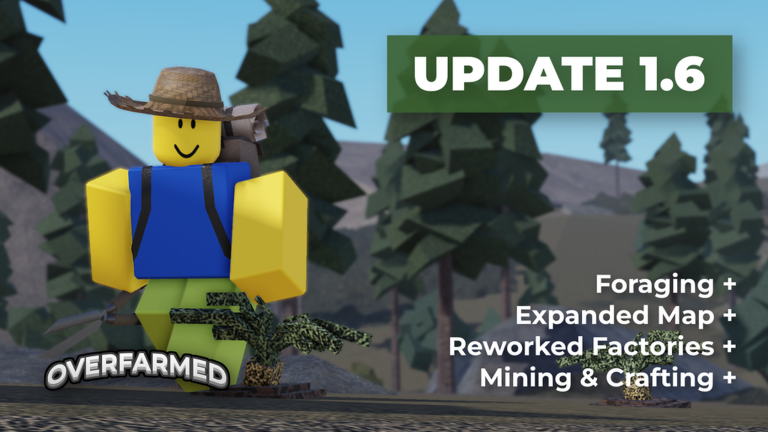
UPDATE 1.6.2
The release of 1.6.2 adds Nuclear power, reworks Oil, rebalances progression, and adds the Harvest Festival for the Hal…
In shortPlace EXP Generators as early as possible so EXP accumulates in the background while you farm cash.
EXP is the second currency in Overfarmed! and it only comes from EXP Generators — buildables you place on your land. A Tier 1 EXP Generator costs $100 to place, is free to unlock, and produces 1 EXP every 10 seconds. Spend EXP in the EXP Shop to open higher crop tiers and upgrade your buildables.
Place a T1 EXP Generatorcosts $100 to place, no EXP unlock cost, generates 1 EXP per 10 seconds.
Save up 250 EXPspend it in the EXP Shop to unlock Tier 1 crops: Potato and Apple Tree.
Reach 750 EXPunlock Tier 2 crops: Parsnip and Tomato.
Reach 3,500 EXPunlock Tier 3 crops: Blueberry Bush and Carrot.
Continue through Tier 4 at 7,500 EXP, Tier 5 at 15,000, and onward up to Tier 10 at 100,000 EXP.
Upgrade EXP Generators in the shop (T2 costs 250 EXP, T3 costs 500 EXP) to produce EXP faster and speed the whole unlock chain.
05
Automating your farm with buildables
Table
In shortTier 1 buildables are free to unlock and cover only the tiles immediately around them, so upgrade to higher tiers as soon as you have the EXP.
All Tier 1 buildables are available from the start with no EXP cost, but each only reaches one tile in each cardinal direction. Tier 2 covers a 3x3 area and Tier 3 covers a 5x5 area. Every buildable can be refunded for its full placement cost if you want to rearrange.
T1 AutoPlanter
free to unlock, $500 to place, plants your chosen crop on adjacent tiles automatically.
T1 Harvester
free to unlock, $500 to place, automatically harvests grown crops around it.
T1 Sprinkler
free to unlock, $500 to place, waters nearby crops for $5 per tile.
T1 Fertilizer
free to unlock, $500 to place, fertilizes nearby crops for $5 per tile.
T3 Sprinkler
costs 1,500 EXP and $10,000 to place, covers a 5x5 area.
Lightning Rod
costs 500 EXP and $2,500 to place, redirects lightning from a 5x5 area to itself instead.
06
Weather, fire, and keeping your crops alive
Warn
In shortKnow what each weather event does so you can react before crops are destroyed.
Weather changes once per in-game day and affects your whole farm. Some conditions help your crops; others can destroy them. Fire can only start on Hard Mode or from the Unstable Blackhole Harvester.
Worth watching out for
During a drought, watering crops does nothingswitch to fertilizer, which is never blocked by weather.
Rain and storms water your crops automatically, so you can save your manual water supply.
Lightning can strike and destroy a cropplace a Lightning Rod to redirect strikes away from your plants.
If fire starts on a tile, water that plant manually to put it out before it spreads.
A Sprinkler or the Weather Machine can help counter fires caused by the Unstable Blackhole Harvester.
07
Fishing and foraging for extra income
Tips
In shortFishing and foraging both produce money passively or through selling, and they work alongside your main farm without slowing it down.
Fishing is available at the pond on the map or by converting land tiles to shallow or deep water at the land shop. Fish go into your fish inventory, and you can sell them or place them in tanks for passive income. Foraging lets you collect crops from set locations around the map without spending cash to plant them.
Tips worth knowing
Deep water tiles boost rare fish chances twice as much as shallow water tiles.
Fish placed in tanks generate passive cash income based on their rarity.
Foraging locations — the plains, mountain, and jungle — each spawn different crops depending on the current weather.
Some forage crops require Tin-level shears to collect, so check the requirement before making the trip.
Fish caught in one save slot do not carry over if you switch to a different save.
08
End-game: modifiers, badges, and badge rewards
Step
In shortBeating the game with progressively harder modifier combinations unlocks powerful buildables that cannot be obtained any other way.
Beating the game means buying every plot of land and unlocking every crop and buildable in the EXP Shop. You can replay this goal with modifier combinations applied to your save; harder combinations reward unique buildables. Hard Mode itself is unlocked only after earning the Never Doing That Again badge.
Earn Completionistbuy all land and unlock everything in the EXP Shop on any run; rewards the Scarecrow Trophy, which doubles sell value of nearby crops.
Earn Where's the Challenge?beat the game with the Less Cash, Slower Crop Growth, and Less Special Crop Chance modifiers all active; rewards the Blood Moon Trophy, which also doubles nearby crop sell value.
Earn Never Doing That Againbeat the game with More Weather, Bad Weather, More Lightning, and Only Strike Land modifiers enabled; rewards the Weather Machine, which lets you control weather for your entire map.
Unlock Hard Modeavailable after earning Never Doing That Again; beating it earns the Molten badge and rewards the Fiery AutoPlanter, which covers a 7x7 area.
Earn Therapybeat the game with every Nerf Modifier including Hard Mode active; rewards the Unstable Blackhole Harvester, a 7x7 harvester that occasionally sets crops on fire instead of harvesting them.
Earn I Prefer Automationbeat the game with the Soft Hands, Simplistic, and Hard Mode modifiers enabled; rewards the Rusty Drone AutoPlanter, which covers a 5x5 area and can be moved to plant over other buildables.
Glossary
Glossary
Cash
The primary currency, earned by selling crops and used to buy land, crops, and buildables.
EXP
The secondary currency produced only by EXP Generators, spent in the EXP Shop to unlock higher crop tiers and upgraded buildables.
Buildable
A placeable machine such as an AutoPlanter, Harvester, Sprinkler, or EXP Generator that automates or buffs your farm.
Gold / Platinum / Neon rarity
Special crop qualities that multiply the sell price by 2x, 4x, or 6x respectively.
Modifier
An optional handicap you apply to a save before starting, making the run harder in exchange for unique badge rewards.
Drought
A weather event that makes watering ineffective, so fertilizer becomes the only way to boost crop growth speed during it.
Trophy
A badge-rewarded buildable that boosts the sell value of crops within its radius and can be placed up to three times.
Foraging
A game mode where you travel to set map locations — plains, mountain, or jungle — to collect crops without planting them.
Common questions
FAQ
Why is water not helping my crops grow faster?
If there is a drought active, water has no effect on growth speed. Switch to fertilizer during a drought — it boosts growth by 25% and is never blocked by any weather condition.
How do I get more EXP to unlock higher crop tiers?
EXP only comes from EXP Generators placed on your land. Place as many as you can afford early and upgrade them to Tier 2 and Tier 3 in the EXP Shop when you have enough EXP, since higher tiers produce more EXP per tick.
Can I play with friends?
Yes — you can use a private server or share your server code with others so they can join your farm directly. Multiplayer cash is split equally among all players on the farm.
What happens if I sell a buildable?
Every buildable refunds its full placement cost when you remove it, so you can rearrange your farm freely without losing money.
Do I need to spend Robux to unlock all the crops?
No — all crop tiers from Tier 1 through Tier 10 can be unlocked using EXP alone. Certain event and gamepass crops require Robux or event currency, but the full progression path is available for free.
Updated Oct 20, 2026
Game updates can change what is on this page. If you spot something, get in touch and let us know.