
Voice Control — Getting your microphone ready before you start
About
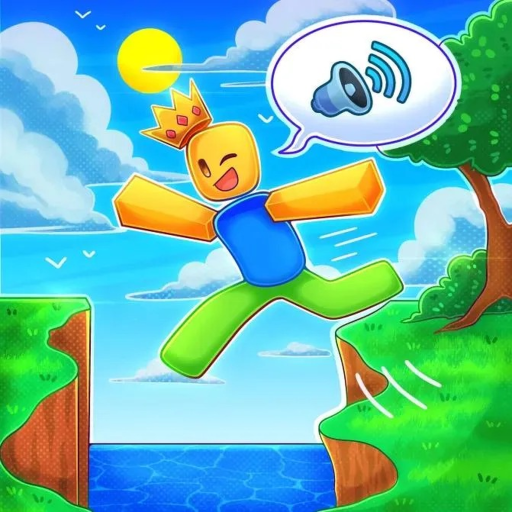
OverviewVoice Control Obby is a Roblox obstacle course where your microphone is your only control — you shout, sing, or speak to make your character jump, and the longer you hold the sound, the higher you go. This guide covers everything you need to set up, understand the jump mechanic, work through each world, and chase harder goals once the basics feel easy.
What is on this page
Contents
Getting your microphone ready before you start
Check
Voice chat is required — the game will not respond to keyboard input for jumping. Run through these checks once and you will avoid most of the frustration new players hit in the first five minutes.
- Microphone connected make sure a mic is physically plugged in or built into your device before opening Roblox.
- Browser permission check that your browser has allowed microphone access for Roblox.
- Roblox permission inside Roblox settings, confirm voice chat is enabled for your account.
- Official group join the RunUp Studios group on Roblox to collect the free in-game rewards the game offers members.
How the jump mechanic works
SummaryThe core rule is simple: the longer you make a sound, the higher your character jumps. Any sound works: talking, singing, humming, or shouting.
- Short obstacle a quick, clipped sound is enough to clear low barriers.
- Tall obstacle hold the sound steadily until your character clears the top.
- Sound type spoken words, sung notes, and shouts all count equally; pick whichever feels natural.
- Duration over volume a quiet sound held long enough beats a loud shout that cuts off too early.
Reaching checkpoint 10 and completing World One
Step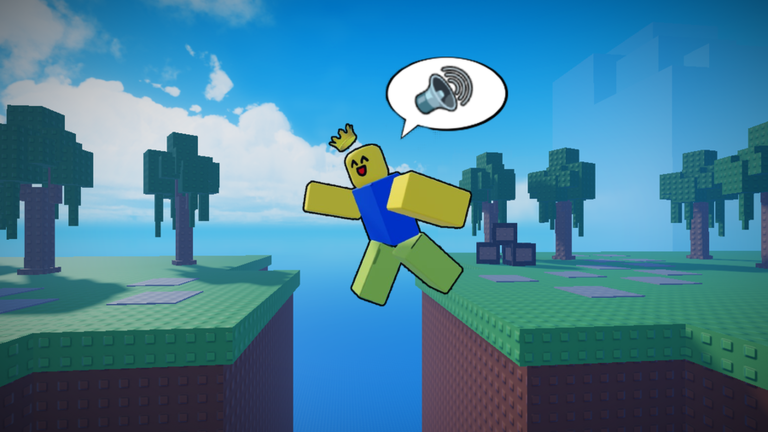
The mountain is divided into worlds, each with its own completion badge. World One is where the game teaches you everything, so treat it as your training ground.
- Reach checkpoint 10 this is the first badge milestone.
- Clear World One once you reach the end, you earn the World One completion badge and move on.
Pushing through Worlds Two and Three
TipsAfter World One the obstacles get smaller underfoot and closer together. The same voice mechanic applies, but your margin for error shrinks.
- Background noise in your room can trigger unintended jumps, so play somewhere quiet when the stages get hard.
- World Two and World Three each have their own completion badges, so finishing them is a concrete goal to aim for.
Glossary
Glossary- Obby
- Short for obstacle course — a Roblox game genre where you jump and climb through a set path to reach the finish.
- Voice control
- The mechanic that converts microphone input into in-game action; in this game, how long you make a sound determines how high you jump.
- Group reward
- A free in-game item or bonus the developers give to players who join their official Roblox group.
Common questions
FAQMy microphone is connected but the character is not jumping. What should I check?
Start by confirming that both Roblox and your browser have permission to use the microphone — that setting blocks most players who hit this problem.
Can I play all three worlds without spending any money?
Yes. A working microphone is the only requirement; every obstacle and every world is available without any purchase. The group rewards are also free — joining the official group costs nothing.
Does it matter what kind of sound I make?
No — talking, singing, humming, and shouting all work the same way. The only thing that changes your jump height is how long the sound lasts, not what kind of sound it is.
Game updates can change what is on this page. If you spot something, get in touch and let us know.
