
Battle of Alliance — Getting started on the right device
About
OverviewBattle of Alliance is a role-playing game where you transform into giant characters and fight other players. This guide covers the controls, how to unlock badges, and what to keep in mind while the game is still in beta.
What is on this page
Contents
Getting started on the right device
Check
Battle of Alliance runs on all devices, though the developers recommend PC for the best experience. Before your first match, take a minute to look over the controls — there are several keys to learn, and knowing them ahead of time saves you from fumbling mid-fight.
- PC is the recommended choice for the smoothest experience
- Locate the skill keys Q, E, X, C, and Z on your keyboard before you load in
- Find the movement keys T and F
- Confirm Left Shift is reachable for sprinting
- Know where Left Alt is pressing it toggles Shift Lock
Controls in practice
Step
Once you have transformed into a character, test every key before you chase anyone.
- Press Q, E, X, C, and Z to fire skills
- Use T and F for movement
- Hold Left Shift to sprint
- Press Left Alt to enable Shift Lock
Badge unlocks and the order that matters
Tips
There are thirteen badges in Battle of Alliance. Some unlock automatically, others need map exploration or specific actions.
- Joining the game for the first time unlocks the Welcome to BOA! badge automatically
- Collect every Mechanical Part on the map to earn the Assemble badge
- After earning Assemble, morph into the required character and explore AlphaHills to work toward Blast from the Past
- Wake up the sleeping Godzilla to earn the Awakening badge
- Find and erase all the strange graffiti on the map for the Who Will Know badge
- Collect all Wandering Souls and find the heart hidden deep in the map to earn Vengeful Hearts
- If a developer is in your session, you can unlock Meet a Dev
Exploration badges worth hunting
Summary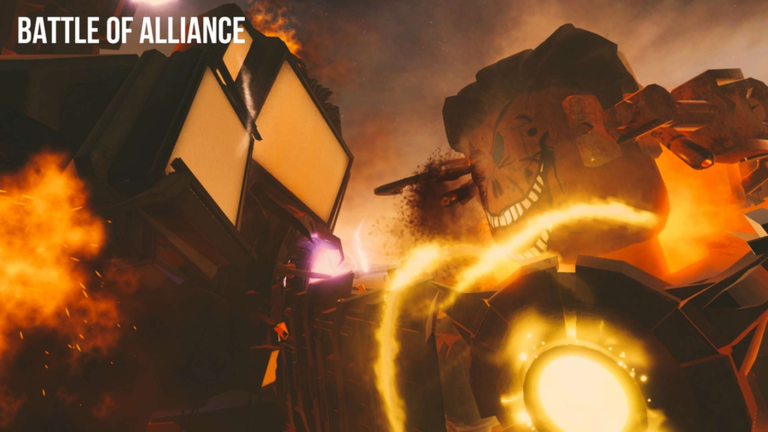
Beyond the combat, a lot of what this game asks you to do is simply look around.
- It Hi, Georgie! Want a balloon?
- The Coffin press F to pay respects
- Brain In The TV find the TV secret
- Joint Grave thank them for their dedication
- The Scarecrow clothes are cool!
Playing during beta
Warn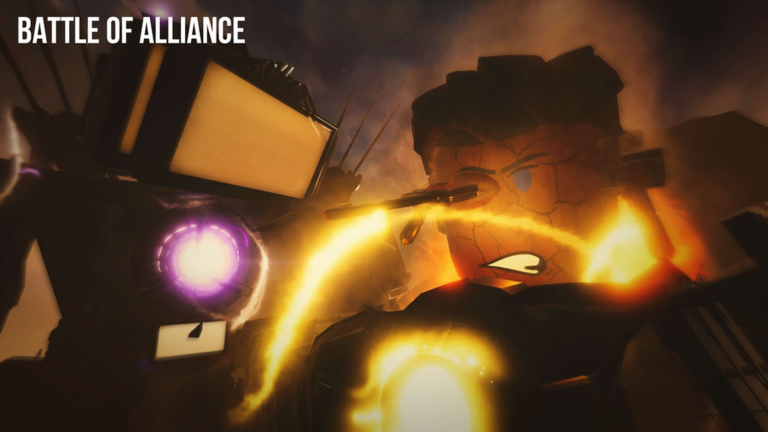
The developers have marked Battle of Alliance as a beta release.
Glossary
Glossary- Shift Lock
- A camera mode toggled with Left Alt that locks your view to the direction your character faces.
- Hot key
- A single keypress that fires a skill instantly — in this game those keys are Q, E, X, C, and Z.
- AlphaHills
- An area on the map that you need to explore, while morphed, after earning the Assemble badge to progress toward Blast from the Past.
- Mechanical Parts
- Collectible items scattered across the map; gathering all of them earns the Assemble badge.
- Wandering Souls
- Hidden collectibles spread across the map that you need to find, along with a hidden heart, to unlock the Vengeful Hearts badge.
- Beta
- An early, unfinished version of the game where bugs are expected and new content is still being added.
Common questions
FAQCan I play on mobile or tablet?
Yes, Battle of Alliance works on all devices. The developers do recommend PC for the smoothest experience.
How do I unlock Blast from the Past?
You need the Assemble badge first, which means collecting every Mechanical Part on the map. Once you have it, morph into the correct character and explore the AlphaHills area to find the traces of G-Toilet's downfall.
What do the T and F keys do?
They are the movement keys in Battle of Alliance.
Game updates can change what is on this page. If you spot something, get in touch and let us know.
