
Chained Together — Controls on every platform
About
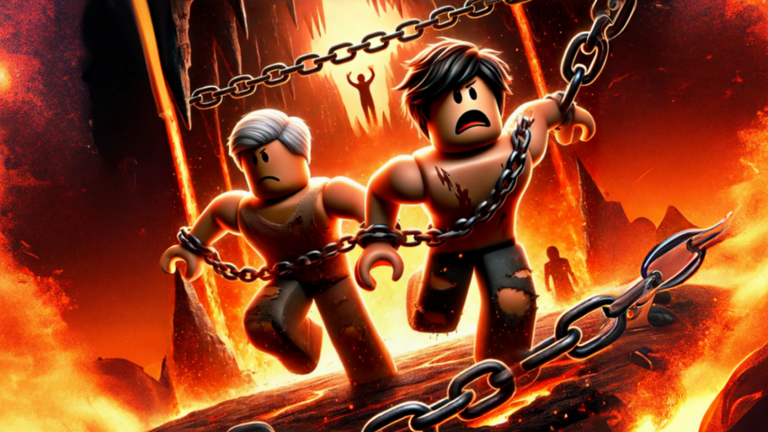
OverviewChained Together is a multiplayer climbing game where two to five players work as a team to reach the top of a mountain. Every player is linked together, so if one person falls, the whole group feels it. This guide covers the controls, how to climb effectively, how to work with your team, and how to get the most out of the game without spending anything.
What is on this page
Contents
Controls on every platform
Table
The game runs on PC, mobile, and console, and each platform has its own button layout. The climbing move works the same way everywhere — jump toward whatever you want to grab and your character latches on automatically. The differences show up with sprinting, rolling, and pulling teammates up.
| PC sprint | hold Shift |
| PC roll | press V |
| PC shiftlock | press Ctrl |
| PC pull partner up | hold E |
| Mobile sprint | press and hold Toggle Sprint |
| Mobile pull partner up | hold the Interact button |
| Console sprint | press and hold LT |
| Console roll | press RT |
First things to do when you start
StepBefore you attempt the mountain, spend a few minutes on the basics. The game has a code system that hands out coin rewards, and there is a code input box in the menu screen where you enter them. Check it as soon as you load in, because codes can expire and each one can only be used once per account.
- Open the menu find the code input box and enter any active codes to collect your coin reward.
- Check your controls look up the control layout for your device and practice the climbing jump, sprint, and roll before touching the main stages.
- Run the tutorial use the beginner stage to get comfortable with latching onto objects and timing your jumps.
- Form your group gather two to five players and confirm that everyone can handle the basic controls before moving to harder sections.
 CHAINS
200 Coins
UPDATE
CHAINS
200 Coins
UPDATE
Climbing and movement tips
TipsThe core loop of the game is climbing: you jump at a surface, grab it, and keep moving upward.
- Jump directly at the object you want to grab — your character clings on automatically, so aim at the surface rather than over it.
- Use sprint before a jump whenever you need to cover a wider gap.
- Roll to slip through tight spots.
Teamwork in multiplayer
CheckBecause everyone is chained together, one person falling drags the whole team back. The pull mechanic lets a player who is still holding on rescue a fallen teammate by holding the interact button. Getting into the habit of doing this immediately is one of the single biggest improvements a team can make.
- The moment a teammate falls, hold your pull button to lift them back up before the chain pulls everyone else down.
- Before a tricky gap, agree on whether you are sprinting into the jump or not.
- Let the most confident climber lead through new sections while others follow the exact same line.
Playing for free
SummaryCoins come from playing stages and from redeeming codes in the menu. The game's own page has listed a code directly in its description that gives 200 coins.
- Code source the game's page description lists a code that gives 200 coins.
- Code limit each code works once per account, so entering the same code twice does nothing.
Glossary
Glossary- Climbing
- The main movement action — jump into a surface and your character grabs hold automatically.
- Sprint
- Holding the sprint button increases your speed and extends how far your jumps carry you.
- Roll
- A quick movement that lets you slip through tight spaces.
- Shiftlock
- A PC-only option activated by pressing Ctrl that locks the camera to face forward.
- Pull
- Holding the interact button while a teammate is dangling rescues them before the chain drags the group down.
- Coins
- The in-game currency earned through stages and code redemption.
- Obby
- Short for Obstacle Course — the Roblox genre where you clear a series of platforms and hazards to reach a goal.
Common questions
FAQCan I play alone?
The game is designed for groups of two to five players.
Where do I enter a code?
There is a code input box on the menu screen. Each code can only be redeemed once on your account.
My teammate keeps falling and dragging us back — what do we do?
Hold your pull button the instant they drop so you rescue them before the chain becomes a problem.
Which platform is easiest to play on?
PC gives you the most buttons to work with at once, including Shift for sprint, Ctrl for shiftlock, V for roll, and E to pull a partner up. Mobile and console both support the same core actions with their own button layouts.
Game updates can change what is on this page. If you spot something, get in touch and let us know.
