
doctors office Guide: Choosing your role
About
OverviewDoctors Office is a relaxed roleplay game where you pick a side — doctor or patient — and act out medical visits, checkups, and operations with other players.

What is on this page
Contents
Player notes and tips
Found a useful trick? Share it with everyone! Notes with screenshots are welcome!
Write a guide note
doctors office 🔊
Choosing your role
Step
When you enter the game, you choose whether you want to be a doctor or a patient. You can switch roles later, so there is no pressure to commit to one forever.
- Pick doctor you run checkups, make diagnoses, and carry out operations on other players.
- Pick patient you describe your symptoms, answer the doctor's questions, and go along with whatever treatment they suggest.
- Switch roles if you want to try the other side, you can change and start a fresh roleplay.
MetaNew Player Survey

The next survey is being prepared.
Playing as a doctor
Tips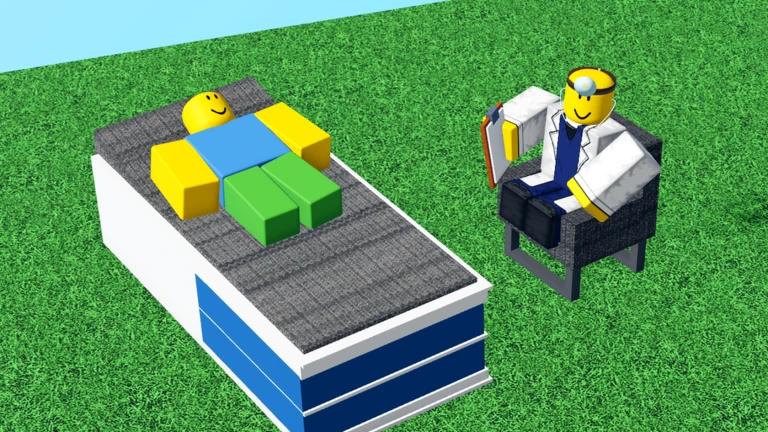
Your job is to listen to what the patient tells you and come up with a diagnosis that fits.
- Ask the patient about their symptoms through chat before jumping to a diagnosis.
- Use medical-sounding language and gestures to make the checkup feel real.
- Get creative with operations — borrow ideas from real medicine or invent something surprising.
- Watch how the patient reacts and adjust the pace of the roleplay to match their energy.
Playing as a patient
Check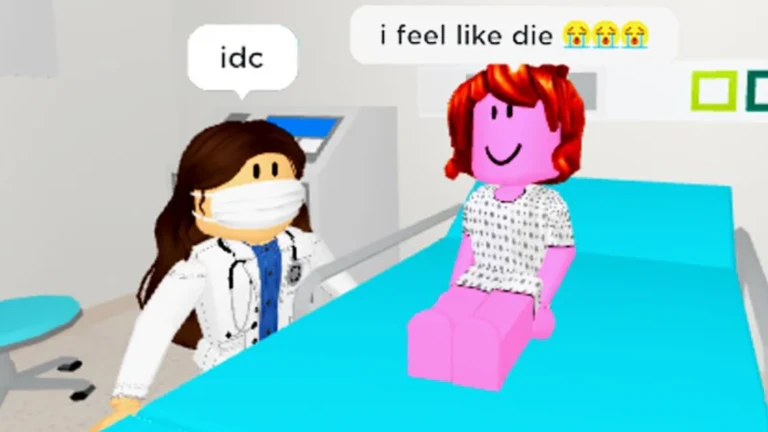
Patients drive the roleplay just as much as doctors do.
- Describe your symptoms in specific terms so the doctor has something to diagnose.
- Answer follow-up questions from the doctor fully rather than with one-word replies.
- Use your character's animations or gestures to show pain or discomfort.
- Go along with the treatment the doctor proposes to keep the story moving.
Playing with friends
Summary
The game is designed around the back-and-forth between a doctor and a patient. Playing solo is possible, but the experience is built for at least two people interacting through chat.
- Role rotation take turns being the doctor so both players get to try each side.
- Chat keep conversation going throughout; it is the engine of the whole roleplay.
Glossary
Glossary- Roleplay
- Playing as a character — in this game, either a doctor or a patient — and acting out a scene with another player.
- Checkup
- The part of the roleplay where the doctor talks to the patient, asks about symptoms, and works out what is wrong.
- Operation
- A roleplay sequence where the doctor performs a medical procedure on the patient as part of the session.
Common questions
FAQCan you play alone?
You can enter the game by yourself, but the entire experience is built around a doctor and a patient talking to each other.
How do you switch from doctor to patient mid-session?
You can change your role after you have already started playing.
Game updates can change what is on this page. If you spot something, get in touch and let us know.
