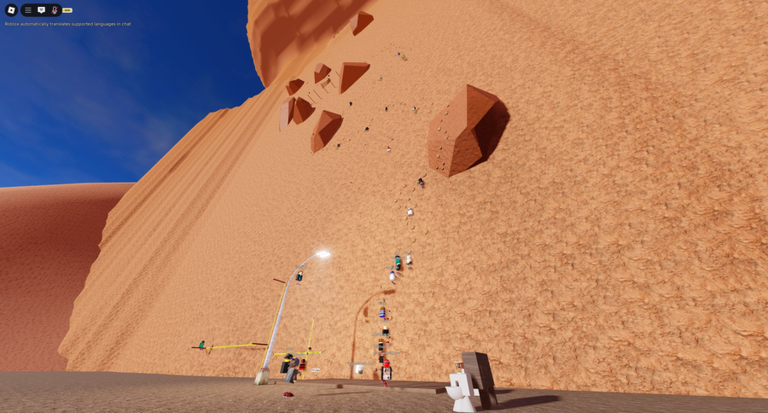
Climb is a first-person action climbing game where you grip rocks and ledges with your hands, swing between them, and make dangerous leaps on your way to the top. This guide covers the controls, checkpoints, the different routes you can climb, and the long-term badge goals that keep players coming back.
In shortA stable connection and a comfortable setup will save you a lot of frustration before you ever touch a rock face.
The game recommends a PC and a good internet connection. Rapid or unexpected movement can happen, so stop playing immediately if you start to feel sick. Mobile is supported, but the experience is smoother on a desktop with a reliable connection.
Worth watching out for
Sudden movement and glitches can trigger motion sickness
A weak internet connection will make the game uncomfortable to play
In shortSpending two minutes in the settings before your first climb will make everything feel much more natural.
All players should open the settings with the gear button and check what is available there. On mobile, you get extra options to rearrange and resize your on-screen buttons.
Open settingstap the gear button at any point to reach the options menu
Customise button layout (mobile)tap the lock button shown in settings to rearrange on-screen controls
Resize buttons (mobile)use the slider in settings to make buttons bigger or smaller
Unlock mousepress C to leave first-person and switch to third-person view
Return to checkpointpress R to jump back to the last checkpoint you reached
03Live and upcoming eventsEvents
いま開催中・開催予定のイベントです。期間が決まっているので先に確認しておきましょう。
Live nowOct 3 – Oct 20
Chalk & Trophies
Maps will be updated with challenge routes for collectable trophies.
In shortUsing the checkpoint system lets you move between sections without repeating everything in between.
During a climbing session, any checkpoint you have already visited becomes a teleport destination. You can jump between those checkpoints freely without having to repeat every section in between.
Tips worth knowing
Teleporting only works while you are in an active climbing session
You can only teleport to checkpoints you have already reached in that session
Press R to snap back to your most recent checkpoint after a fall
05
Routes and what reaching the top unlocks
Table
In shortEvery route has its own badge at the summit, and some hide extra secrets along the way.
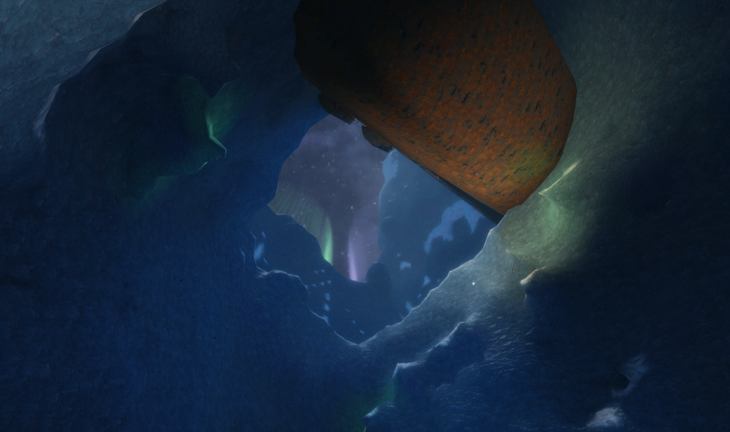
There are several distinct locations to climb, each with a badge awarded for reaching the very top. Arcane also contains a hidden cave that rewards exploration.
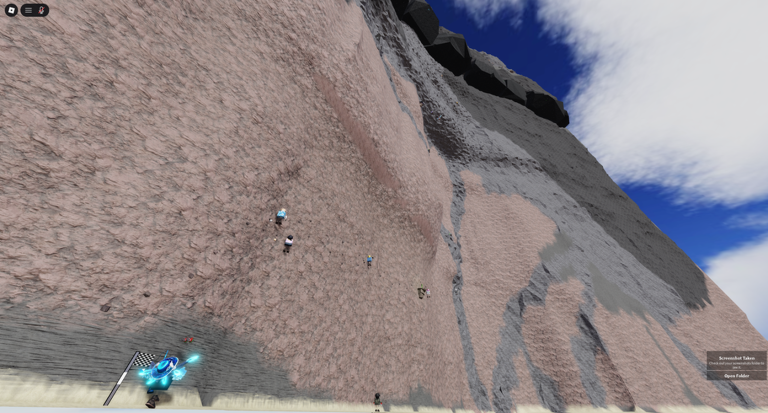
Mesa
reach the summit for the Mesa Conquered badge
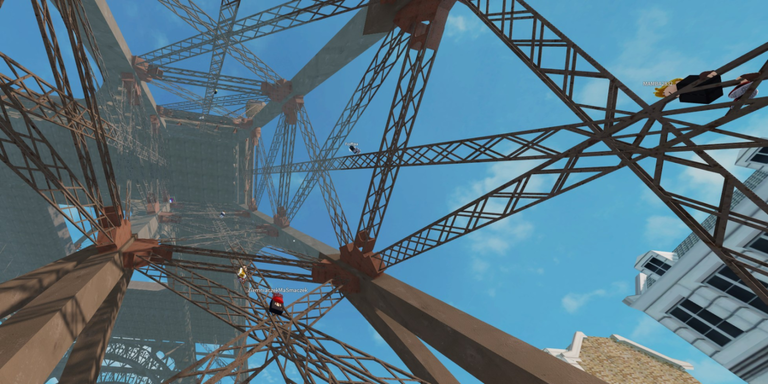
Eiffel Tower
climb the full structure for the Eiffel Tower Ascended badge
Frost
ascend the anomaly hidden deep in Antarctica for the Frost Ascended badge
Arcane
summit the island for Arcane Ascended, and find the tight hidden cave for the Cave Diving Experience badge
06
Tower escape badges and long-term progress
Summary
In shortThe Tower escape badges are the game's main long-term challenge, stretching all the way to 500 completions.
Separate from the climbing routes above, the Tower has its own escape objective. Every time you escape it you add to a running total, and badges are handed out at several milestones.
In shortA detailed report helps the developers fix the problem faster.
The developers ask players to use the in-game feedback tool when something goes wrong and to explain exactly what bugs they found.
Use the in-game feedback tool
Describe exactly what the bug was and what happened
Glossary
Glossary
Checkpoint
A point reached during a climb that saves your progress; pressing R sends you back to the most recent one.
Mouse lock
The default first-person state where your cursor is fixed to the centre of the screen; press C to release it.
Third-person view
The camera view you enter by pressing C.
Climb session
The active period while you are climbing; teleporting between checkpoints is only possible during a session.
Common questions
FAQ
Can I play on mobile?
Mobile is supported, though the game recommends a PC and a strong internet connection. If you do play on mobile, open the settings and use the lock button to rearrange your on-screen controls.
What do I do when I fall or get stuck?
Press R to return to your last checkpoint and try the section again. You can also teleport between checkpoints you have already visited during the current climbing session.
The screen moved suddenly and I felt sick — is that normal?
The game warns players that glitches and rapid movement can occur. Stop playing and rest until you feel better. If it happens repeatedly, report it through the in-game feedback tool.
How long does it take to get all the Tower badges?
The milestones run from your very first escape all the way to 500 escapes, so completing the full set is a significant long-term goal.
Updated Sep 30, 2026
Game updates can change what is on this page. If you spot something, get in touch and let us know.