
Body Swap Facility — Getting started in the facility

About
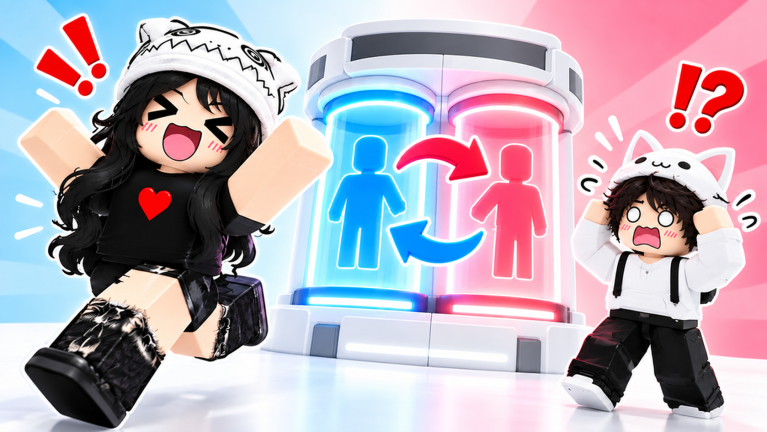
OverviewBody Swap Facility is a chaotic, no-goal Roblox game where you swap bodies, possess other players, clone yourself, and transform into someone else entirely.
What is on this page
Contents
Getting started in the facility
Step
When you first join, the facility has several rooms and machines, each tied to a different feature. If other players are around, watching what they do is one of the fastest ways to learn.
- Explore every room walk the whole facility so you know where each machine is
- Talk to someone nearby other players can show a newcomer the ropes
How body swapping works
Step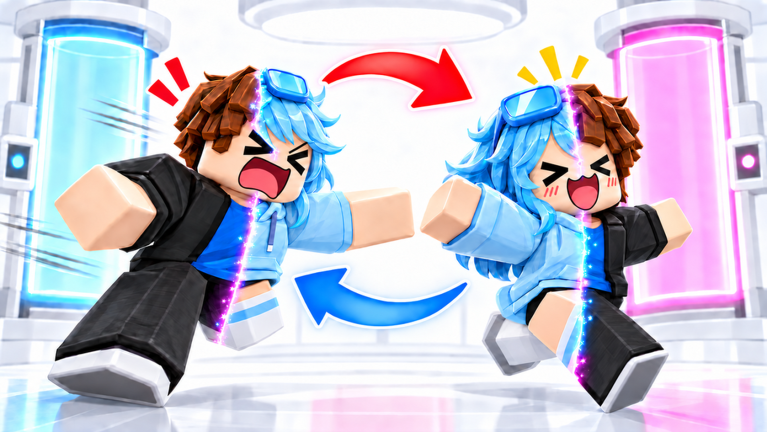
Body swapping exchanges your appearance with another player's — after a swap, you look like them and they look like you. The facility has dedicated machines and buttons for triggering a swap. Both players need to be close together and respond to the on-screen prompts at the same time.
- Find a partner bring the player you want to swap with right next to you
- Locate the swap machine find the correct machine in the facility
- Follow the prompts both players act on the on-screen instructions together
Other features worth trying
CheckBody swapping is the headline feature, but the facility also offers possession, transformation, cloning, emotes, and more. Possession puts you into another player's body in a different way from a straight swap. Cloning creates a copy of your avatar that exists as a separate character. Transformation lets you wear another player's appearance while still controlling your own movement. Emotes — dances, taunts, and other animations — are great for getting a reaction once someone is confused about who is who.
- Try possession as well as swapping
- Test the cloning machine
- Use transformation to impersonate someone
- Trigger emotes to get a reaction out of confused players
Playing with a group
TipsThe game is built for groups. The more players involved in a chain of swaps, the harder it becomes to track who is actually who. Voice chat — through an app like Discord running alongside the game — makes the confusion even funnier because voices no longer match faces.
- Bring at least three people so you can chain swaps and lose track of everyone
- Run voice chat alongside the game so the gap between voice and appearance lands
- After a swap, act like the person you now look like to sell the confusion
Spending and customisation
Table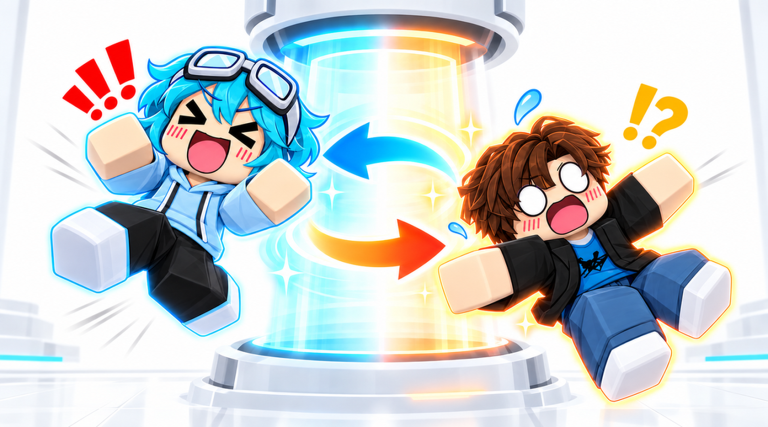
Every main feature in Body Swap Facility — swapping, possession, cloning, transformation — is available without spending Robux. Your default Roblox avatar is enough to play with. If you want to stand out visually, you can pick up outfits from the Roblox catalog.
| Core features | all free, no Robux required |
| Default avatar | fully functional for every mechanic |
| Catalog outfits | optional, bought with Robux, affect appearance only |
When things go wrong
WarnBefore assuming a bug, check whether the machine needed a different action than you tried.
Glossary
Glossary- Body Swap
- A feature that exchanges your avatar's appearance with another player's, so each of you looks like the other.
- Possession
- A feature that moves you into another player's body in a way that differs from a straight swap.
- Clone
- A copy of your avatar that the game creates as a separate character.
- Transformation
- A feature that changes your appearance to match another player's while you keep control of your own movement.
- Emote
- An animation — a dance, taunt, or similar action — that your character performs on command.
- Avatar
- Your character in Roblox, whose appearance can be changed with outfits from the catalog.
Common questions
FAQIs there a goal or an ending in Body Swap Facility?
There is no goal, no story, and no way to finish the game. The point is to mess around with the features, confuse your friends, and see what happens. How you play is entirely up to you.
Can you play this alone?
You can explore the facility and test the machines by yourself, but most features need at least one other player to work properly.
Do you need to buy anything to enjoy the game?
No purchases are required. Every core mechanic is free, and your default Roblox avatar works fine. Catalog outfits are optional and only change how you look.
What should you do if a swap does not seem to work?
Check the on-screen prompts to see if you missed a step, then ask a nearby player how they did it. If the machine still does not respond, try a different feature or restart the game.
Game updates can change what is on this page. If you spot something, get in touch and let us know.
