
Are you lonely? Guide: Getting started
About
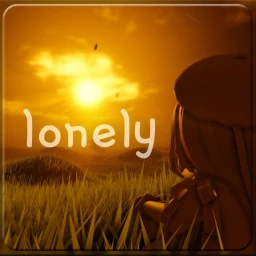
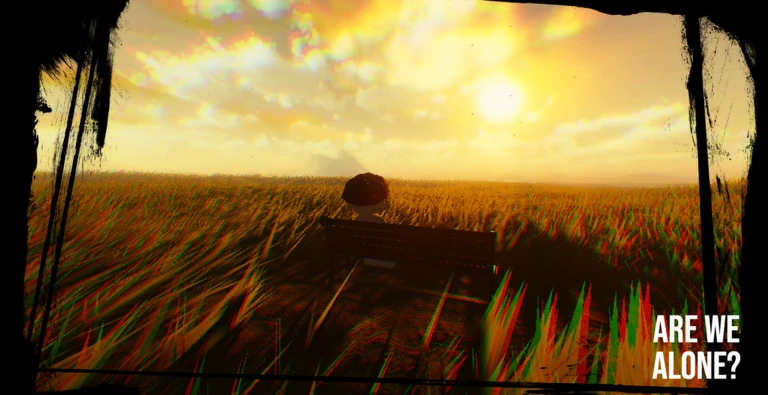
Overview[RELAPSE] Are you lonely? is a quiet, open-world space on Roblox where you walk through a cabin and park paths, leave notes, and take things at your own pace. There are no goals, no timers, and no combat — just a calm environment built for reflection. This guide covers the controls, the note system, optional commands, and the hidden spots worth finding.
What is on this page
Contents
Getting started
Step
When you load in, the first decision you make is your graphics setting. If your device runs Roblox smoothly, choose Max for richer visuals; if you notice lag or slowdown, choose Automatic to keep movement fluid. After that, there is nothing to unlock or activate — you are already in the world and free to explore the cabin or head out along the park paths.
- Choose graphics open settings and pick Automatic for smooth performance or Max for enhanced visuals.
- Step into the cabin walk through the interior slowly.
- Head to the park paths follow the trails into the natural environment at whatever pace feels right.
- Try the note feature leave a thought, a memory, or a short message as part of the world's atmosphere.
- Check the bell icon tap it to receive notifications about future updates.
MetaNew Player Survey

The next survey is being prepared.
Controls and keybinds
CheckMovement is handled by the standard WASD keys. A handful of extra keybinds let you sprint, reset your avatar, and break the camera free from your character entirely.
- WASD moves your character; hold Ctrl to sprint.
- Press R to ragdoll or to recover from a ragdoll state.
- Press Shift and P together to enter Freecam, where the camera moves independently of your avatar.
The note system
Tips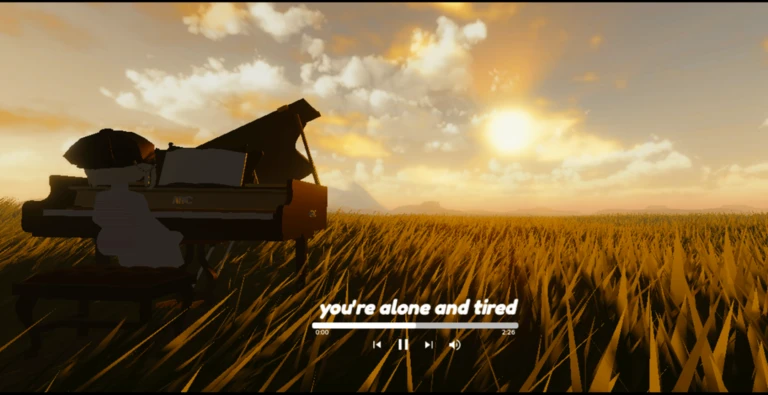
Writing a note is straightforward. Because notes persist in the world, what you write becomes part of the atmosphere other players walk through.
- Leave a thought, a memory, or a short message behind as part of the world's atmosphere.
- Other players can read everything you leave behind.
- Reading notes left by others adds a layer of quiet connection to the world.
- Use the /sync command followed by a username to load another player's note data into your session.
Slash commands
Table
Type any of these into the chat bar with a forward slash to activate them. None of them are required to enjoy the game.
| /headless or /unheadless | toggles your avatar's head on or off |
| /korblox or /unkorblox | switches a specific avatar part appearance on or off |
| /re, /reset, or /refresh | reloads the game environment |
| /sync [username] | pulls in another player's saved note data |
Hidden spots worth finding
Summary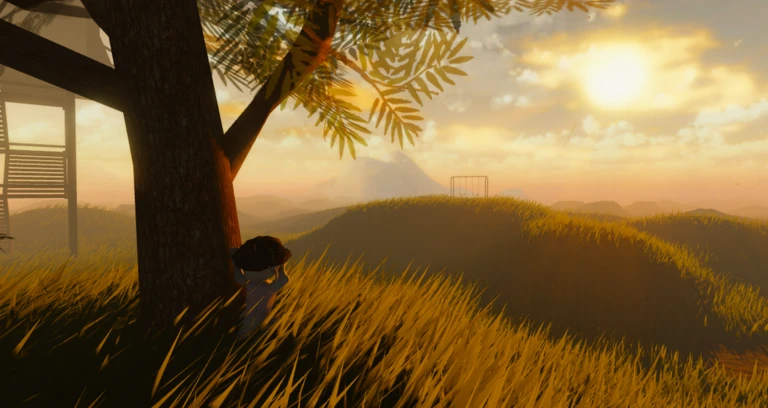
The game hides at least three places that are easy to walk past if you stay on the main paths. Each one has a badge attached to it.
- The picnic table a peaceful spot sitting in a calm corner of the world
- The old swing found beneath a tree, quietly waiting for someone to listen
- The quiet place a secluded area between light and nature
Community strategy ideas
CommunityThese ideas and tips come from people playing the game. Share your discoveries too!
No strategy ideas yet. Share a tip you discovered.
Share a strategy idea
[RELAPSE] Are you lonely?
Glossary
Glossary- Ragdoll
- A state where your avatar collapses and stops responding to normal movement — press R to get out of it.
- Freecam
- A camera mode activated by Shift and P that lets you move the view around the world independently of your character.
- Note
- A short message you write and leave inside the game world, visible to other players who visit the same space.
- Sync
- The /sync command loads another player's note data into your current session so you can see what they have left behind.
- Automatic graphics
- A graphics setting that prioritises smooth performance over visual quality.
Common questions
FAQWhat is the point of the game if there are no goals?
The experience itself is the point — walking through the cabin and park paths, reading notes, and finding the hidden spots. Think of it as a place to spend quiet time.
Can I talk to other players?
The main way players connect is through the notes they leave behind in the world. Reading someone else's note is the closest thing to meeting them here.
Is this game better on PC than on mobile?
The keybinds — Ctrl to sprint, R to ragdoll, Shift and P for Freecam — all rely on a physical keyboard, so a PC gives you the full experience.
Do I need to spend Robux to do anything?
No. The game has no purchases, no premium features, and no items to buy. Every player has access to the same environment and the same tools from the moment they join.
Game updates can change what is on this page. If you spot something, get in touch and let us know.
