
Bridge Destruction Guide: Your first act of destruction
About
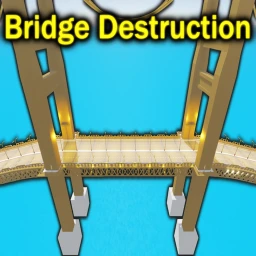
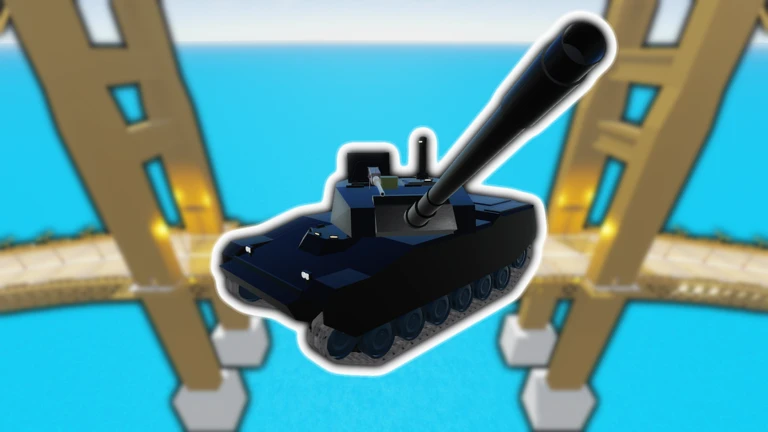
OverviewBridge Destruction, made by TopHat Cow Games, is a game about blowing up bridges with rockets, bombs, and other heavy weapons. Up to eleven players can share a server, and private servers are free. This guide covers how to start destroying, how to chase down every badge, and a few things to keep in mind while you play.
What is on this page
Contents
Your first act of destruction
Step
When you load in, you already have weapons ready to use. Pick any weapon, point it at the bridge, and fire. That single act of destruction unlocks the First Pile of Rubble badge instantly.
- Find your weapon on mobile, open your inventory and select a weapon from there.
- Aim at the bridge point at any part of the bridge structure.
- Fire one hit that causes destruction is all you need to unlock the first badge.
- Open settings if needed press F2 or T on PC, or tap the button near the top right of the screen on a touch device.
MetaNew Player Survey

The next survey is being prepared.
The badge point thresholds
Table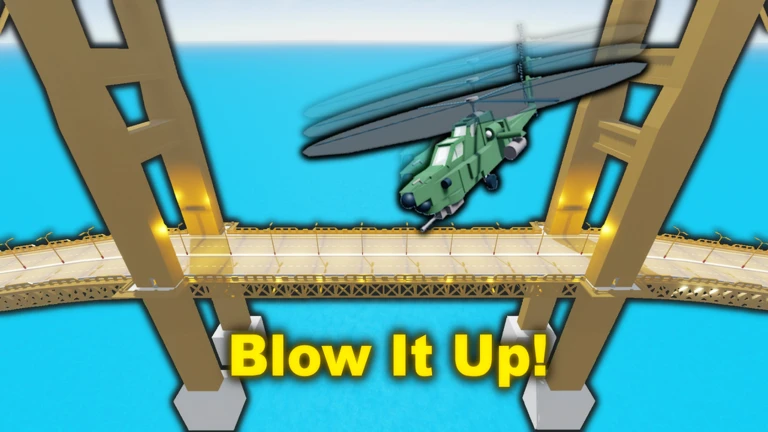
Points stack up as you keep destroying the bridge. Each threshold below gives you a new badge when you hit it.
| Badge | Points needed |
|---|---|
| First Pile of Rubble | Any destruction |
| Chunk of Missing Bridge | 1,000 |
| Bridge to Nowhere | 5,000 |
| Curling the Bridge | 25,000 |
| Where's the Suspension? | 100,000 |
Using a private server
Tips
Private servers cost nothing in this game.
- Private servers are completely free — there is no extra cost to create one.
- Invite friends so you can wreck the bridge together.
Community strategy ideas
CommunityThese ideas and tips come from people playing the game. Share your discoveries too!
No strategy ideas yet. Share a tip you discovered.
Share a strategy idea
Bridge Destruction
Glossary
Glossary- Inventory
- The screen where your collected weapons are stored; on mobile you must open it and select a weapon before you can use it.
- Private server
- A game room only you and the people you invite can enter — free to create in this game.
- Badge
- An achievement awarded automatically when you hit a specific point milestone.
Common questions
FAQI'm on mobile and can't find my weapon — what do I do?
Weapons you acquire are found in your inventory. Open your inventory, tap the weapon you want, and it will become active. You can also reach settings by tapping the button near the top right of the screen.
How do I open settings on PC?
Press either F2 or T on your keyboard and the settings panel will open.
How many players can be in one server?
A single server holds up to eleven players at once. If you want fewer people around, create a free private server and invite only the friends you choose.
Game updates can change what is on this page. If you spot something, get in touch and let us know.
