
¡Flex your avatar value Guide: How the game works
About
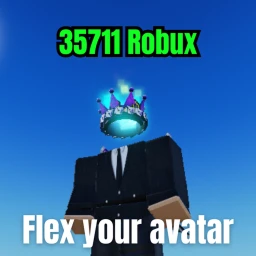
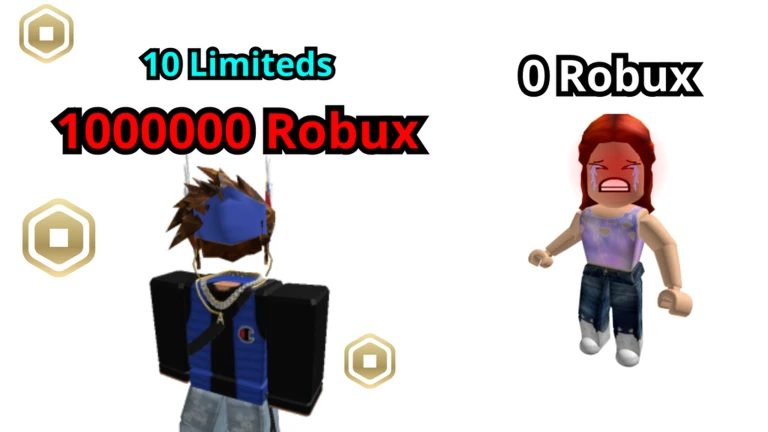
Overview¡Flex your avatar value! scans every item your Roblox avatar is wearing and adds up what it all costs, then shows you the total. This guide covers how the game works, what badges you can earn, and what to keep in mind about how your value is calculated.
What is on this page
Contents
How the game works
Summary
When you join a server, the game scans the outfits and accessories your Roblox avatar is currently wearing and calculates their total cost. That number is your avatar value. Up to 50 players share a server, so you can see at a glance how your value stacks up against everyone else.
- Avatar value the game's automatic total of what your equipped items cost
- Server size up to 50 players per server, all with their values visible
- Comparison browse other players in the same server to see where you rank
MetaNew Player Survey

The next survey is being prepared.
Chat commands and what they do
Step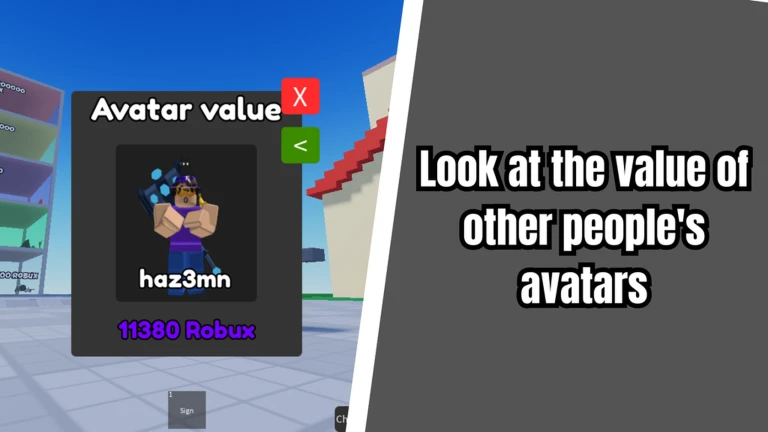
Open the chat box and type any of the commands below with a forward slash at the start. They work instantly with no extra steps.
- /show fps displays your current frame rate so you can see how smoothly the game is running
- /show ping shows your connection speed to the server
- /sit makes your avatar sit down
- /re resets your avatar, restarting it in place
Badge milestones worth aiming for
Tips
Badges are earned automatically once you hit the right conditions — you do not need to claim them manually. The value badges depend entirely on how expensive your equipped avatar items are.
- Hit an avatar value above 10,000 to earn the 10k badge.
- Push past 100,000 to unlock the 100k badge.
- Reach a value over 1,000,000 for the 1M badge.
- Become the highest-value player in a server with at least 15 people in it to earn Leader of the Pack.
Why your value might look lower than expected
WarnThe game cannot access every item on your avatar. Most items bought as part of a bundle or pack are left out of the calculation because of a restriction on the Roblox platform, not a bug in the game. Think of your displayed value as a partial total rather than an exact figure.
Community strategy ideas
CommunityThese ideas and tips come from people playing the game. Share your discoveries too!
No strategy ideas yet. Share a tip you discovered.
Share a strategy idea
¡Flex your avatar value!
Glossary
Glossary- Avatar value
- The number the game calculates by adding up the catalog prices of your currently equipped avatar items.
- FPS (frames per second)
- How many times per second your screen refreshes — a higher number means smoother visuals.
- Ping
- The delay between your device and the game server, measured in milliseconds — lower is better.
- Pack / Bundle
- A group of Roblox items sold together as one purchase; most of these are not counted in your avatar value due to platform limits.
- Leader of the Pack
- The badge awarded to the player with the highest avatar value in a server that has at least 15 players in it.
Common questions
FAQHow is my avatar value calculated?
The game reads the outfits and accessories your Roblox avatar is currently wearing and totals up their catalog costs. Most pack or bundle purchases are excluded because of a Roblox platform restriction.
Can I compare my value with other players?
Yes — up to 50 players share a server, and everyone's value is visible. If you are the top-ranked player in a server with 15 or more people, you earn the Leader of the Pack badge.
Do I need to spend anything to play?
The game itself has no separate currency or shop — it simply reads what you already have equipped on your Roblox avatar. Playing and checking your value costs nothing beyond whatever you have already spent on your avatar.
Game updates can change what is on this page. If you spot something, get in touch and let us know.
