
Hostile Skies Guide: Getting started before your first match

About
OverviewHostile Skies is a multiplayer aircraft dogfighting simulator where you pilot real historic planes against other players using advanced flight physics. This guide covers the basics of getting airborne, how to repair and survive, how to rack up kills and streaks, and how to earn rewards without spending Robux.
What is on this page
Contents
Player notes and tips
Found a useful trick? Share it with everyone! Notes with screenshots are welcome!
Write a guide note
Hostile Skies ✈️ [RANKED]
Getting started before your first match
Step
The flight physics in Hostile Skies are modeled on real aircraft behavior, so the controls feel nothing like a typical Roblox shooter. Before you queue into a ranked match, spend time in Test Flight to learn the map layout and where your keys are. When you feel ready to watch real combat first, switch to Spectate Mode and study how experienced pilots turn, manage altitude, and approach enemies.
- Test Flight open it from the menu to practice any aircraft on the actual map without any pressure.
- Spectate Mode watch other players mid-match to pick up turning patterns and engagement angles.
- Map vote every game starts with a vote, so you will see different maps.
- Aircraft variety try every plane available in Test Flight so you understand how each one handles before committing to one in a real game.
MetaNew Player Survey

The next survey is being prepared.
Flying safely and keeping your plane in the air
Warn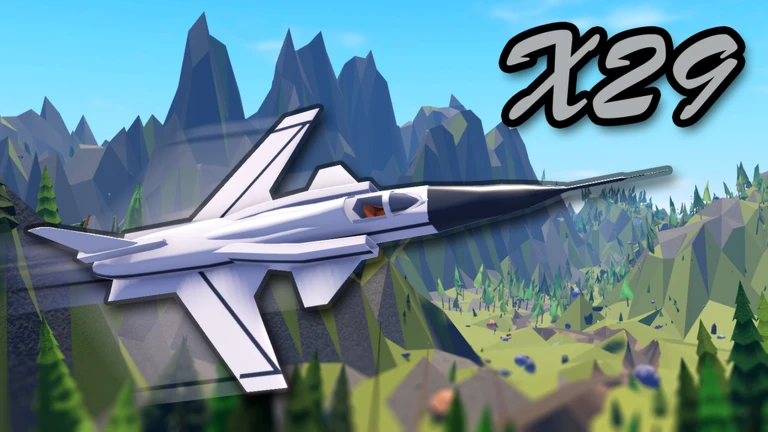
Because the physics simulate real flight, you have to manage speed and altitude at the same time. The game's collision warning system will alert you when you are dangerously close to terrain or another aircraft.
Repairing your aircraft
Step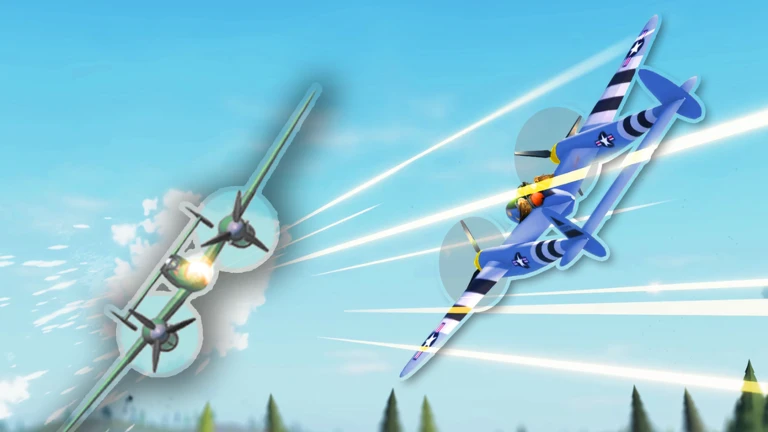
When your aircraft takes damage you do not have to quit — you can get it fixed and go back into the fight.
- Fly to your team's runway enemy runways will not repair you, so make sure you know which side is yours.
- Land and hold Space Space is the wheel brake; hold it until the plane comes to a complete stop.
- Stopping fully on the runway triggers the repair automatically.
- The Repaired badge unlocks the first time you do this successfully.
Kill streaks and scoring high
TipsKills, streaks, and positioning all feed into your score, and your score determines whether you earn MVP at the end of the round.
- Your first kill in a game unlocks the 1st Kill badge.
- Streak milestones sit at 3, 5, and 10 kills in a single life — dying resets your streak.
- A Long Range Kill requires you to drop an enemy from over 1 km away.
- Killing an enemy while your own aircraft is damaged earns the Injured Kill badge.
- Killing Widgeon specifically is its own badge.
- Ending a game with the highest score on your team earns MVP.
Choosing an aircraft
Table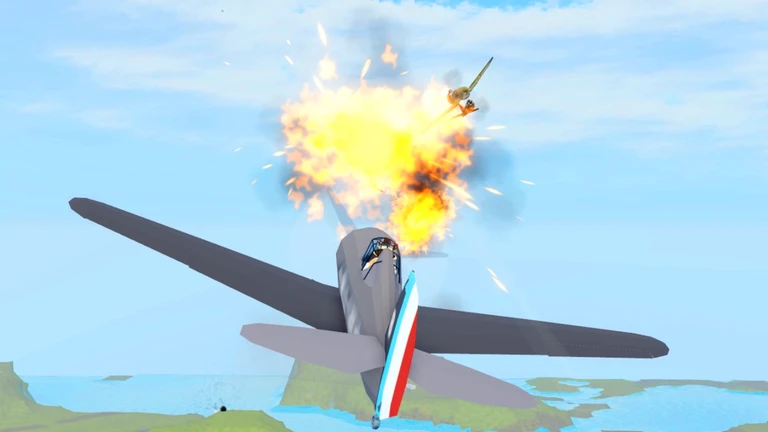
The game includes multiple historic aircraft, each with its own turn speed and flight feel. An August 2026 balance patch buffed the Phantom and nerfed the M22, so those two planes perform differently from how they did before that update.
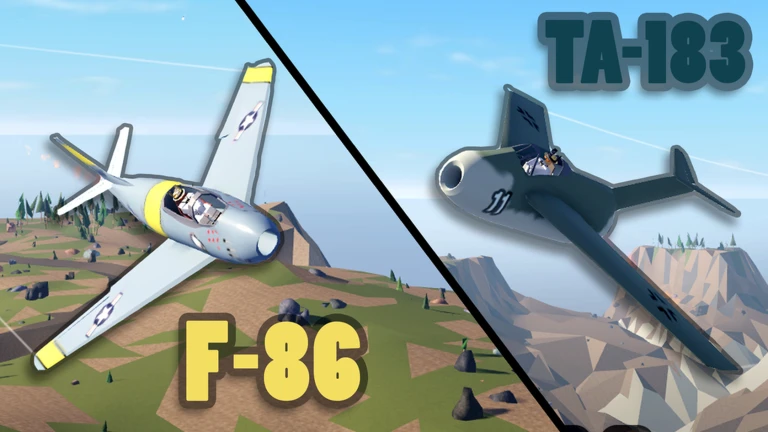
| F-86 | stable, well-rounded performance. |
| TA-183 | distinct handling characteristics. |
| Phantom | received a buff in the August 2026 update, making it a stronger pick than before. |
| M22 | received a nerf in the August 2026 update, so its performance is lower than it used to be. |
| Kill Camera | after each game, review the kill camera to see your own kills. |
Earning rewards without Robux
Check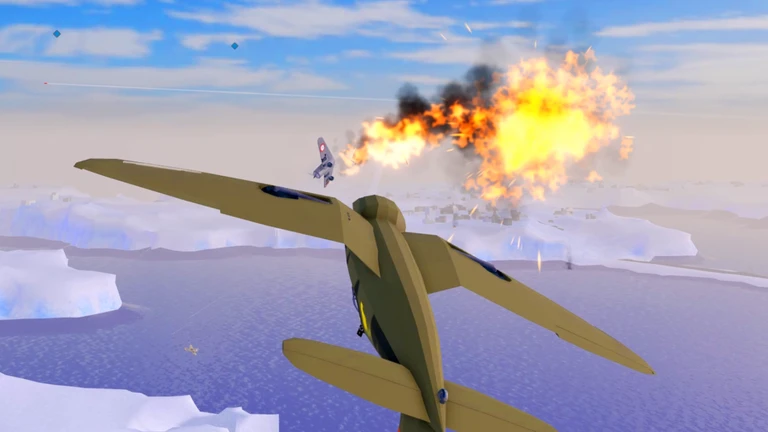
The game has a daily ad-watching system that hands out multiple reward types.
- Watch ads each day to collect Cash, the basic in-game currency.
- Watch ads each day to collect Credits, a separate currency.
- Watch ads each day to collect Ace Time, a playtime bonus.
- Progress through the ranked system without spending Robux the ranked structure is open to free players.
September 2026 additions worth knowing
SummaryIf you played Hostile Skies before September 2026, several things have changed. The biggest addition for gameplay is Free for All mode, which removes team structure entirely.
- Free for All mode every player is an enemy.
- Quests and leaderboard new objectives to chase each session and a board to measure your standing against others.
- Improved aim system shooting feels more responsive than it did before the patch.
- Collision warnings the alert system was overhauled.
- Spectate Mode brand new as of this update.
- Kill Camera also new; plays back your kills after a match.
Glossary
Glossary- Test Flight
- A practice mode you can open before a real match to fly the map freely and learn the controls of any aircraft.
- Spectate Mode
- A mode that lets you watch other players' matches live so you can study their flying and combat techniques.
- Kill Camera
- A replay shown after a game that lets you watch back your own kills to review what you did right.
- Ace Time
- A playtime bonus earned by watching in-game ads.
- Collision Warning
- An in-game alert that triggers when you are dangerously close to terrain or another aircraft.
- Ranked Server
- A competitive mode where match results affect your standing against other players.
- Wheel Brake
- The Space key, used to bring your aircraft to a complete stop on the runway so repairs can trigger.
Common questions
FAQHow do I repair my plane after taking damage?
Fly back to your team's runway, land, and hold Space to apply the wheel brake until the plane stops completely. Stopping fully on the runway triggers an automatic repair.
The controls feel impossible — what should I do?
Open Test Flight from the menu and spend real time there before joining a live match. Once you are comfortable, switch to Spectate Mode and watch how other pilots handle turns and altitude changes. Trying multiple aircraft in Test Flight also helps, because each one handles differently.
Is Free for All different from the regular mode?
Yes — in Free for All there are no teams, so every other aircraft in the sky is an enemy. It was added in the September 2026 update.
Can I play competitively without spending Robux?
Yes. Watching in-game ads each day gives you Cash, Credits, and Ace Time without any purchase. Ranked progression is also open to free players.
Game updates can change what is on this page. If you spot something, get in touch and let us know.
