
Chained Up Guide: Basic controls on PC and mobile
About
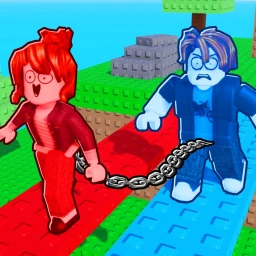
OverviewChained Up is a cooperative climbing game for two to four players where everyone is linked by a chain, meaning one person's fall affects the whole group. This guide covers controls, how the chain mechanic works, and the features that can make difficult sections easier to clear.
What is on this page
Contents
Basic controls on PC and mobile
Table
Whether you are on a keyboard or a phone, you need to master three things: climbing, sprinting, and pulling up a fallen teammate.
| Climb | jump or hold the jump button near an object to pull yourself up |
| Sprint | hold Shift on PC, or press and hold the Sprint button on mobile |
| Shiftlock | press Ctrl on PC only to lock your camera angle |
| Pull teammate | hold E on PC, or hold the Pull button on mobile, after a partner falls |
How the chain changes everything
Warn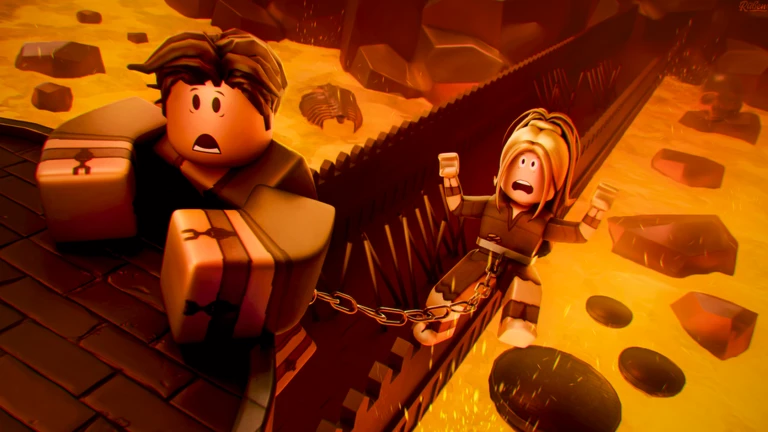
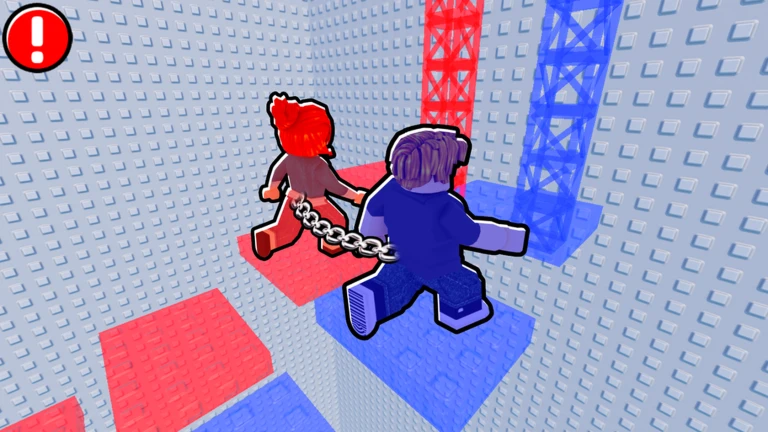
The chain connects all players, so a single fall drags the group's momentum and can pull others off a platform.
Wings and the Double Jump Gamepass
Tips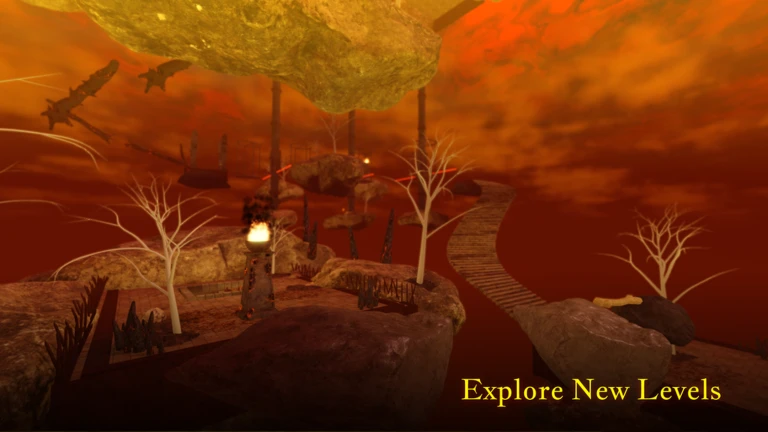
A recent update added two mobility upgrades that can take the edge off the toughest parts of the course.
- Free collectible wings are scattered on the runway section — pick them up so you can glide
- The Double Jump Gamepass is a purchasable upgrade that adds a second jump
Group size
Tips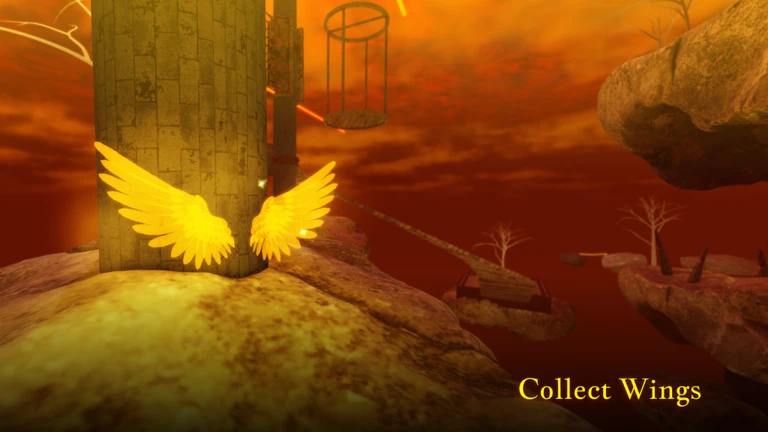
Understanding how players are organized helps you set up a session with friends correctly.
- Team size — two to four players cooperate as a chained group
- The game supports more than four players
- Platform support — both PC and mobile players can join the same game
Glossary
Glossary- Chain
- The link connecting all players in a session, so that one person falling or surging ahead affects everyone else.
- Obby
- Short for obstacle course — a Roblox game genre where players climb and jump through a series of platforms to reach the top.
- Gamepass
- A purchasable upgrade bought with Robux that unlocks a special ability, such as the Double Jump in this game.
- Shiftlock
- A camera mode on PC, activated with Ctrl, that locks your view angle.
- Pull
- The action that rescues a fallen teammate — held with E on PC or the Pull button on mobile.
Common questions
FAQCan I play with more than four friends?
Yes, the game supports more than four players.
Does the chain mean I can get pulled off a platform by someone else's fall?
Yes. Because every player is linked, a fall puts tension on the whole group.
Are the collectible wings really free?
Yes, the wings found on the runway section cost nothing — you just need to collect them. The Double Jump is separate and requires purchasing the Gamepass.
Do controls work the same on mobile as on PC?
The actions are identical — climb, sprint, and pull — but the inputs differ. Mobile uses on-screen buttons labelled Sprint and Pull where PC uses Shift and E.
Game updates can change what is on this page. If you spot something, get in touch and let us know.
