
A Long Road - BETA — Choosing your vehicle and learning the controls
About
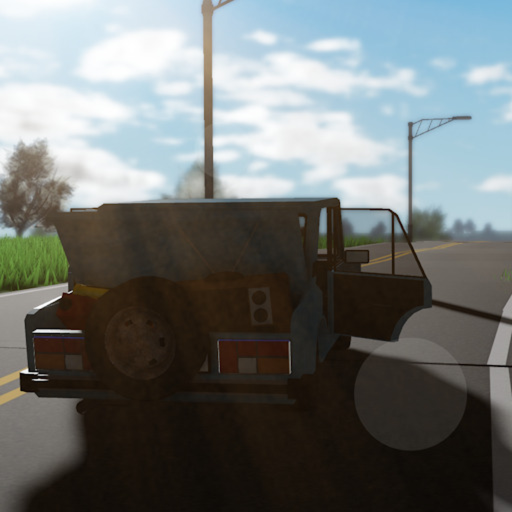
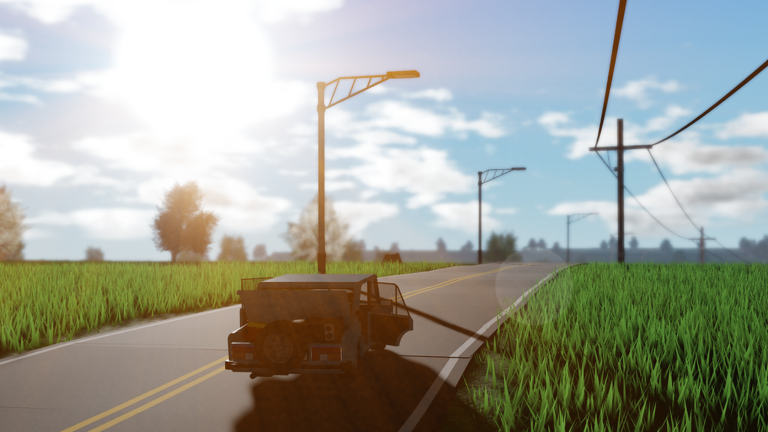
OverviewA Long Road is a Roblox driving game where you cruise along an endless road through a vast, quiet landscape — no destination, no finish line, just the ride itself. This guide covers how to pick a vehicle, handle the controls, keep going when something goes wrong, and get the most out of a game built around doing things at your own pace.
What is on this page
Contents
Choosing your vehicle and learning the controls
Step
When you first load in, you are taken straight to a vehicle selection screen. Once you are on the road, you move with either WASD or the arrow keys.
- Pick a vehicle the car is the easiest to control.
- Check the controls WASD or the arrow keys handle all forward, backward, and turning movement.
- Try the train if you want a fixed path it follows the track, so you trade steering freedom for a more relaxed ride.
- Try the plane when you are comfortable it takes more precise input but opens up an aerial view of the landscape.
Making the most of a drive with no destination
Tips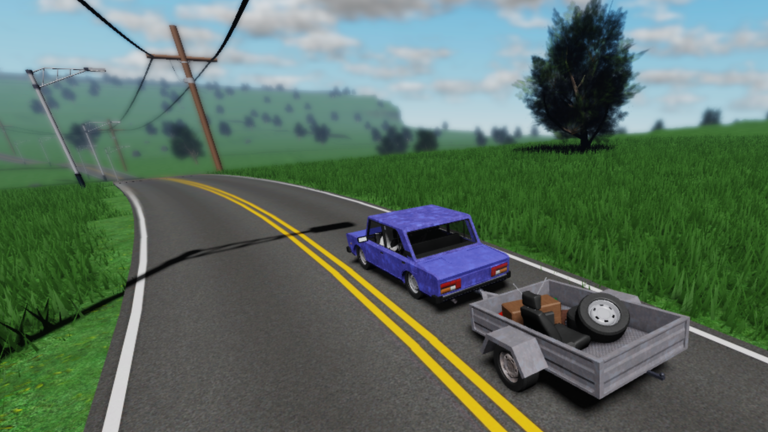
There are no objectives, no score, and no finish line in A Long Road. The whole point is the drive itself — watching the scenery shift slowly around you as time passes.
- Night driving happens, so if your screen gets hard to read, adjust your display brightness before you start a long session.
- Enjoy the solo nature of the game — you are in your own world.
Troubleshooting when the game acts up
Check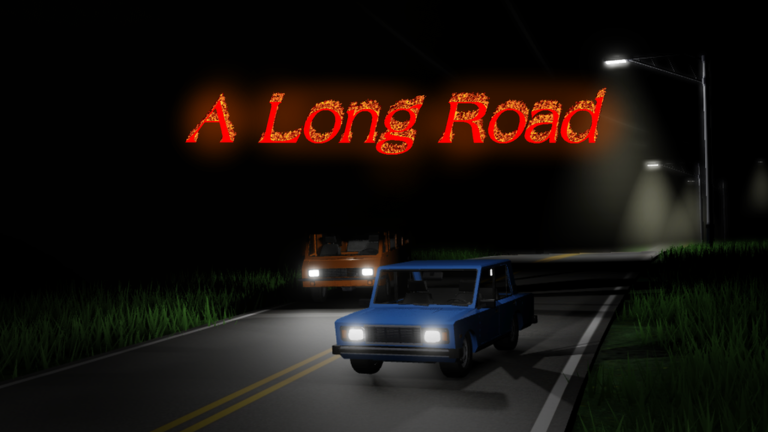
A Long Road is still in beta, which means bugs show up from time to time. Run through these checks before restarting.
- Controls not responding try switching between WASD and the arrow keys to see if one set works while the other does not.
- Screen too dark to drive adjust your device's brightness if the in-game view is hard to read.
- Game freezing or stopping check your internet connection, since a dropped connection can stall the session.
- Progress lost after a crash this is a known risk with beta software.
Paid items and free play
Summary
The game was designed from the start to be less pay-to-win than similar titles. All vehicles are selectable at no cost, and anything sold for real money is cosmetic only — it changes how something looks, not how it performs.
- All vehicles free to select from the start
- Paid items cosmetic appearance changes only
- Gameplay impact from spending none
- Free player disadvantage none
Glossary
Glossary- Beta
- A stage of development where the game is playable but not fully finished, meaning bugs and sudden changes are more common than in a completed release.
- Border
- The outer edge of the game's world, which the game warns you not to reach — crossing it puts you on the wrong side.
- Cosmetic
- An item that only changes the appearance of a vehicle or character and has no effect on how the game plays.
- P2W (pay-to-win)
- A game design where spending real money gives players a gameplay advantage over those who do not — A Long Road was built to avoid this.
Common questions
FAQIs there a goal or destination in A Long Road?
There is no built-in destination or win condition. The game is about the drive itself.
Can I play with friends?
A Long Road is designed as a solo experience, and each player drives in their own world.
What should I do if the game crashes and I lose my progress?
Because the game is in beta, crashes and data loss are possible.
Which vehicle should I start with?
The car is the easiest to handle. The train and the plane offer different experiences.
Game updates can change what is on this page. If you spot something, get in touch and let us know.
