
ART. 244 Guide: Controls and what each key does
About
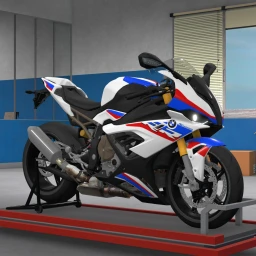
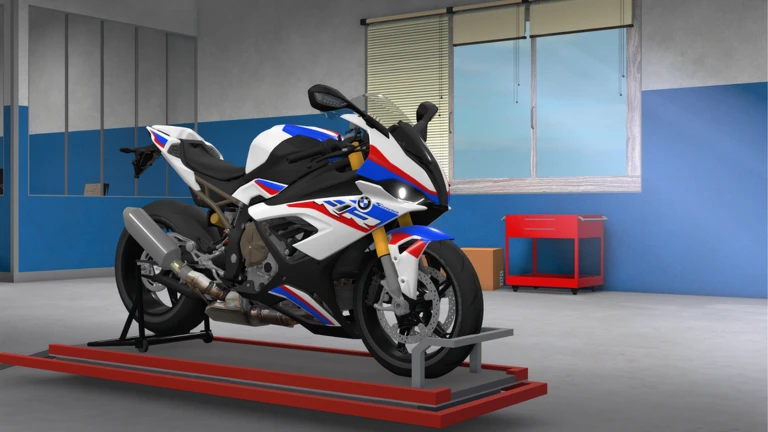
OverviewART. 244 is a motorbike simulator on Roblox where you ride and customize your own bike at your own pace. The game is still in early development, so expect some bugs along the way. This guide covers the controls you need to know, how to customize your bike, how to use the different camera views, and what to do when something goes wrong.
What is on this page
Contents
Controls and what each key does
Check
The game maps several specific keys to bike actions. The wheeling key is the one exception — you can remap it if the default does not suit you.
- N locks the bike into neutral and pauses movement
- P switches to first-person view from the rider's eyes
- V frees the camera so you can look around the bike more easily
- L toggles the headlight on and off
- X flashes the hazard alert
- T performs a wheelie (this key can be changed)
MetaNew Player Survey
The next survey is being prepared.
Painting your bike
StepThe game offers a catalog of colors to browse, and you can repaint as many times as you want.
- Browse the paint catalog for available colors.
- Pick a color your bike's appearance updates to match.
- Repaint as many times as you like until it looks right.
Choosing the right camera view
TableTwo distinct camera modes change how the game feels. First-person puts you inside the rider's perspective, while the unlocked camera lets you watch the whole bike from outside.
| First-person (P) | rider's-eye view |
| Unlocked camera (V) | lets you see the full bike from outside |
Redeem codes
StepThe developers release redeem codes that reward you with in-game bonuses. Each code can only be used once, so type carefully. Codes can expire.
- Find the code input form in the game.
- Type the code exactly go character by character to avoid mistakes.
- The reward applies if the code is still valid.
Dealing with bugs
WarnThe game's own description states it is in early development and contains bugs.
Community strategy ideas
CommunityThese ideas and tips come from people playing the game. Share your discoveries too!
No strategy ideas yet. Share a tip you discovered.
Share a strategy idea
ART. 244 [🛠️ HUGE FIXES]
Glossary
Glossary- Neutral lock
- A mode triggered by the N key that pauses the bike's movement.
- First-person view
- A camera mode activated with P that shows the game from the rider's own perspective.
- Unlocked camera
- A freer camera mode activated with V that lets you see the whole bike from outside.
- Wheelie
- A stunt where the bike rides on its rear wheel only, performed with the T key.
- Paint catalog
- The in-game menu where you choose a color to apply to your bike's exterior.
- Redeem code
- A short string of characters you enter into a game form to claim a free reward.
Common questions
FAQCan I change the keybindings?
The wheelie action mapped to T is confirmed as changeable. That is the one key the game explicitly allows you to remap.
What should I do if a serious bug stops me from playing?
Close the game and start a fresh session. If the problem keeps coming back, reporting it to the developer helps get it fixed sooner.
How many redeem codes are there right now?
As of September 13, 2026, this site was tracking four working redeem codes. Check the codes section of this page for the current live list, since codes can expire and new ones get added over time.
Game updates can change what is on this page. If you spot something, get in touch and let us know.
