 Upcoming
–
Update Time!
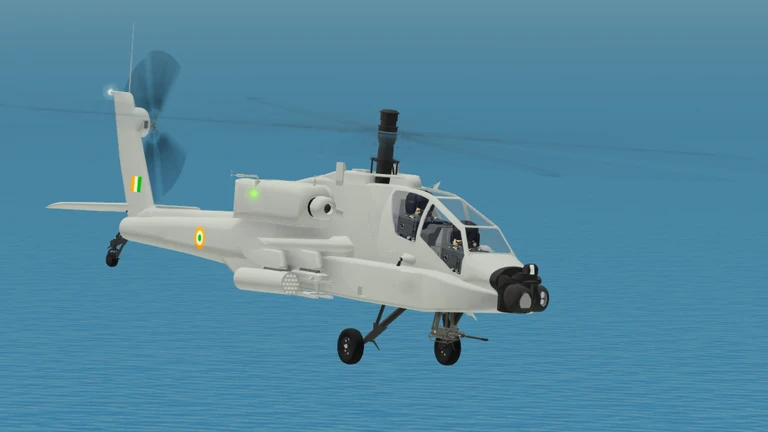
Updated plane and helicopter physics AH-64 Apache Lots of improvements

Pilot Training Flight Simulator puts you in the cockpit of 96 aircraft, from the massive An-225 to the compact Piper Cub. This guide covers how to get started, how to pick the right plane, and what to check when things go wrong.
Found a useful trick? Share it with everyone! Notes with screenshots are welcome!
Pilot Training Flight Simulator
When you first load in, the in-game menu has a control guide and tutorial that walks you through mouse and keyboard inputs, takeoff, landing, turning, and adjusting altitude. Work through all of it before you pick a plane. Jumping into a complicated aircraft without that foundation usually ends in a crash and does not teach you much.
read through the control guide so you know every input before you fly.
start with something like the Piper Cub rather than a large transport.
these two skills matter more than anything else early on.
flying wherever you want builds feel for the controls faster than following a set course.

The next survey is being prepared.
Aircraft respond badly to sudden, large movements of the controls, so everything you do with the mouse should be gentle and incremental. When turning toward a waypoint, use a wide banking arc rather than a sharp pivot — you hold altitude better and stay stable. Before any landing, give yourself plenty of distance to descend slowly rather than dropping steeply at the last second. Watching your instruments regularly, not just when something feels wrong, keeps you aware of altitude and speed before they become a problem.
a headwind shortens the runway you need for takeoff, a tailwind lengthens it.
Events running now or coming soon. They have fixed dates, so check them first.
Upcoming
–
Updated plane and helicopter physics AH-64 Apache Lots of improvements
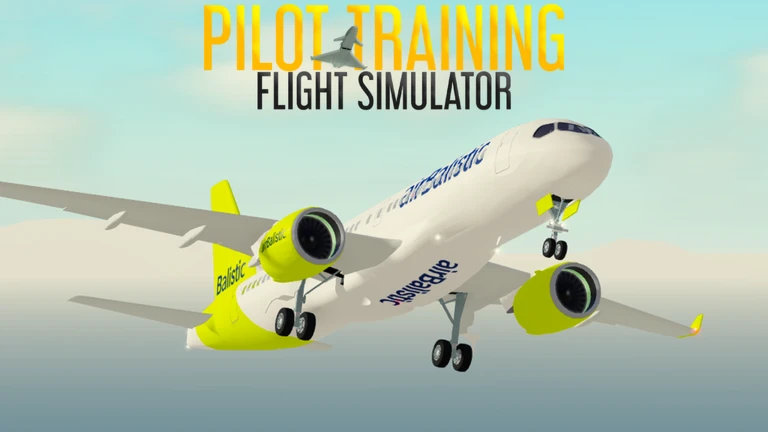
The game's full roster spans tiny propeller planes to the enormous An-225. Small planes and large transports handle very differently, so the aircraft you choose affects how hard the game feels.
| Small planes (Piper Cub and similar) | responsive controls, good for beginners learning the basics. |
| Large transports (An-225 and similar) | very stable in flight but require wide, patient turns. |
| Special or unusual aircraft | unique handling demands that make them a genuine challenge for experienced players. |
If you are crashing or struggling to land consistently, work through this list before giving up. Often the fix is a settings tweak or a quick trip back to the tutorial rather than anything dramatic. Switching to a different aircraft is also worth trying, because a plane that fights you might simply not match your current skill level.
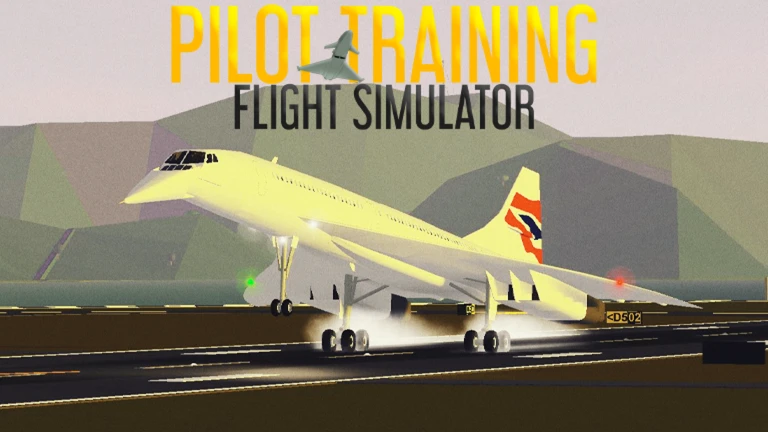
The game is designed so the full roster is open to everyone. Whether you want a quick casual flight or a long session working on difficult landings, the content is there without a paywall.
all 96, no purchase required.
Switch to a small aircraft like the Piper Cub and go through the in-game tutorial again. Keep every control input small and smooth rather than making big sudden moves. Give yourself time to get comfortable with takeoff and landing before trying anything more ambitious.
Small planes like the Piper Cub are the best starting point. Their responsive handling makes mistakes obvious, which means you learn from them quickly and start noticing real improvement.
All 96 aircraft in the game are available to every player. Check the in-game aircraft list to see the full roster and start working your way through it.
Before you start
Please check the following before using MetaNew.
* You can change your email preference any time from your profile.
