
Firefighters — Getting started at the fire station
About
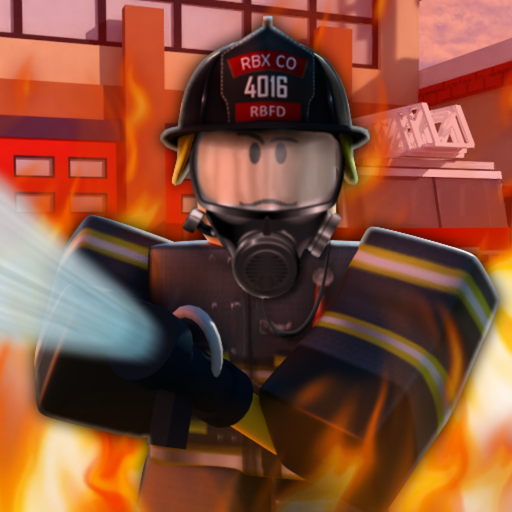
OverviewFirefighters! puts you in the role of a firefighter rushing into burning buildings to rescue trapped citizens and put out fires before it's too late. This guide covers how to get started, how a rescue mission works, and how to improve your game whether you're playing alone or with friends.
What is on this page
Contents
Getting started at the fire station
Step
Every session begins at the fire station. Before anything else, pick your character and take a look around — the station is a safe place to find your footing. Moving uses the standard Roblox controls: WASD to walk and the spacebar to jump. Swinging the camera with your mouse lets you see around corners and above you, which matters a lot inside a smoky building.
- Pick your character choose your firefighter's look before heading out.
- Walk the station get a feel for movement before the pressure of a fire is on you.
- Test your camera practice swinging the view so you can spot citizens in tight spots later.
- Learn the layout a quick walk around the outside of the station helps you get oriented.
How a rescue mission runs
Step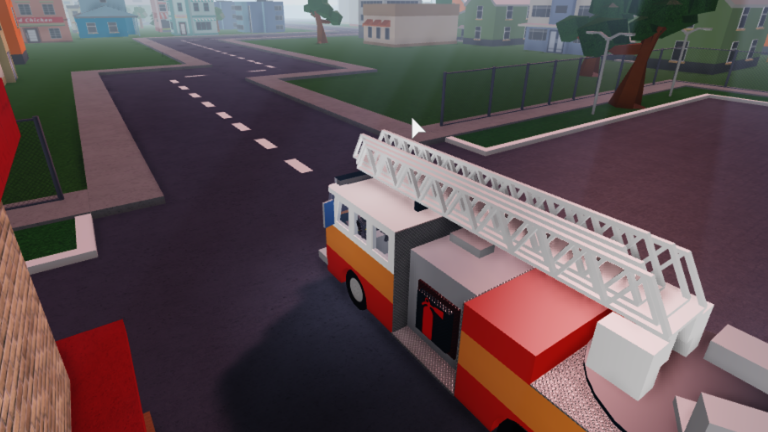
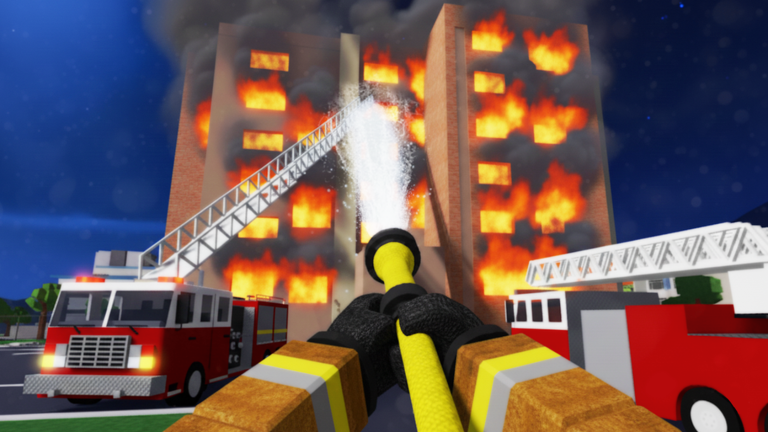
When you reach a burning building, your two jobs are rescuing citizens and extinguishing the fire. Citizens are your first priority: find everyone trapped inside and lead them out. Once the people are safe, turn your attention to the flames.
- Scan the building check every room and floor for citizens before assuming you've found them all.
- Guide citizens out lead each person to safety outside the building.
- Extinguish the fire once citizens are clear, use your equipment to put the flames out.
- Confirm the mission make sure all citizens are out and no fire remains before you consider the job done.
Searching smarter inside burning buildings
Tips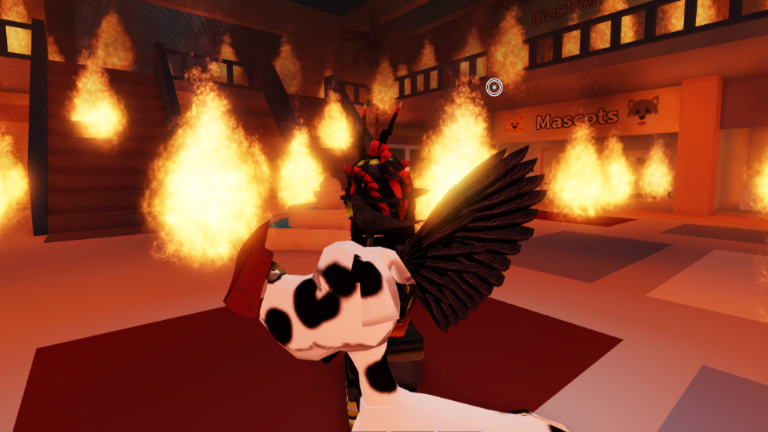
Dense smoke makes it easy to walk past a citizen without noticing. Before you even step inside, take a moment from the outside to note where flames are showing and which floors look most dangerous.
- Move carefully through smoky areas and check every direction — up, down, and into corners.
- Watch how other players move through a building — you'll pick up tricks you wouldn't think of on your own.
Playing with others
Table
The game supports co-op, so you can team up with friends to tackle a fire together. One player hunting citizens while another fights the fire means both tasks move forward at the same time instead of getting tangled.
| One player rescues | focuses entirely on finding and guiding citizens out. |
| Another player extinguishes | concentrates on putting out flames as soon as citizens are clear. |
| Solo play | you handle both jobs yourself, so prioritise citizens first, fire second. |
Badges and long-term goals
Check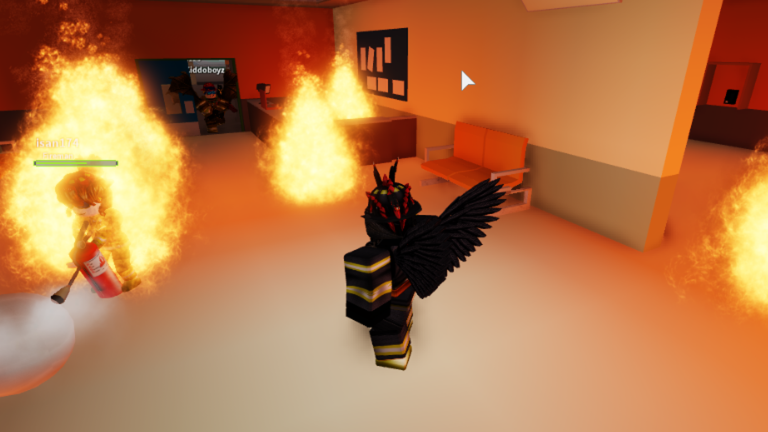
Firefighters! has seven badges that give you something to aim for beyond finishing a single round. Some reward breadth — winning on every map, completing every obby. Others reward persistence, tracking totals across many sessions like fires put out and citizens rescued. Reaching level 10 is another milestone worth working toward as you play.
- Win a round on every available map to earn the Hero of the City badge.
- Complete the obby on each map for the Complete all Obbies badge.
- Extinguish 250 fires in total across your sessions for the Fire Extinguisher badge.
- Climb to level 10 for the High Level badge.
- Win 15 rounds total to unlock the Veteran badge.
- Rescue 30 citizens within a 24-hour period for Saving the day, and push to 60 in the same window for Super Hero.
When you're stuck mid-mission
CheckTreat these as separate issues. For a missing citizen, go back and comb upper floors and hidden corners again. For a stubborn fire, check whether there's a spot you haven't reached yet.
- Re-check every floor upper levels and back rooms are the most common places a citizen gets missed.
- Look for fire in concealed spots flames in out-of-the-way areas can keep a mission from completing.
- If the round isn't salvageable, starting over is a valid choice repetition is how you learn the maps.
Glossary
Glossary- Citizen
- A person trapped inside a burning building who you must guide to safety outside.
- Obby
- An obstacle course built into a map — completing the one on each map earns you a badge.
- Co-op
- Playing together with other people toward the same goal, which this game supports.
- Round
- A single completed session of play on a map, counted toward badges like Veteran.
- Role split
- An agreement between co-op players that one handles rescues while another handles firefighting.
Common questions
FAQShould I put the fire out first or save citizens first?
Save citizens first. Getting people out of the building is the core goal, and you can focus on the fire once everyone is clear.
Do the Saving the day and Super Hero badges reset?
Both badges track rescues within a 24-hour window, so you need 30 citizens for Saving the day and 60 for Super Hero within that period.
Game updates can change what is on this page. If you spot something, get in touch and let us know.
